
















Audit the plugins
Each plugin measured for the scripts, styles and database queries it adds, then kept, replaced or removed.


 4.9 / 5
WordPress performance optimisation that finds what slows your site, from plugins to hosting, and fixes it in order of impact.
Selected work, in motion.
A glimpse of the design and detail behind our websites.WordPress sites rarely slow down for one reason. It is usually years of small additions.
What's included
We measure first, fix the biggest problems and leave the site simpler than we found it.
Each plugin measured for the scripts, styles and database queries it adds, then kept, replaced or removed.
Images, fonts, CSS and JavaScript compressed, deferred or split, so each page loads only what it needs.
Page cache, Redis object cache and CDN rules configured together, with cache purging that works when editors publish.
PHP version, server resources, database health and host fit checked, with a move recommended only when the host is the limit.
Security, by consideration.
For your WordPress project, we consider editor access, plugins, form submissions and ongoing updates as part of one connected build.
See our approachGitHub workflows, peer review and dependency checks bring decisions into the release process.
Certificate configuration, HTTPS and secure headers help protect the path between your users and your systems.
Scoped tool access, validated inputs and human approval where automated actions carry consequences.
Fixes are ranked by the difference they make to real visitors.
Field data, lab tests, Query Monitor and a plugin inventory to find the real causes.
Changes shipped to staging first, measured, then released in order of impact.
Monitoring and editor guidance so new content and plugins do not undo the work.
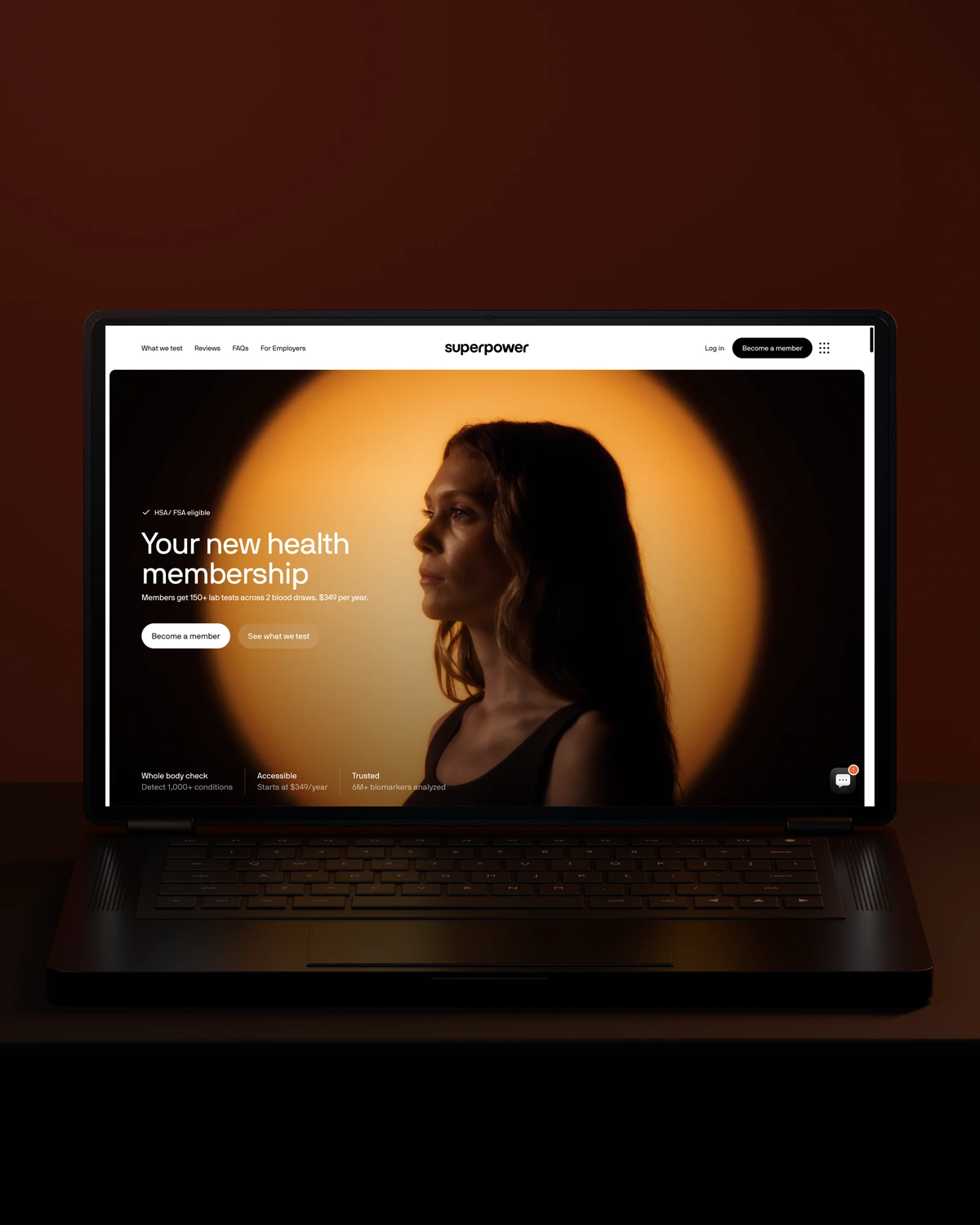


 Built to driveMore sign-ups.
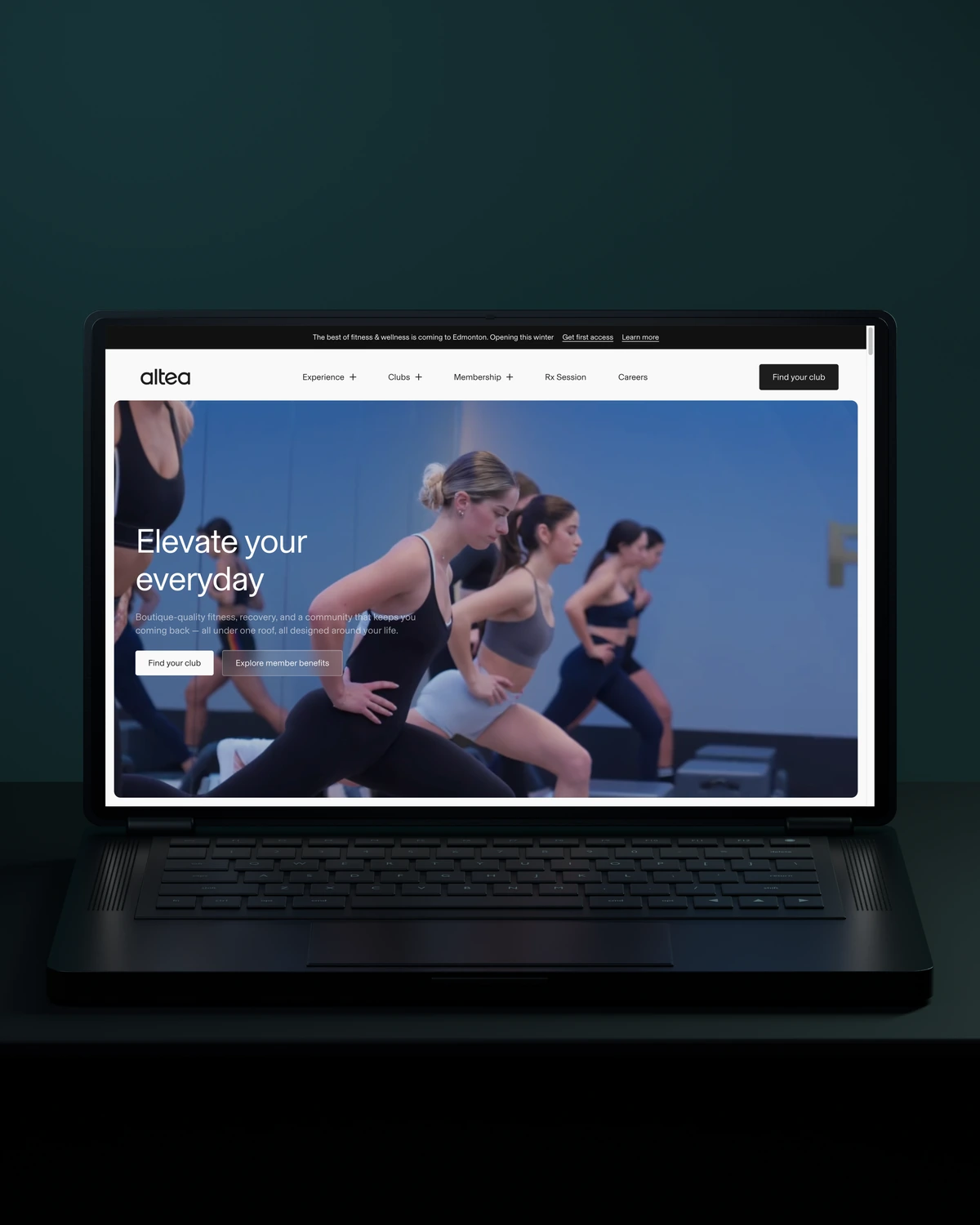

 Built to driveMore memberships.
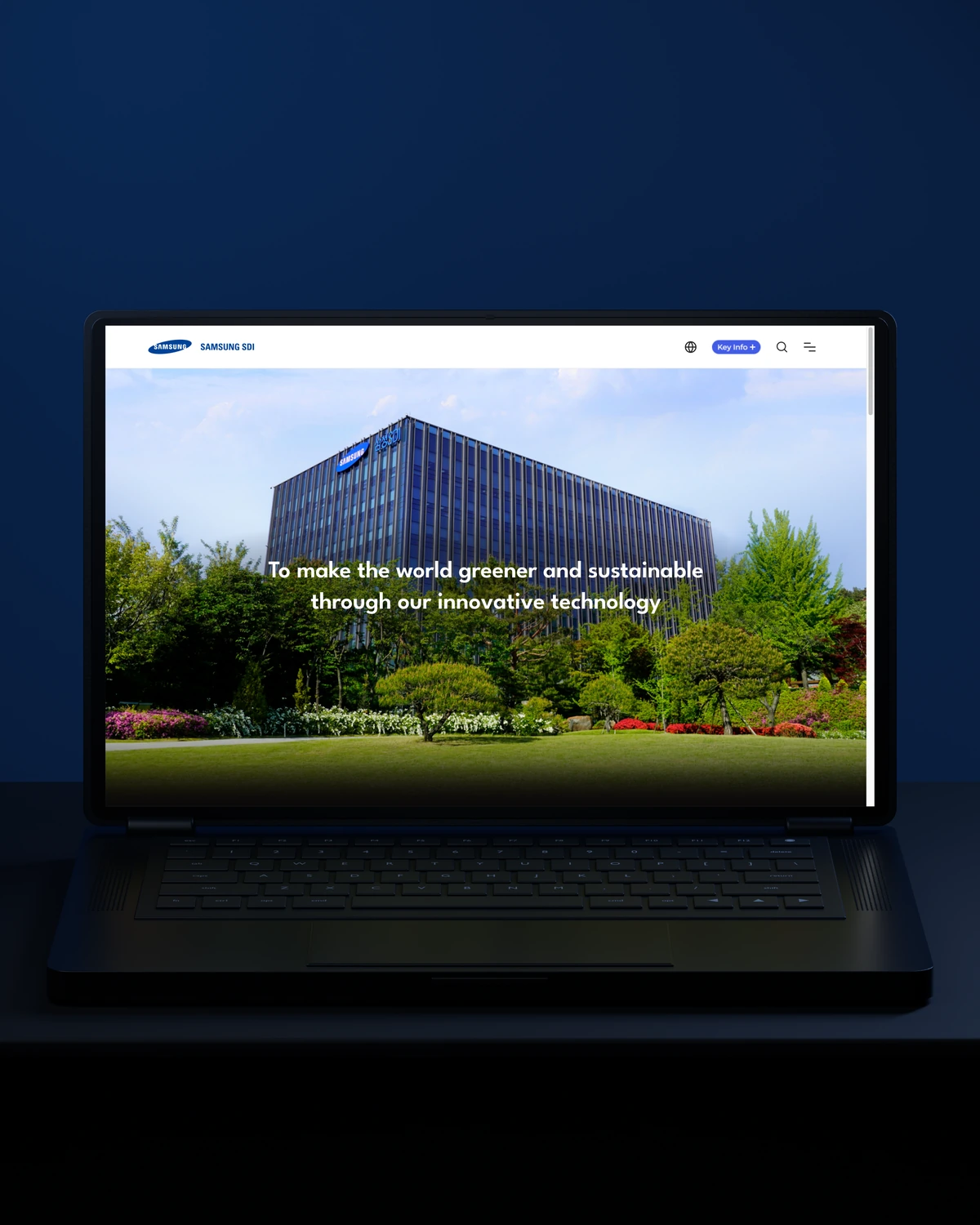

 Built to driveBetter-qualified leads.
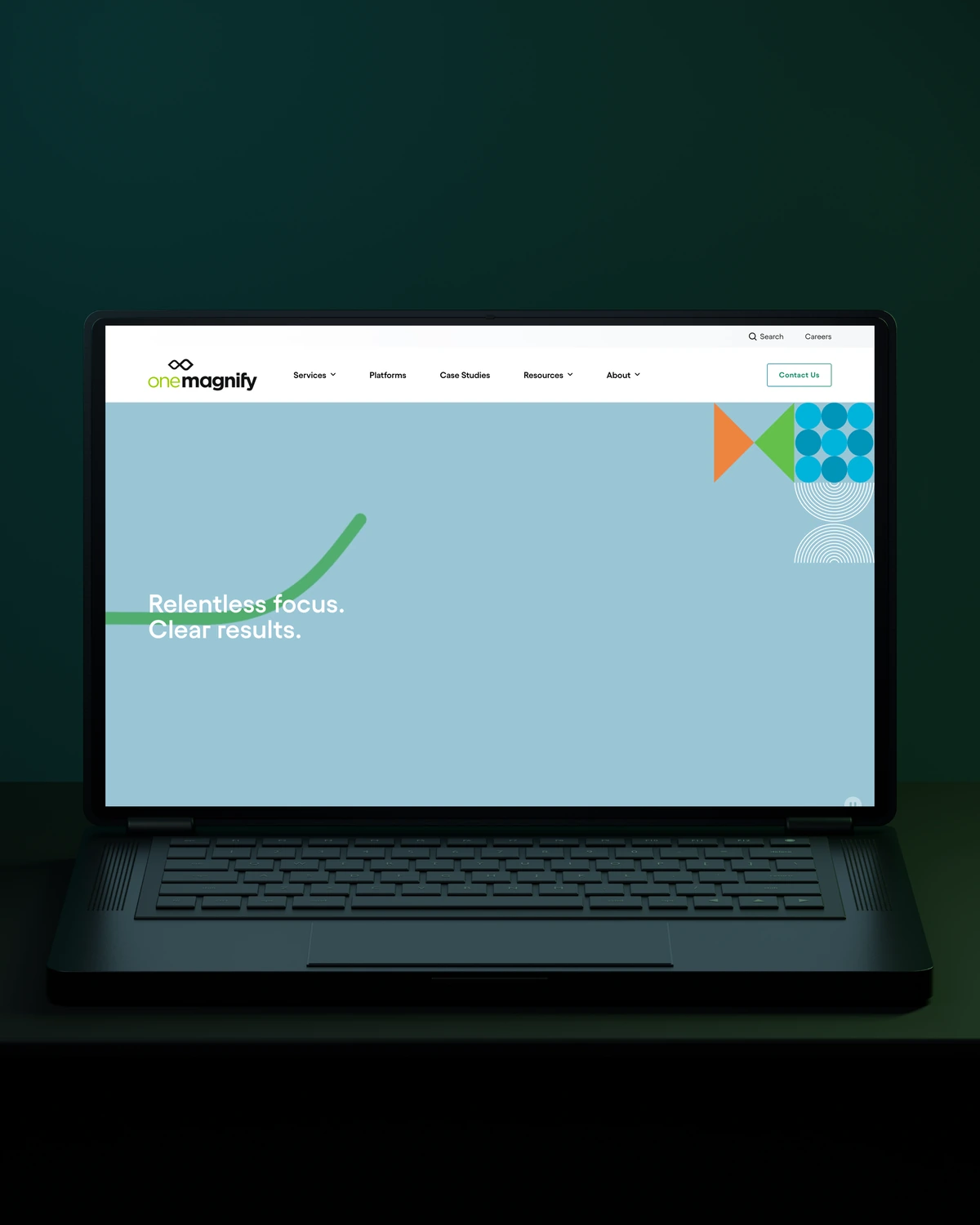
 Built to driveMore qualified candidates.



 Built to driveMore enquiries.
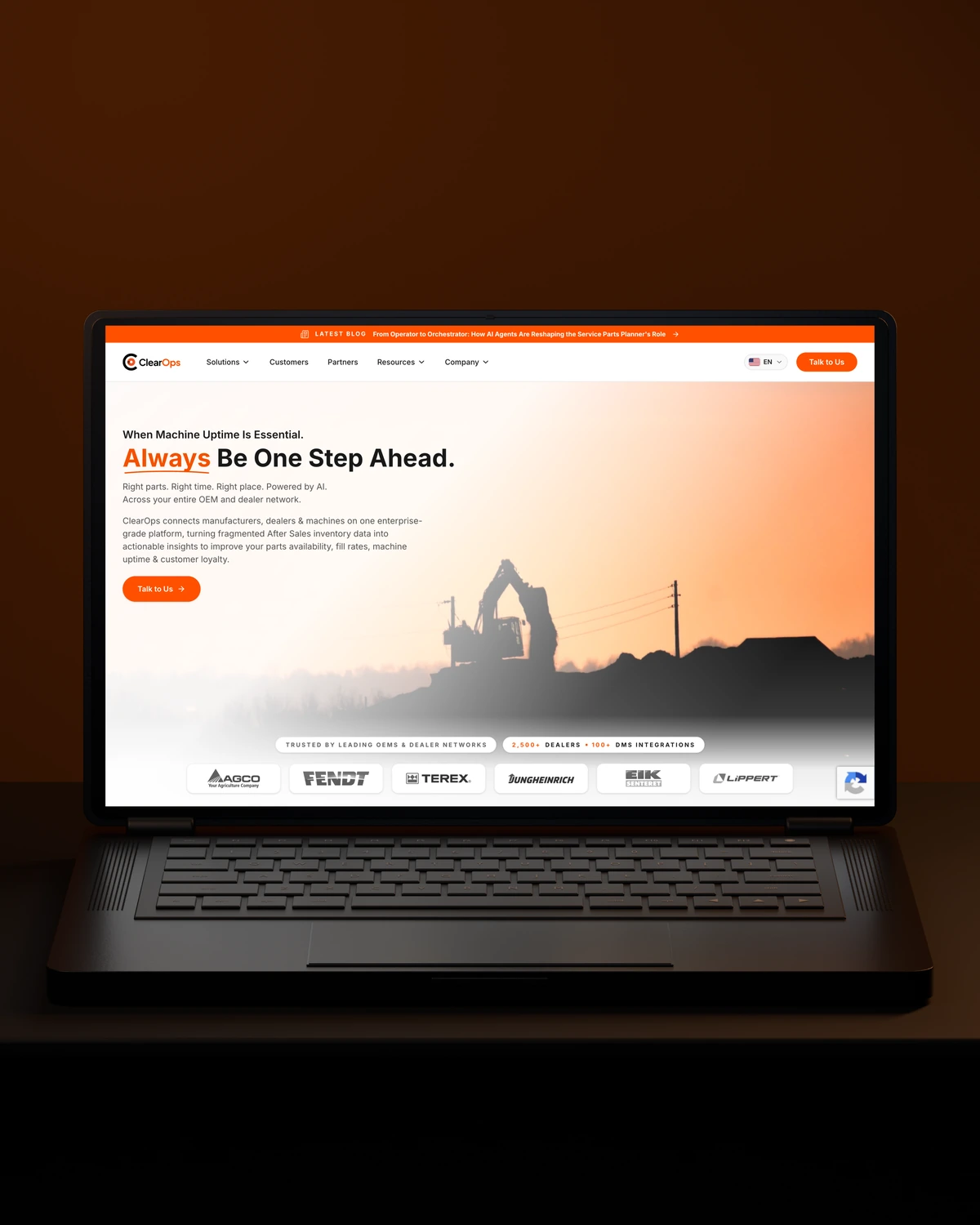
 Built to driveMore qualified demos.
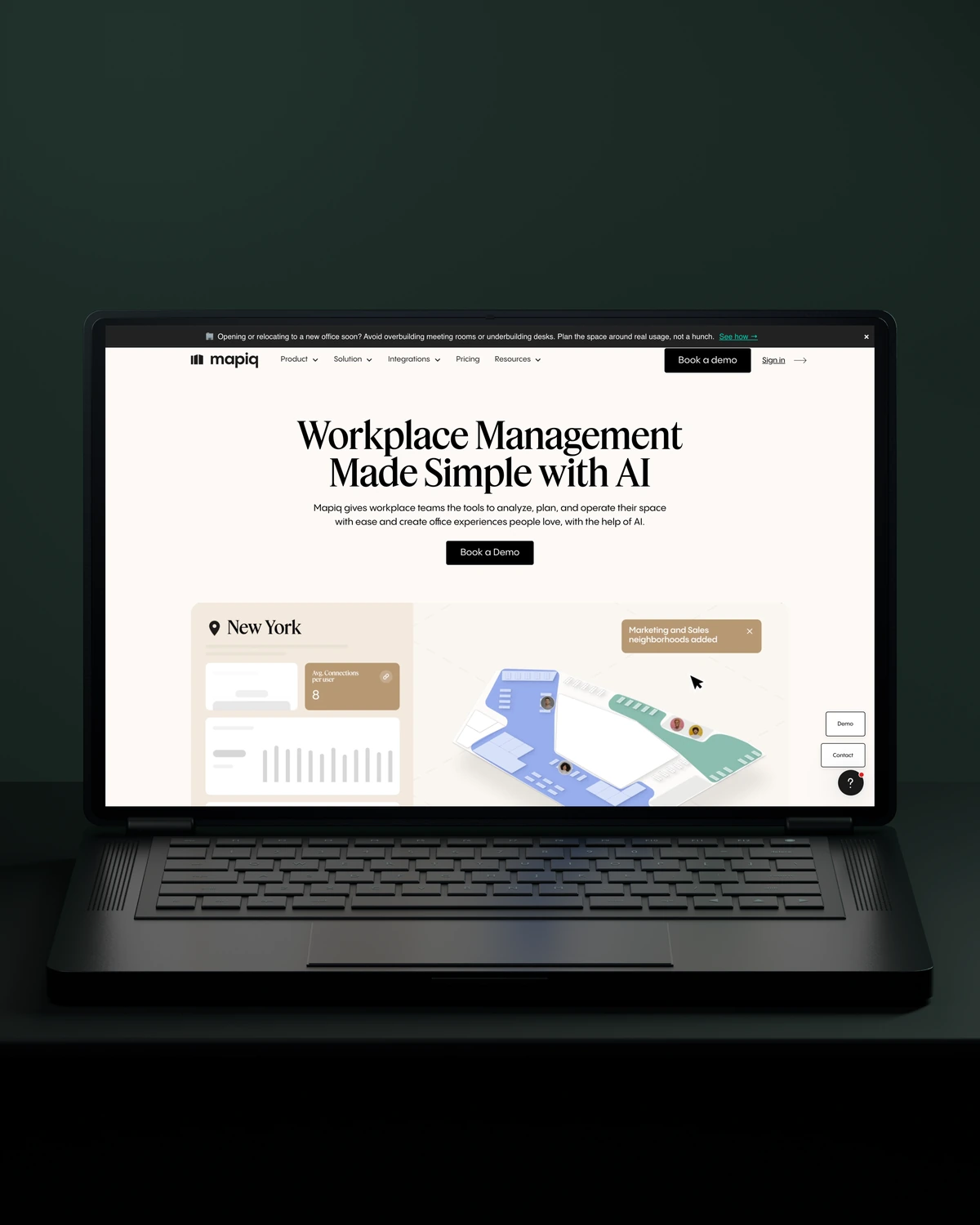
 Built to driveMore workplace demos.

 Built to driveMore business accounts.

 Built to driveMore free trials.

 Built to driveMore building owners.
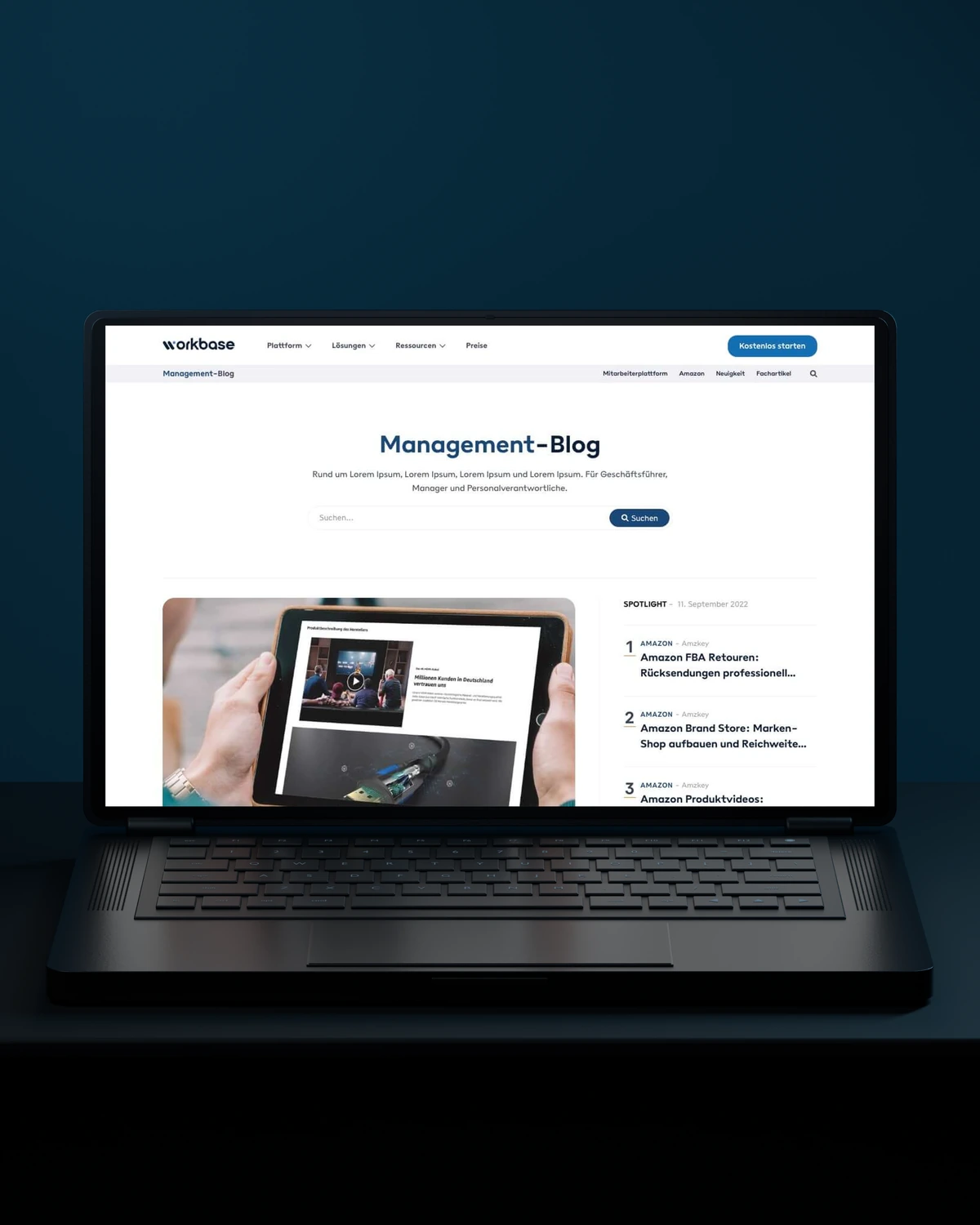
 Built to driveMore free sign-ups.
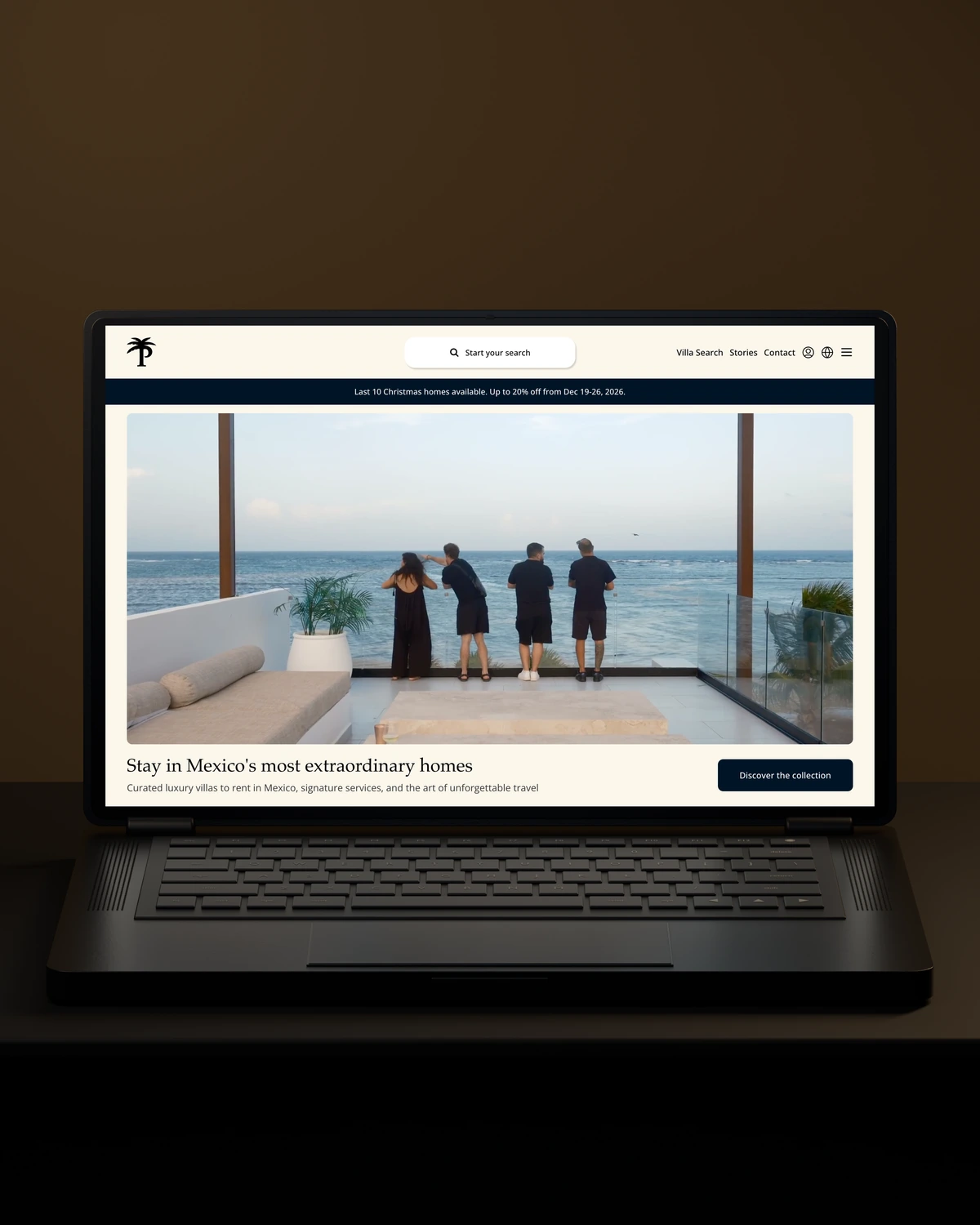
 Private Villas MexicoBuilt to driveMore direct bookings.

 Built to driveMore committed players.
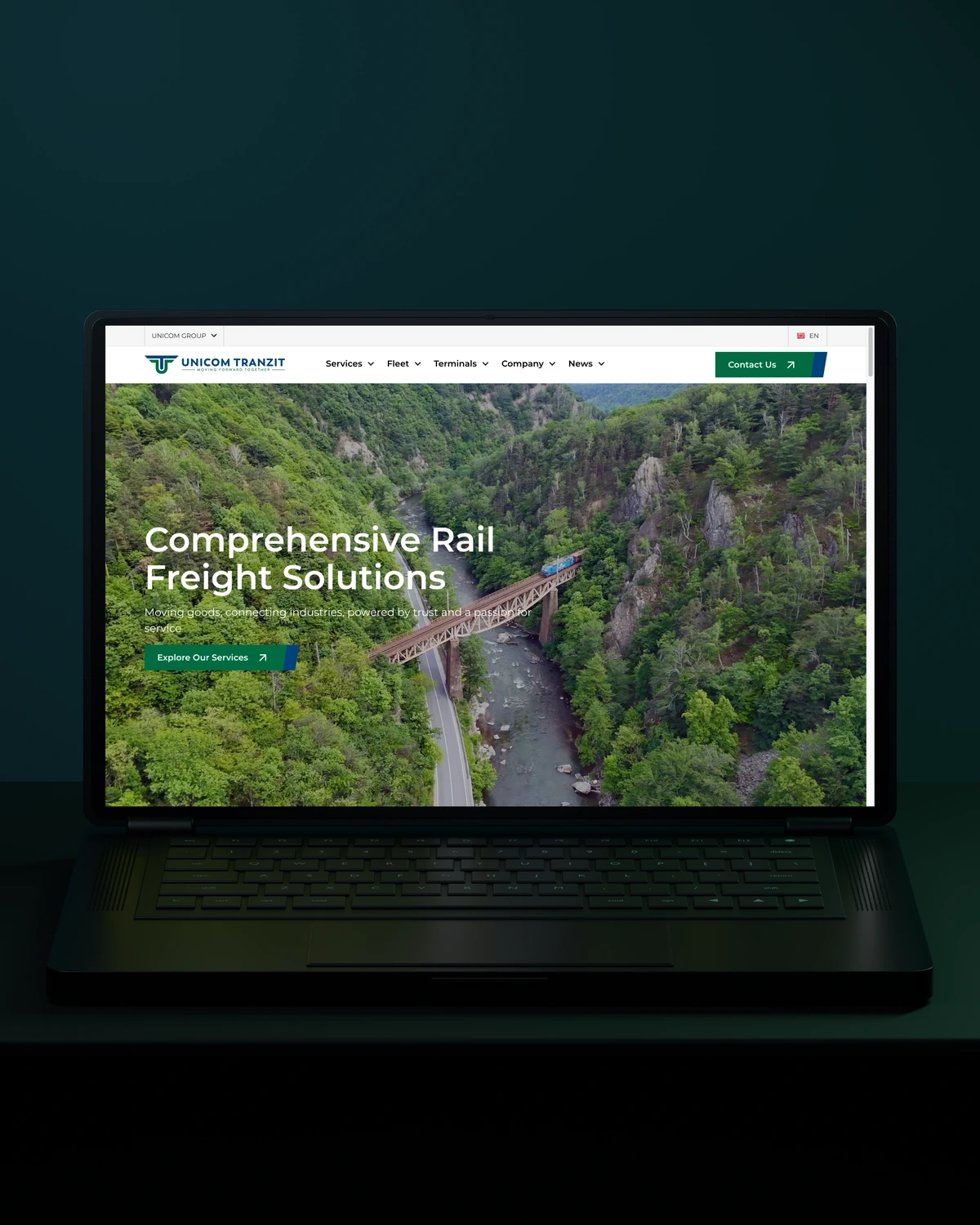


 Built to driveMore returning customers.

 Built to driveMore meaningful demos.

 Built to driveBetter talent connections.

 Built to driveMore course creators.

 Built to driveMore product discovery.
Trusted across our practice
Independent reviews. Long-term working relationships.


“After a website (re)launch, they are also always accessible and happy to help. I highly recommend everyone who is looking for a new and more stable website in Webflow, to work with Stega!”
“Stega Creative team not only understood our needs and vision for the websites, but they also came up with improvements.”
“We’ve been working with Stega & Gabriel for the last two years. Cannot recommend them enough. They’re responsive, professional & an asset.”
A few things worth discussing before your WordPress performance takes shape.
A WordPress site is usually slow because of too many plugins, unoptimised images, weak hosting or missing caching, and often all four. Page builders add weight too. We measure each cause separately, because fixing the wrong one wastes time while the real bottleneck stays.
Caching plugins fix part of WordPress performance by serving saved pages instead of rebuilding them on every visit. They do not fix heavy scripts, large images or slow logged-in pages, which caching cannot help. We set up caching as one layer, alongside asset and plugin work.
A faster WordPress site can rank better when speed was holding it back, since Core Web Vitals are part of Google's page experience signals. Speed will not outrank better content. The bigger gains are usually in conversion and bounce rates, which improve when pages respond quickly.
Field data in Search Console reflects a rolling 28 days, so we confirm results with lab tests first and with field data once it catches up.
way.Your ambition. Our collective craft.
Strategy, design and technology, working as one.