























Integrate through the API
REST, GraphQL and asynchronous bulk APIs, with message queues where volume demands it, connected directly or through middleware you already run.


 4.9 / 5
Adobe Commerce integrations with the ERP, warehouse, PIM and customer care tools your operations depend on, built on the API and monitored.
Selected work, in motion.
A look at the craft behind our digital experiences.In most Adobe Commerce stores, the problems customers notice start in an integration nobody is watching.
What's included
We build Adobe Commerce integrations around one question: how will we know when this breaks?
REST, GraphQL and asynchronous bulk APIs, with message queues where volume demands it, connected directly or through middleware you already run.
Orders, invoices, shipments, returns and refunds mapped between Adobe Commerce, ERP and warehouse, with clear ownership of each status.
Dashboards and alerts for stuck orders, failed syncs and queue backlogs, with a retry path that does not create duplicates.
Order, shipment and return data shown in Zendesk, Gorgias or Salesforce Service Cloud, so agents answer without switching systems.
Security, by consideration.
For your Adobe Commerce project, we consider customer data, admin permissions, extensions and commerce integrations as part of one connected build.
See our approachGitHub workflows, peer review and dependency checks bring decisions into the release process.
Certificate configuration, HTTPS and secure headers help protect the path between your users and your systems.
Scoped tool access, validated inputs and human approval where automated actions carry consequences.
We follow a real order through every system before writing any code.
Follow orders, stock and returns across systems and note every gap.
Integrations built and tested on staging with realistic volumes.
Go live with alerts, dashboards and a runbook for failures.



 Built to driveMore sign-ups.
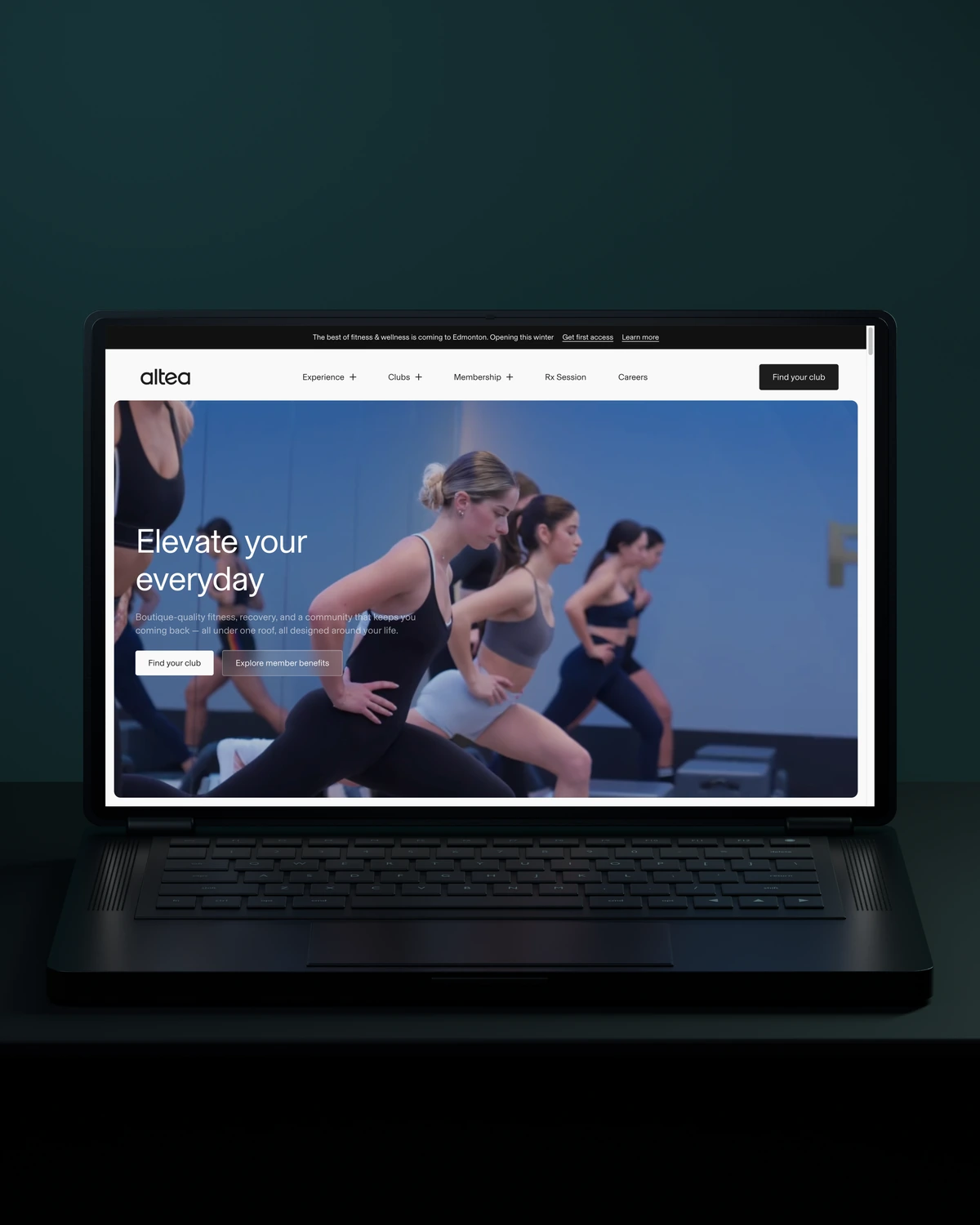

 Built to driveMore memberships.
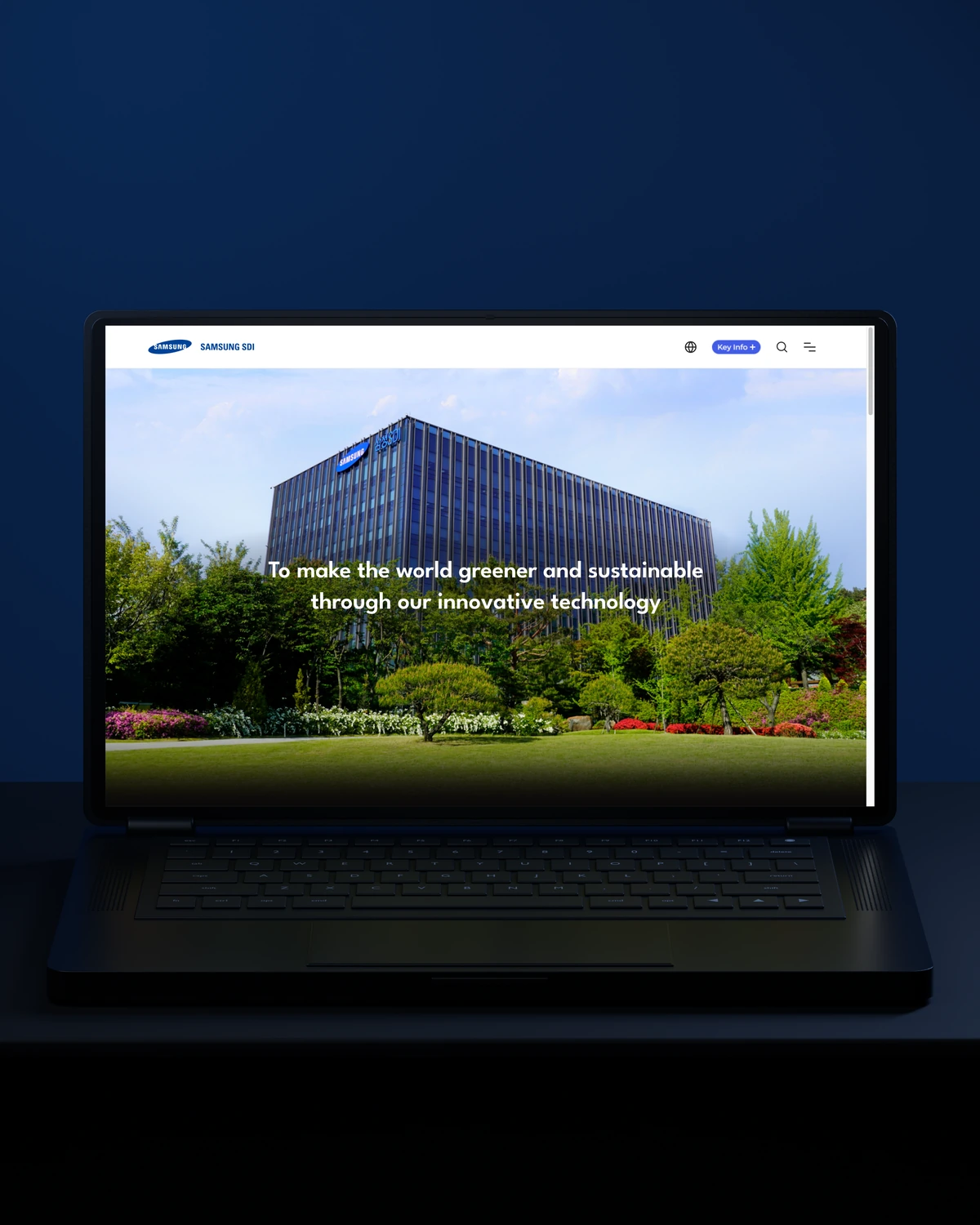

 Built to driveBetter-qualified leads.
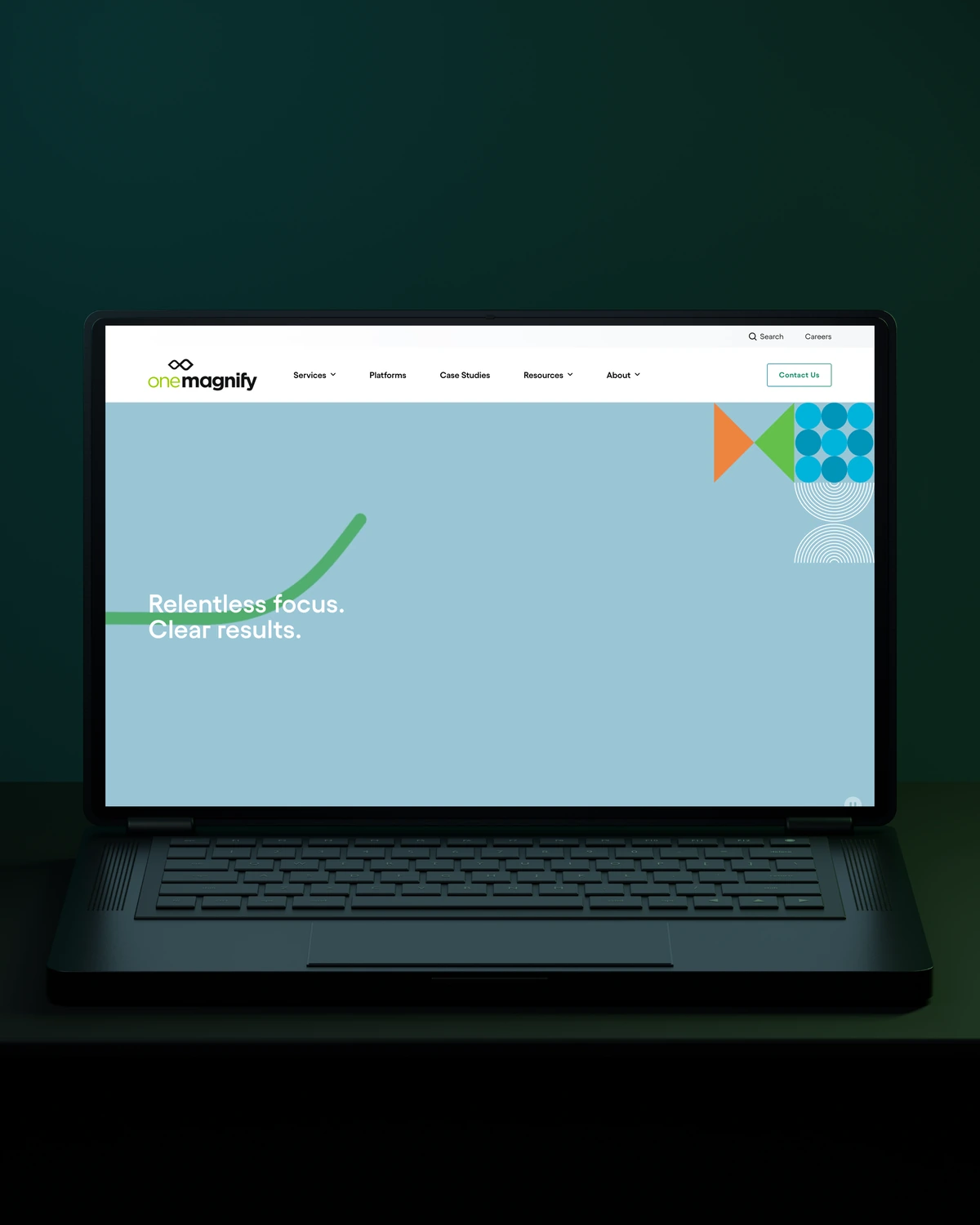
 Built to driveMore qualified candidates.



 Built to driveMore enquiries.

 Built to driveMore qualified demos.
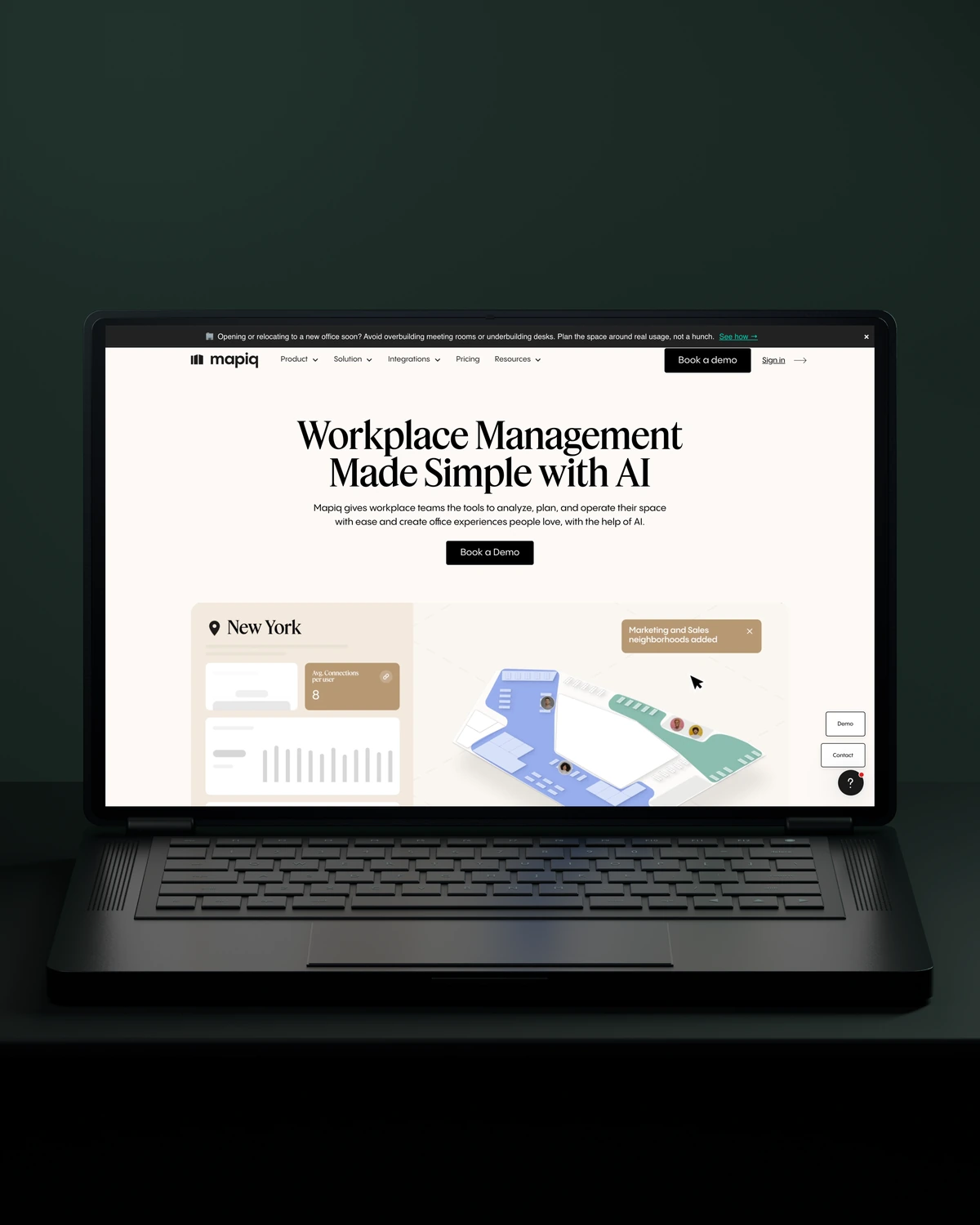
 Built to driveMore workplace demos.

 Built to driveMore business accounts.

 Built to driveMore free trials.

 Built to driveMore building owners.
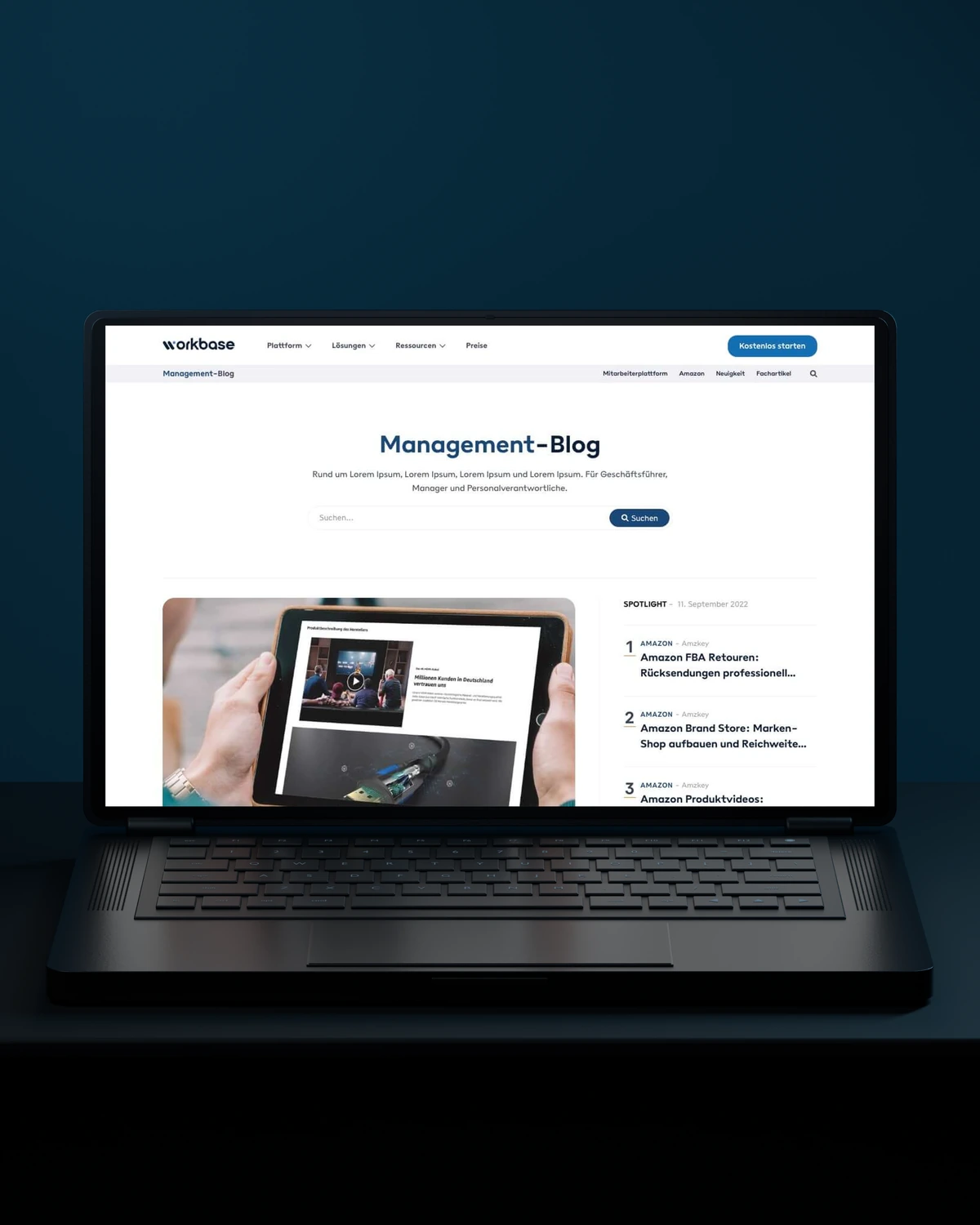
 Built to driveMore free sign-ups.

 Private Villas MexicoBuilt to driveMore direct bookings.

 Built to driveMore committed players.
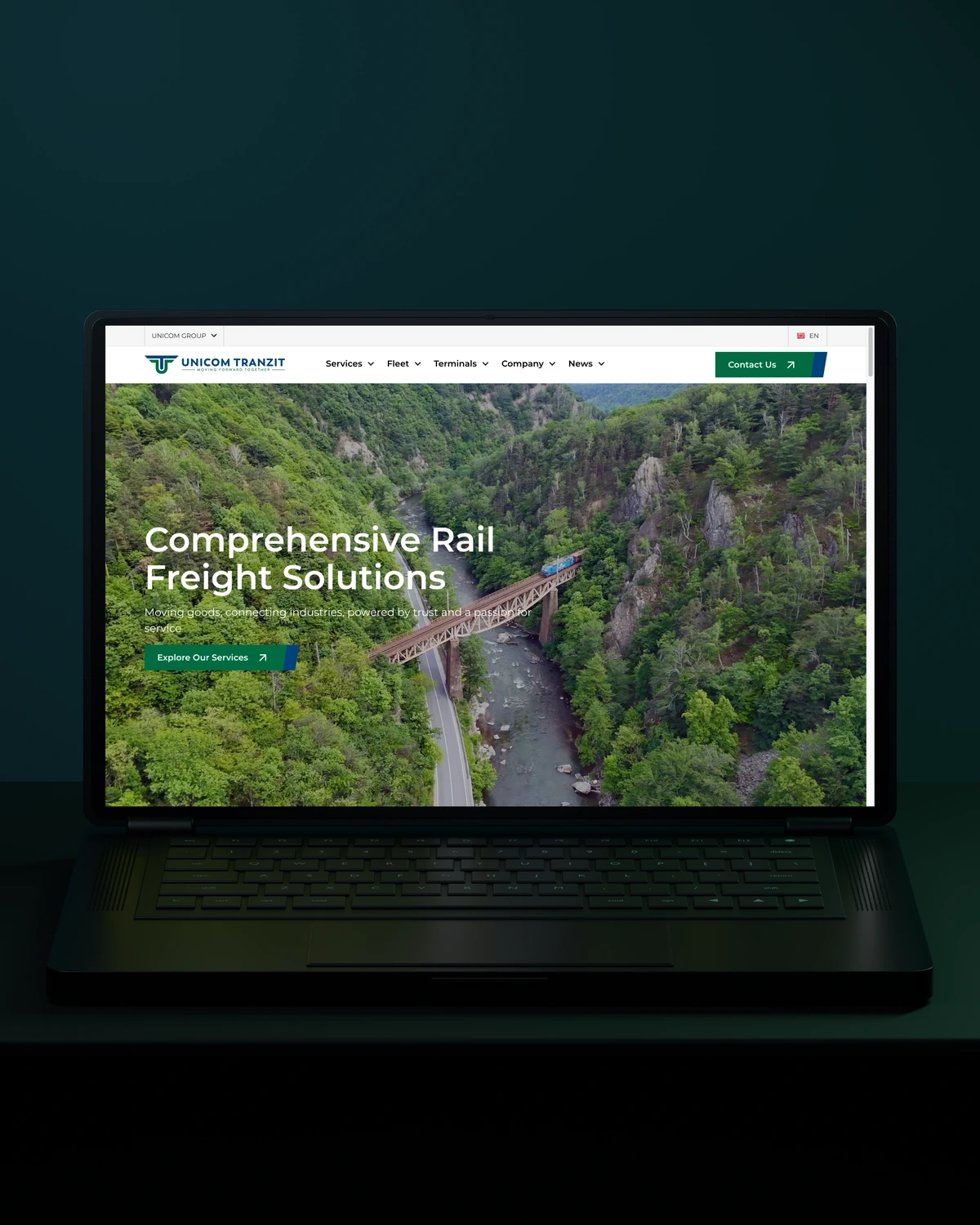


 Built to driveMore returning customers.

 Built to driveMore meaningful demos.
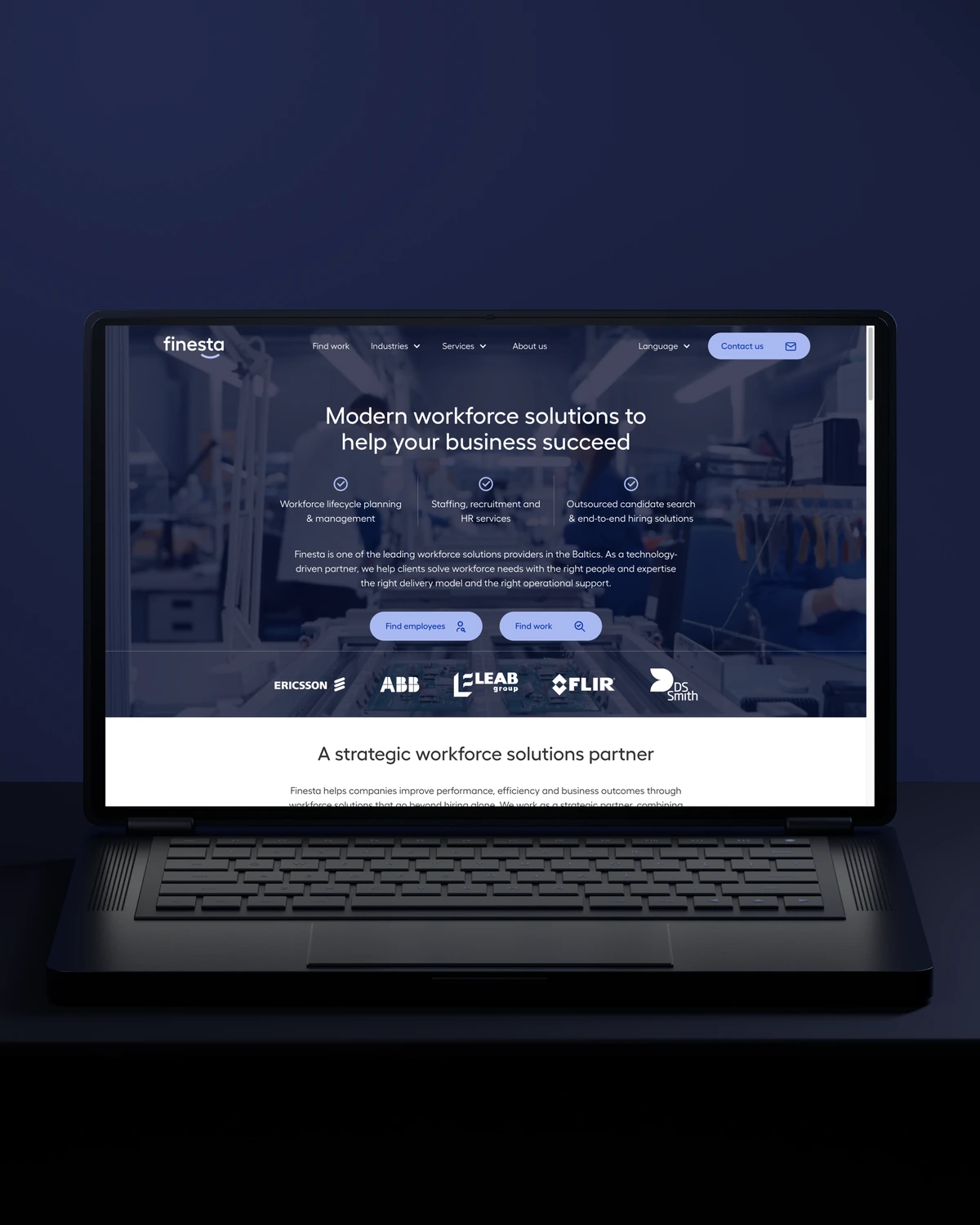
 Built to driveBetter talent connections.

 Built to driveMore course creators.
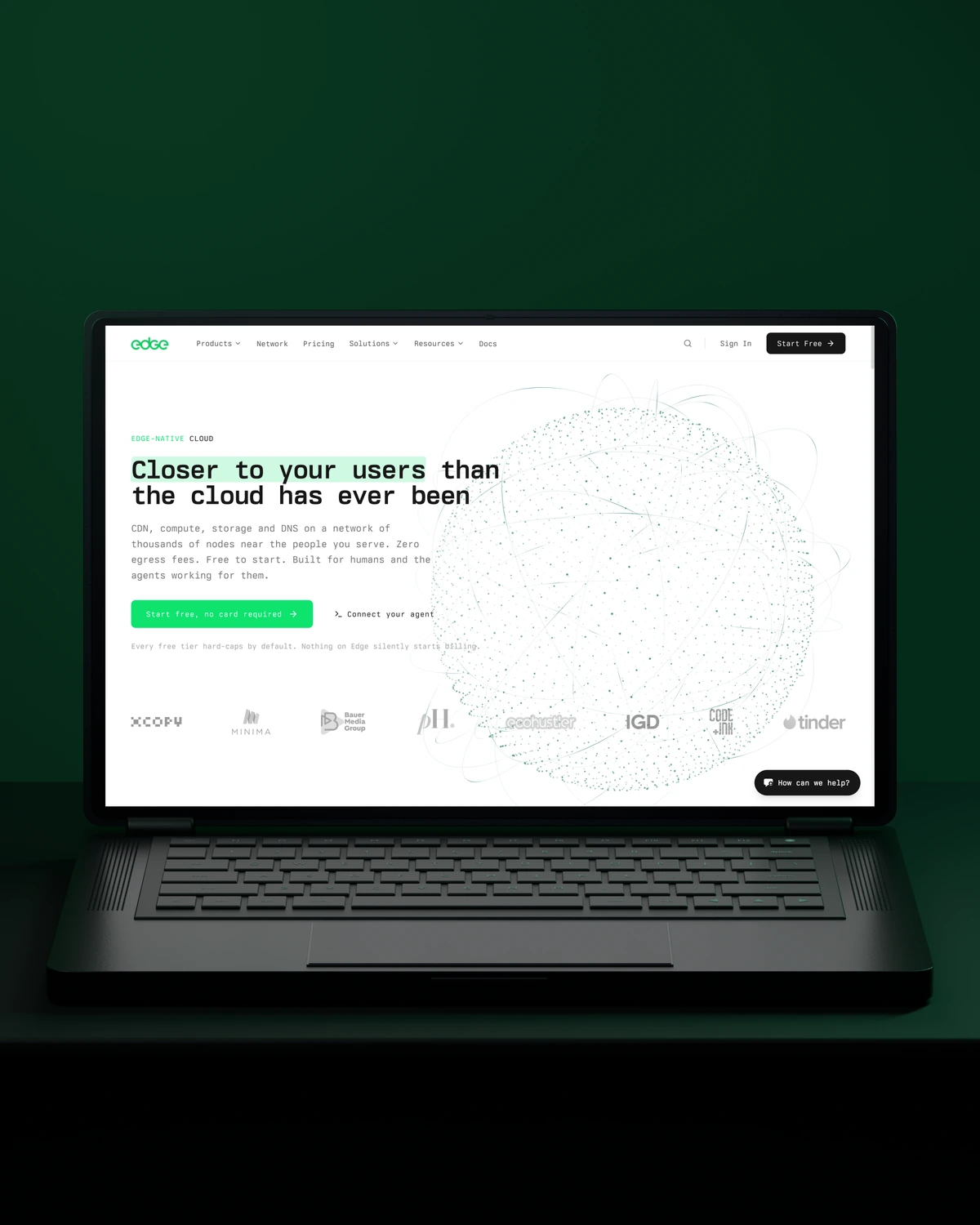
 Built to driveMore product discovery.
Trusted across our practice
Independent reviews. Long-term working relationships.


“We’ve been working with Stega & Gabriel for the last two years. Cannot recommend them enough. They’re responsive, professional & an asset.”
“After a website (re)launch, they are also always accessible and happy to help. I highly recommend everyone who is looking for a new and more stable website in Webflow, to work with Stega!”
“Stega Creative team not only understood our needs and vision for the websites, but they also came up with improvements.”
A few things worth discussing before your Adobe Commerce integrations takes shape.
Adobe Commerce integrates with an ERP through its REST or GraphQL APIs, message queues or a middleware platform. Orders flow to the ERP, while stock, prices and shipment status flow back. We define which system owns each record and how failures retry before building anything.
Adobe Commerce integrations benefit from middleware when several systems exchange data or volumes are high. Middleware such as Adobe App Builder, MuleSoft or Celigo handles retries, mapping and monitoring in one place. Direct API connections suit a single, simple flow with low volume.
Adobe Commerce order syncs are monitored with dashboards and alerts for failed, delayed and duplicate orders, plus queue depth. Each alert names the order and the failed step. Your team gets a runbook that explains how to retry safely without creating a duplicate in the ERP.
Two-way order and stock flows take longer than one-way feeds. Access to test environments on both sides is the biggest factor, so we arrange it in the first week.
way.Your ambition. Our collective craft.
Strategy, design and technology, working as one.