














Model the content
Content types, fields and reusable blocks designed around your pages and campaigns, with validation rules that stop broken pages before publish.


 4.9 / 5
Astro headless CMS integration with Sanity, Storyblok, Contentful or Payload: structured content, live previews and publishing wired to your deploys.
Selected work, in motion.
Distinctive design, brought into a working digital experience.A fast Astro front end is half a website. The other half is how content gets onto it.
What's included
We model content around the pages your team publishes, then wire the CMS so the preview matches the live site.
Content types, fields and reusable blocks designed around your pages and campaigns, with validation rules that stop broken pages before publish.
Draft previews on the real Astro layout, shareable with reviewers, so nobody approves content from a form view.
Webhooks that trigger a rebuild or fresh server render on publish, plus scheduled publishing and roles for writers, editors and approvers.
A short editor guide and a recorded session on content types, previews and publishing, written for the people who use the CMS daily.
Security, by consideration.
For your Astro project, we consider deployment access, server endpoints, dependencies and connected services as part of one connected build.
See our approachGitHub workflows, peer review and dependency checks bring decisions into the release process.
Certificate configuration, HTTPS and secure headers help protect the path between your users and your systems.
Scoped tool access, validated inputs and human approval where automated actions carry consequences.
The content model is agreed with your editors, not only your developers.
Workshops with editors to define content types, fields and blocks.
CMS connected to Astro, with previews and publish webhooks set up.
Existing content imported, editors trained, first pages published by your team.
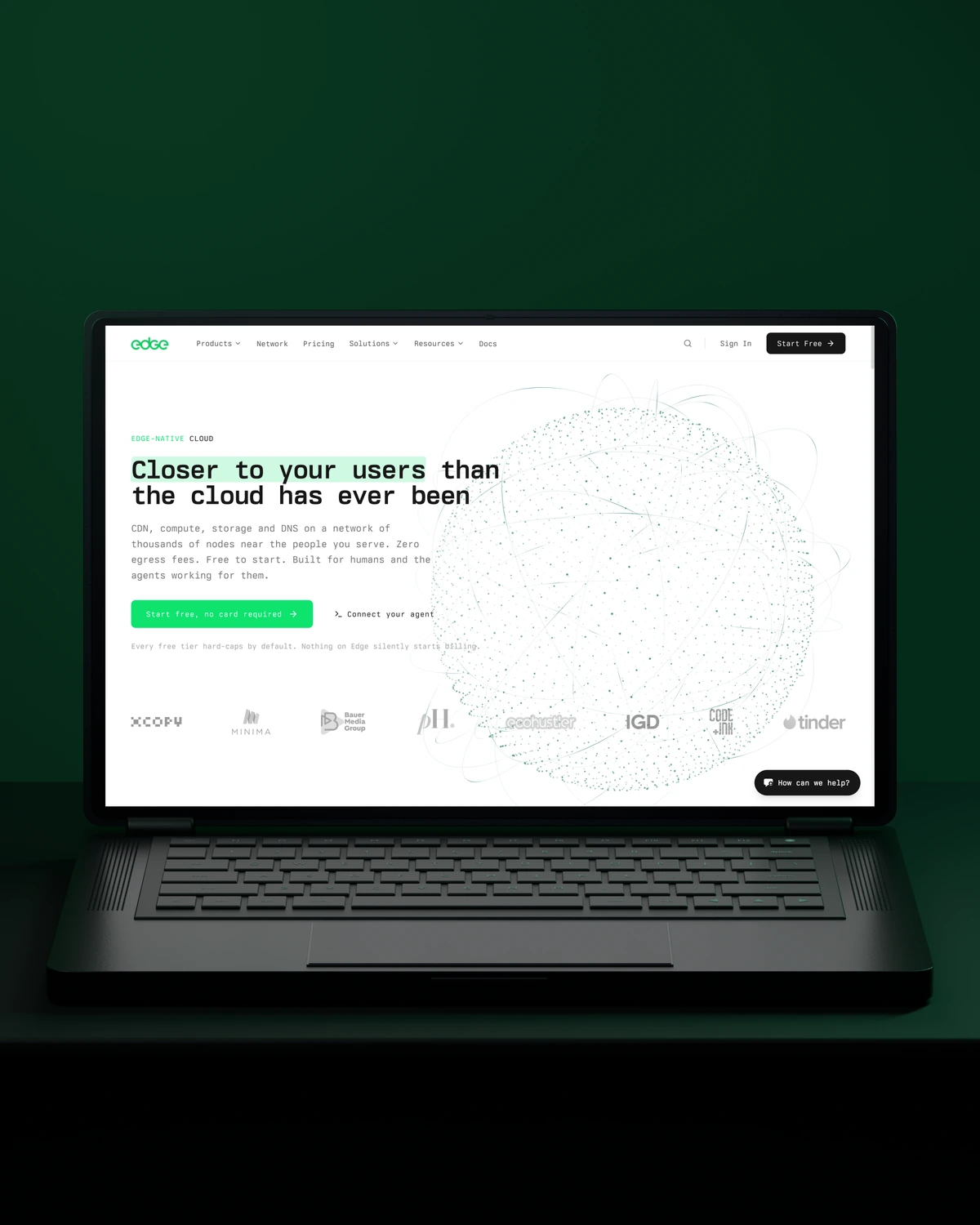

 Built to driveMore product discovery.
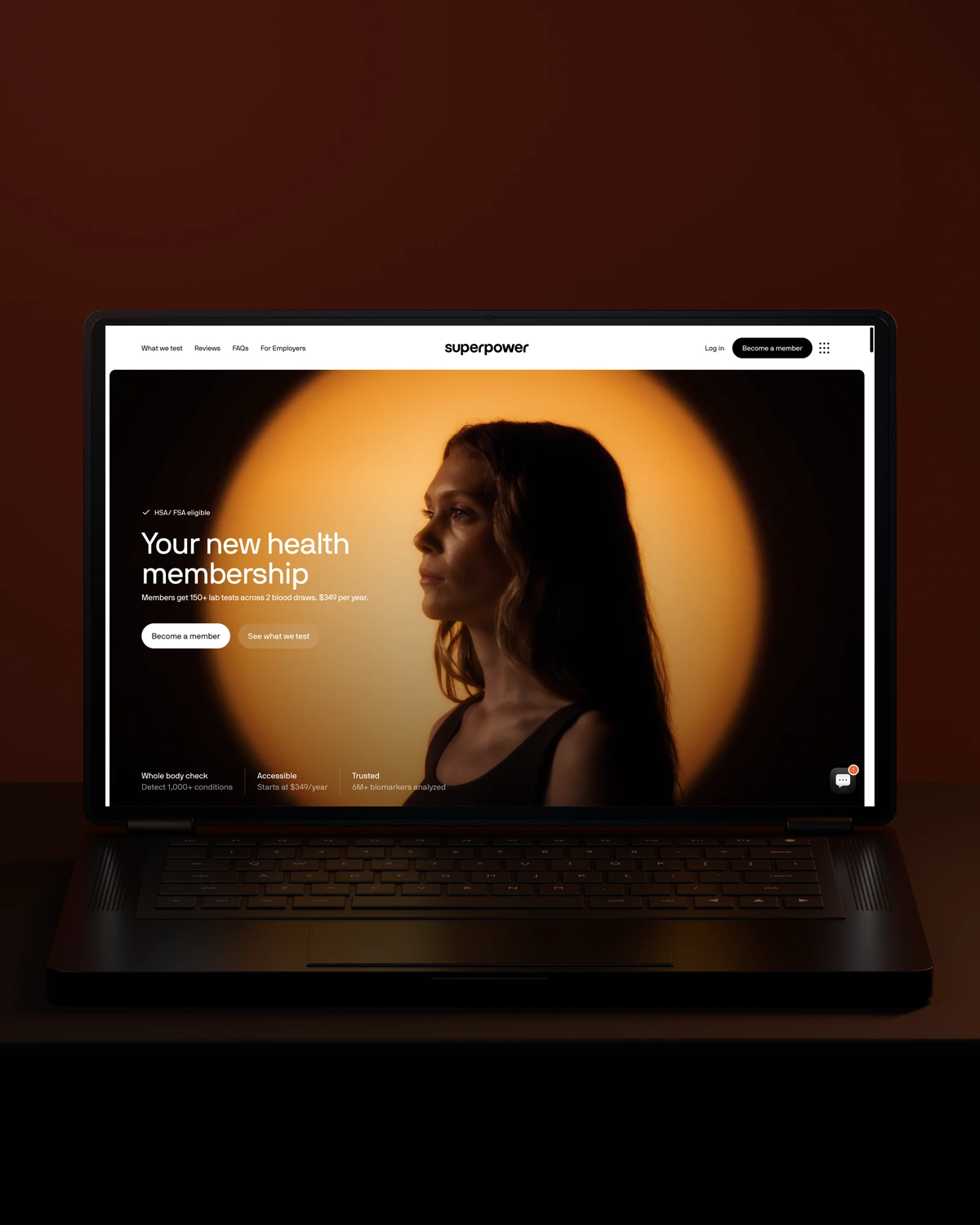

 Built to driveMore sign-ups.
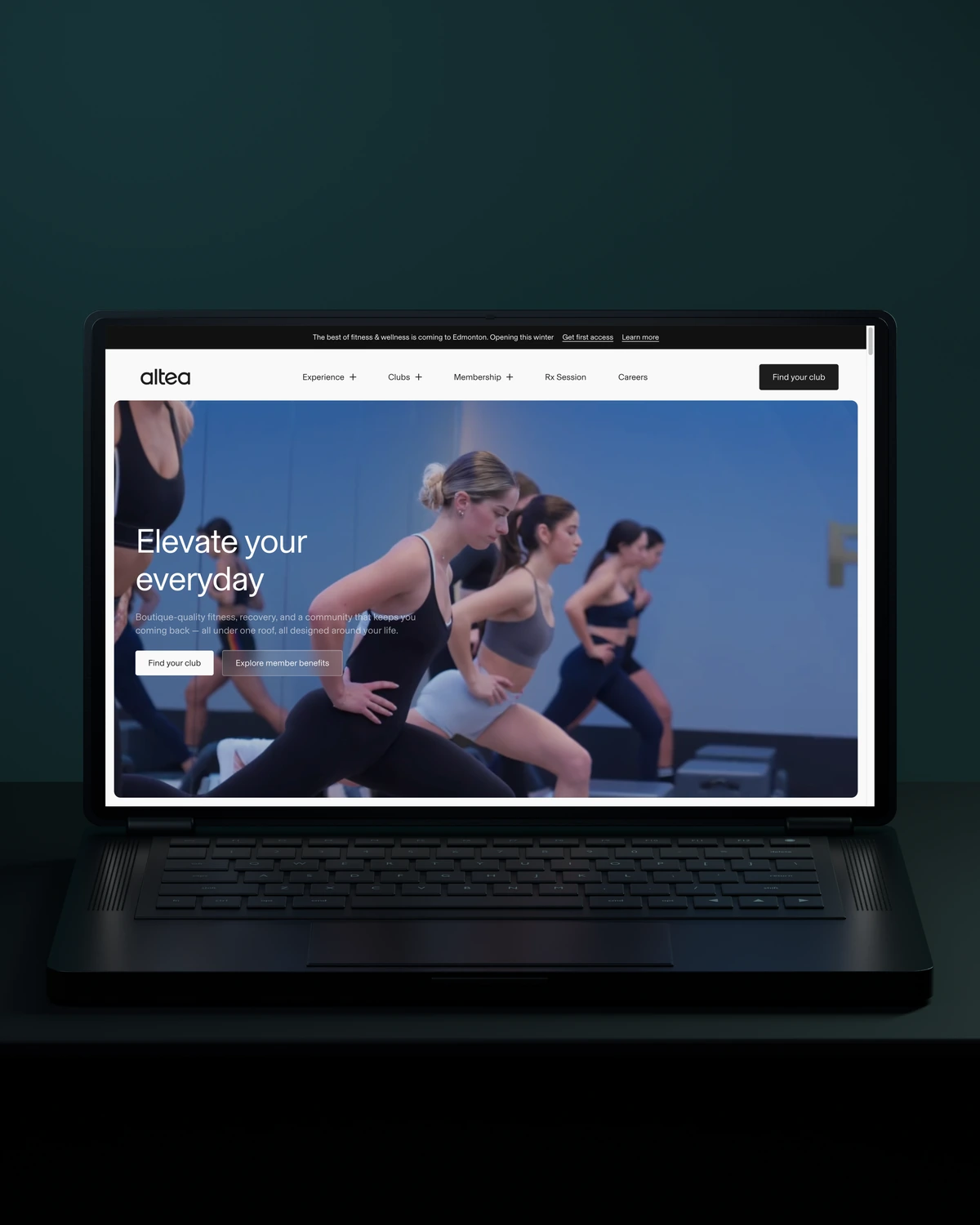
 Built to driveMore memberships.
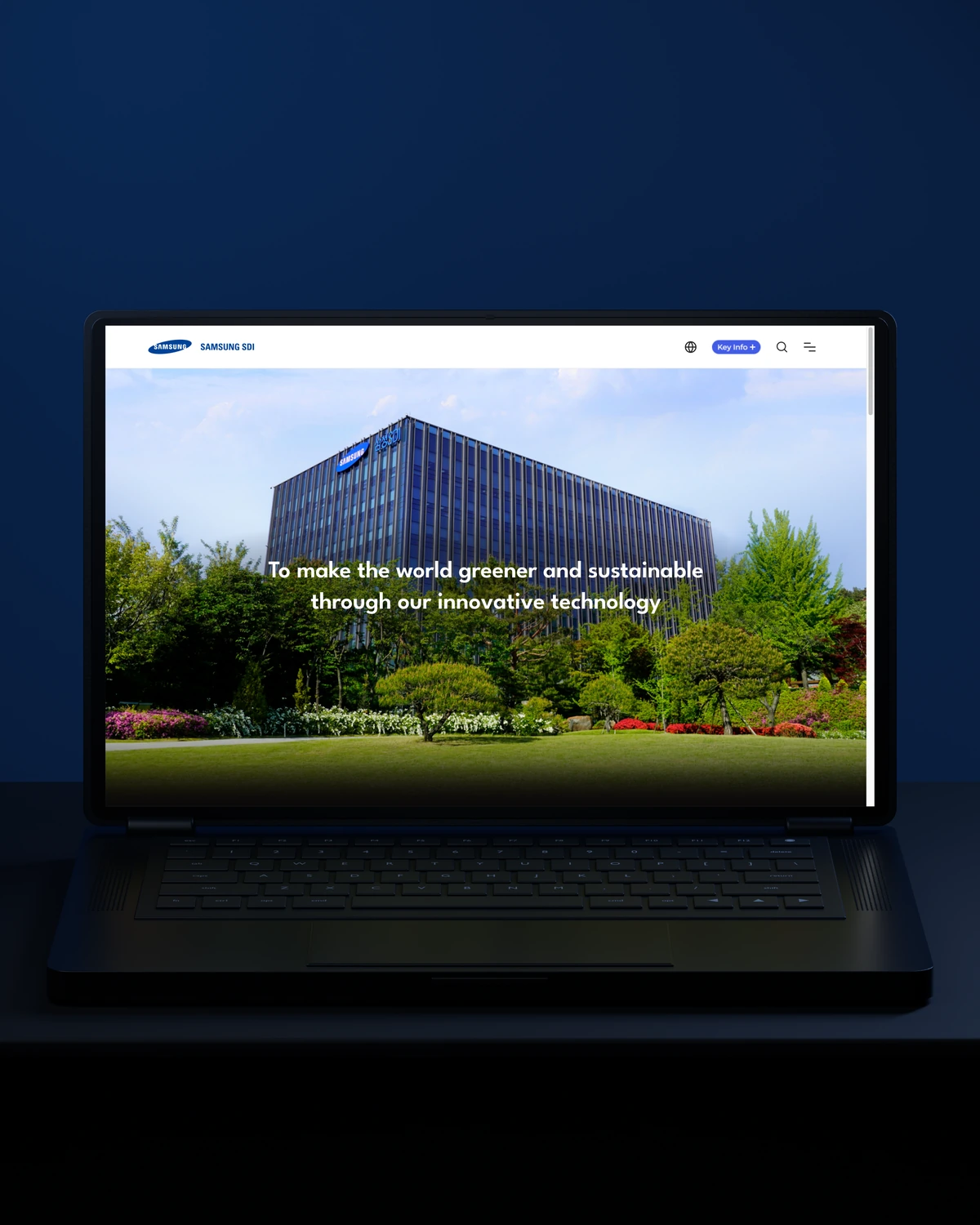

 Built to driveBetter-qualified leads.
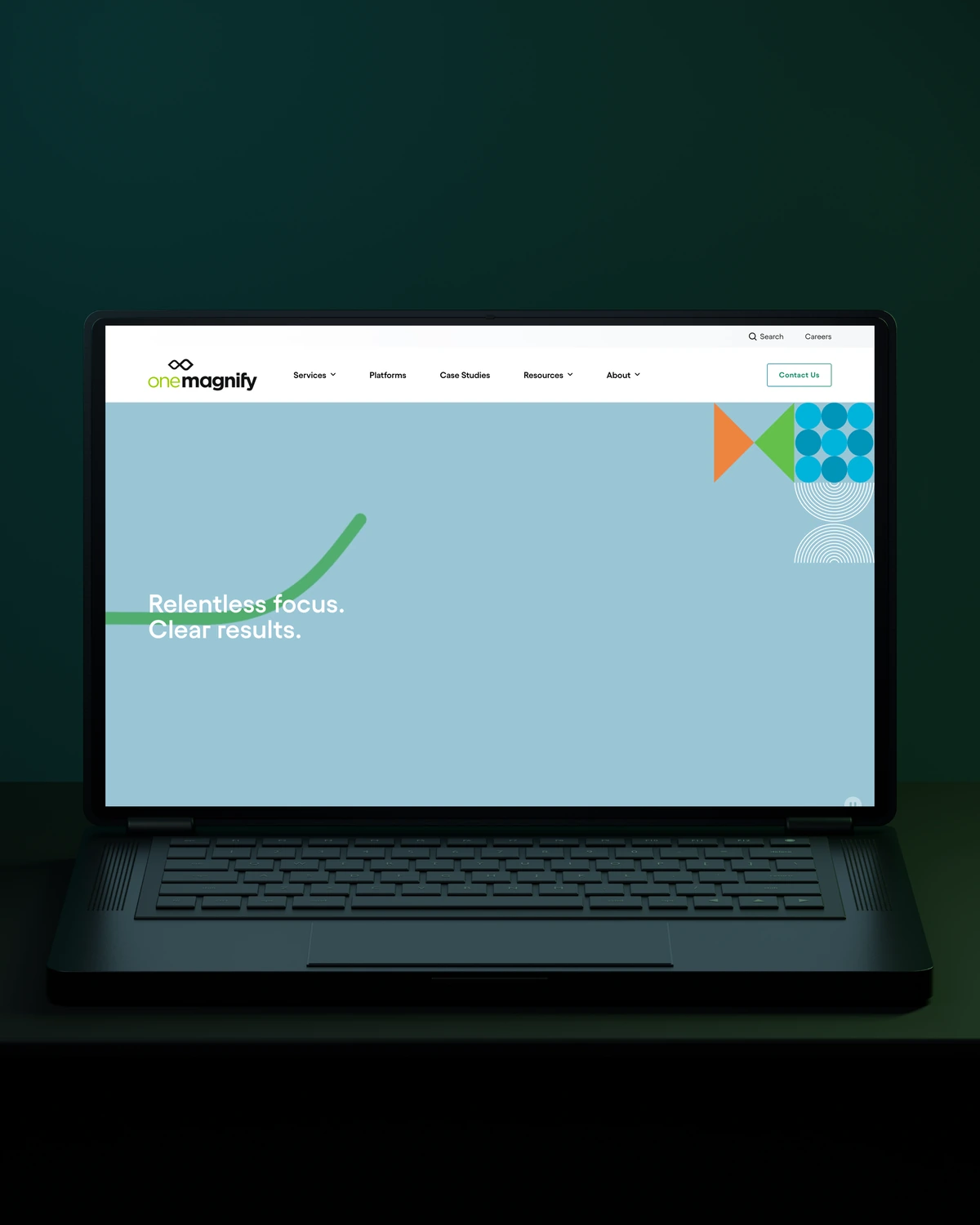
 Built to driveMore qualified candidates.
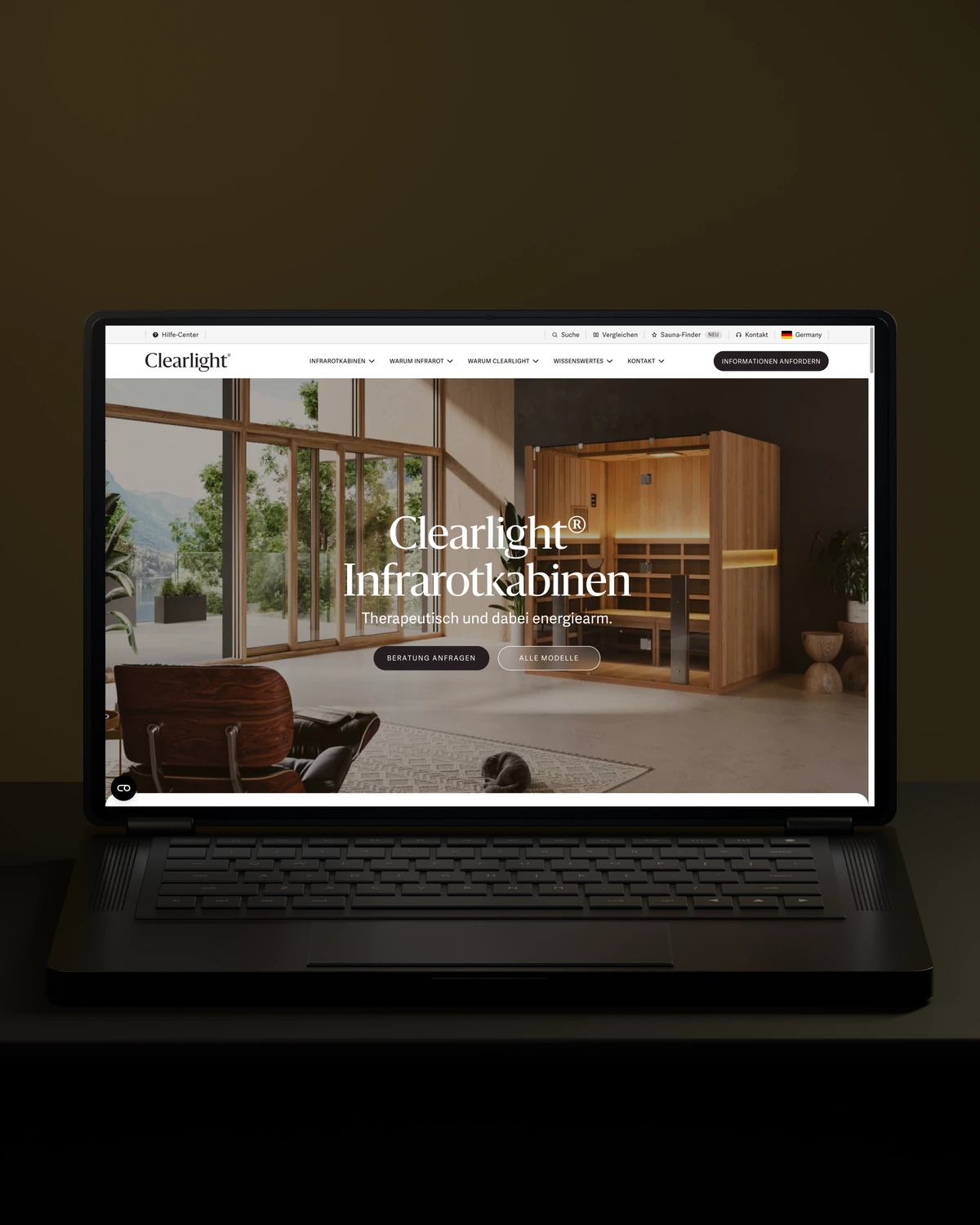


 Built to driveMore enquiries.
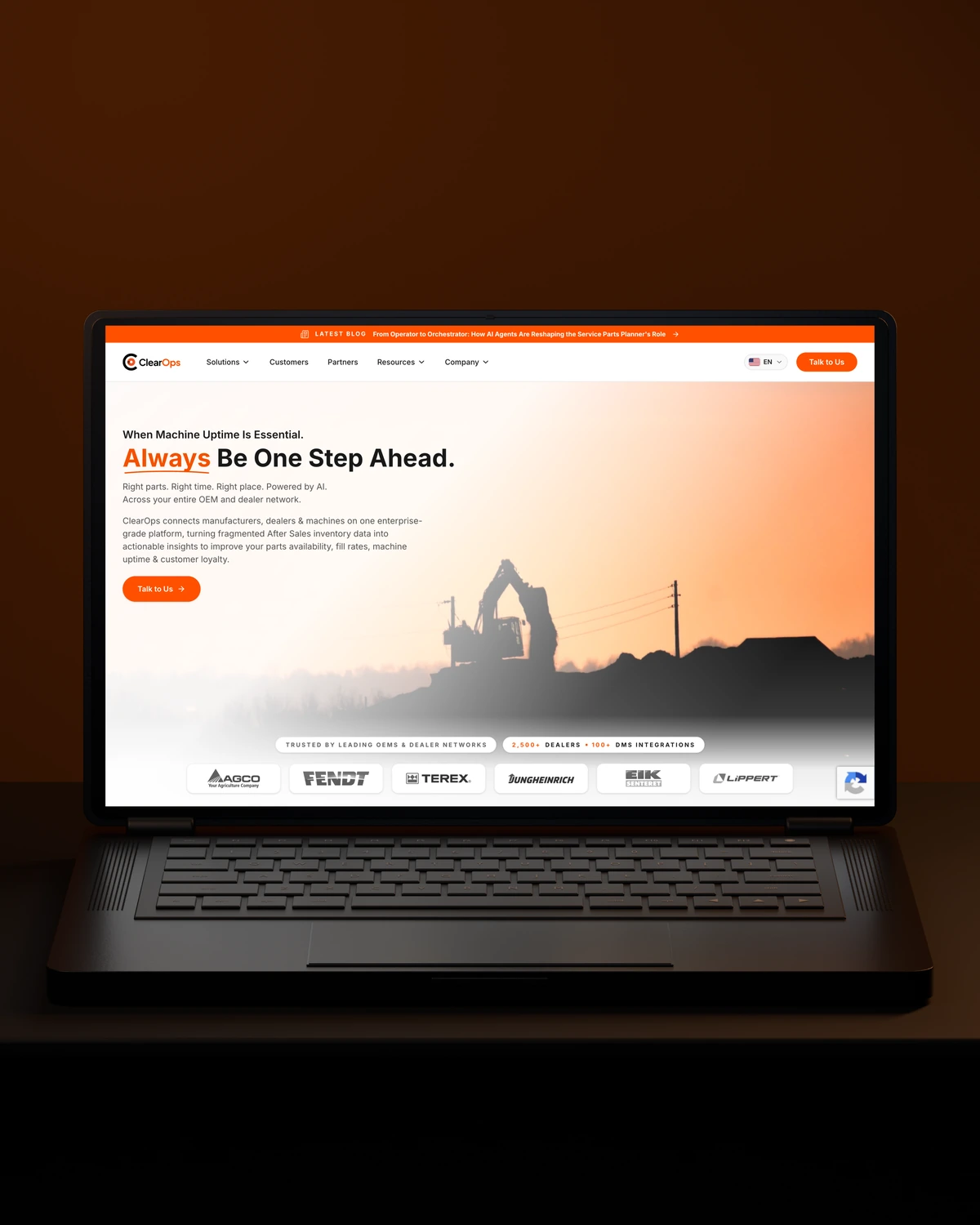
 Built to driveMore qualified demos.
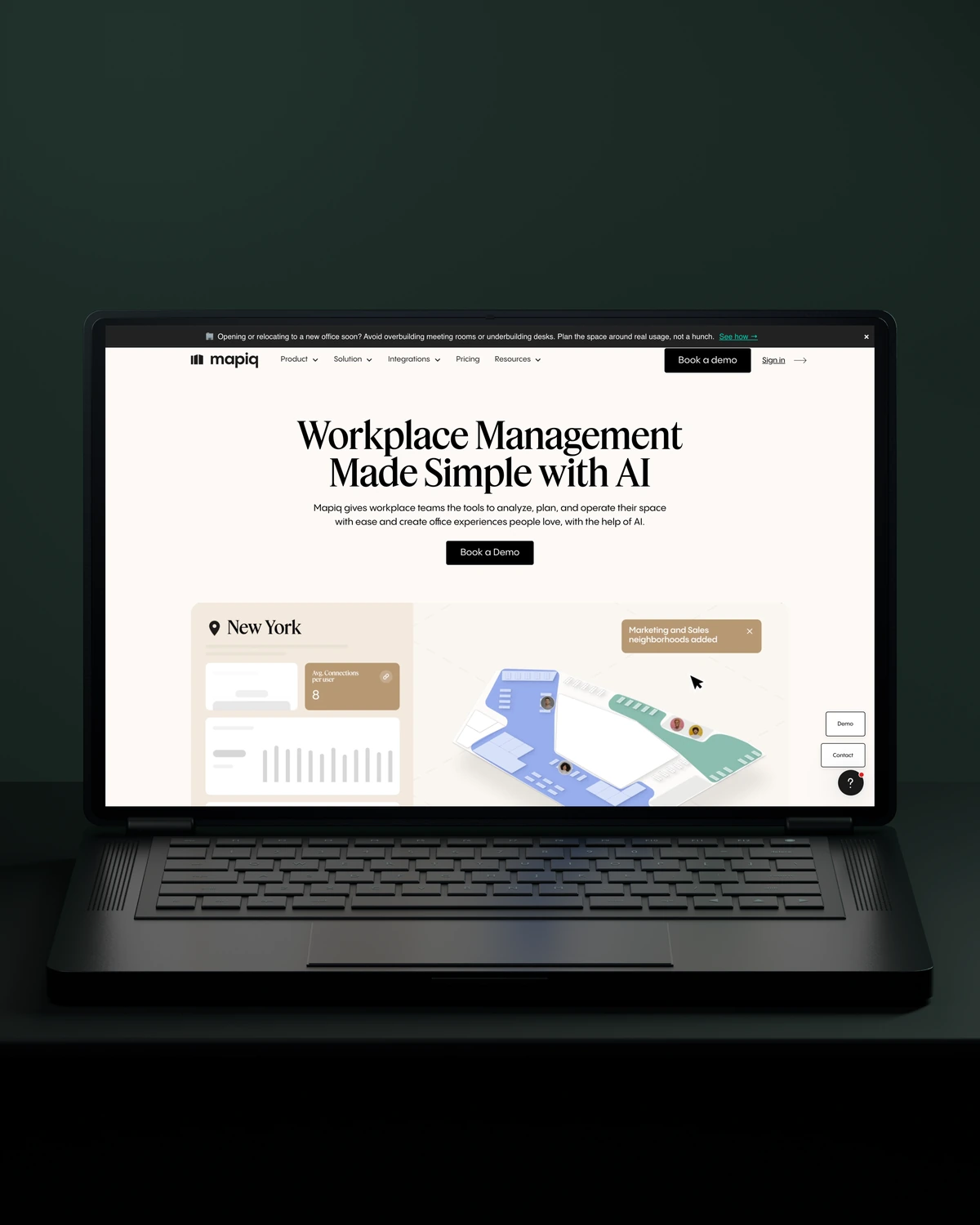
 Built to driveMore workplace demos.
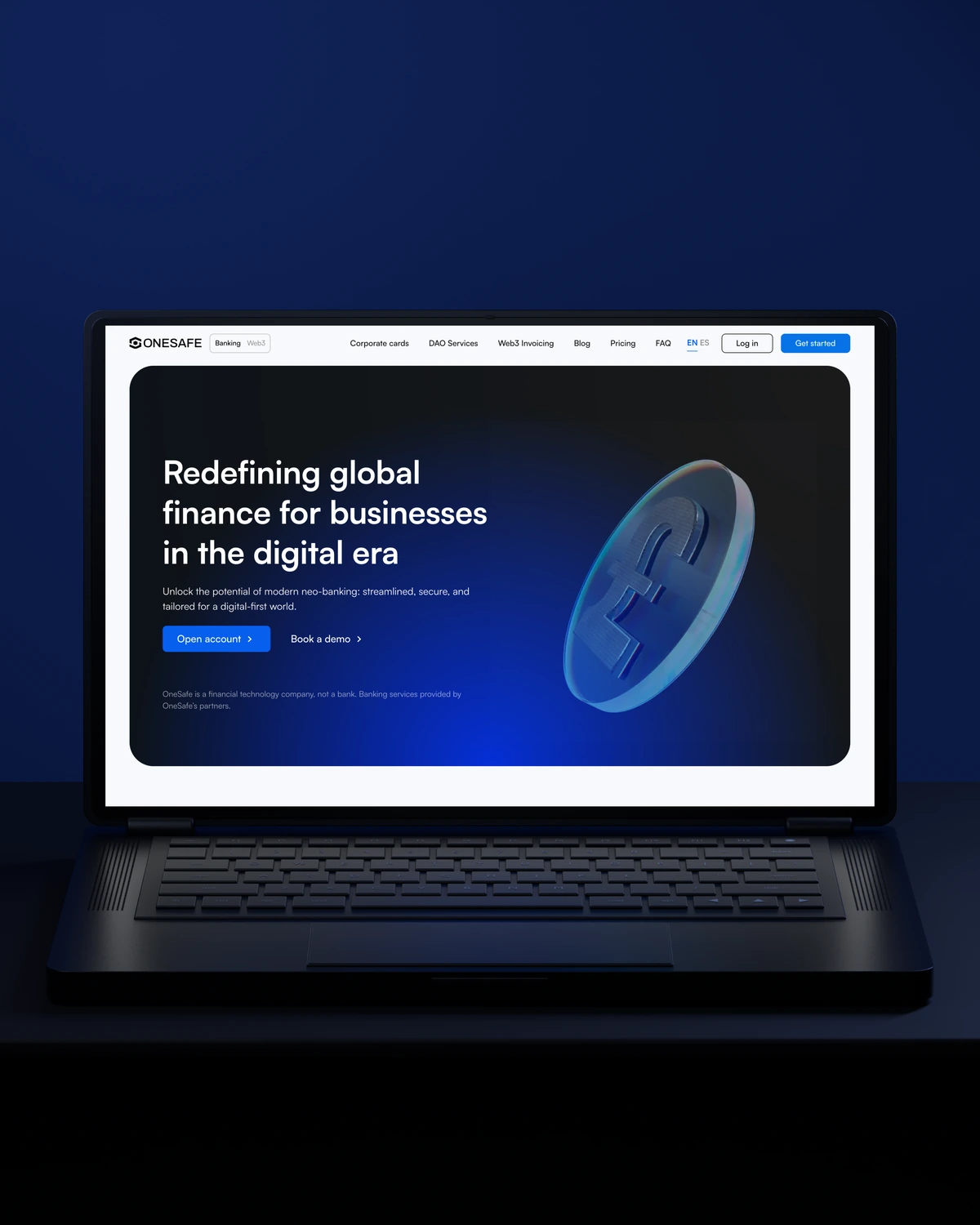
 Built to driveMore business accounts.
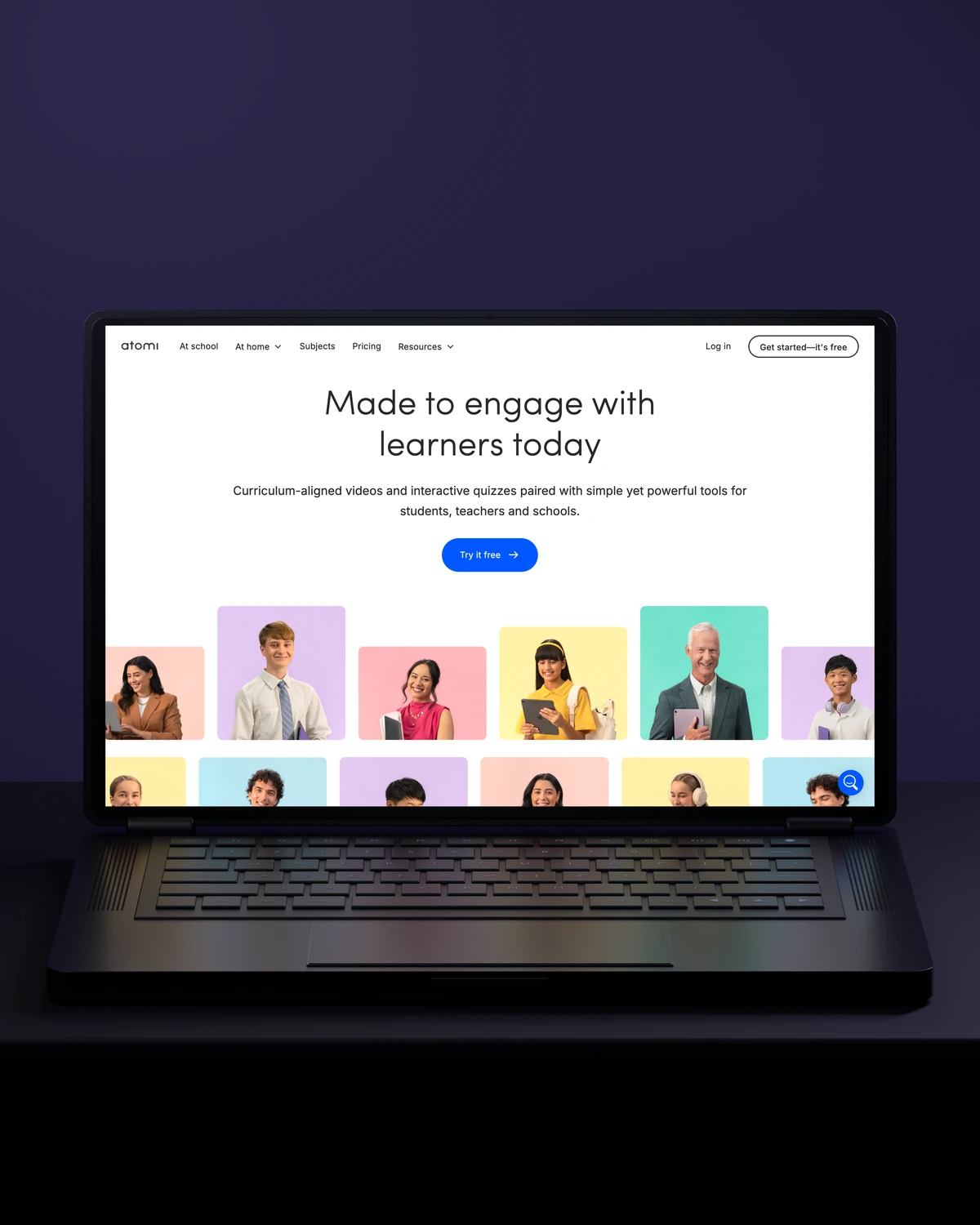
 Built to driveMore free trials.
 Built to driveMore building owners.
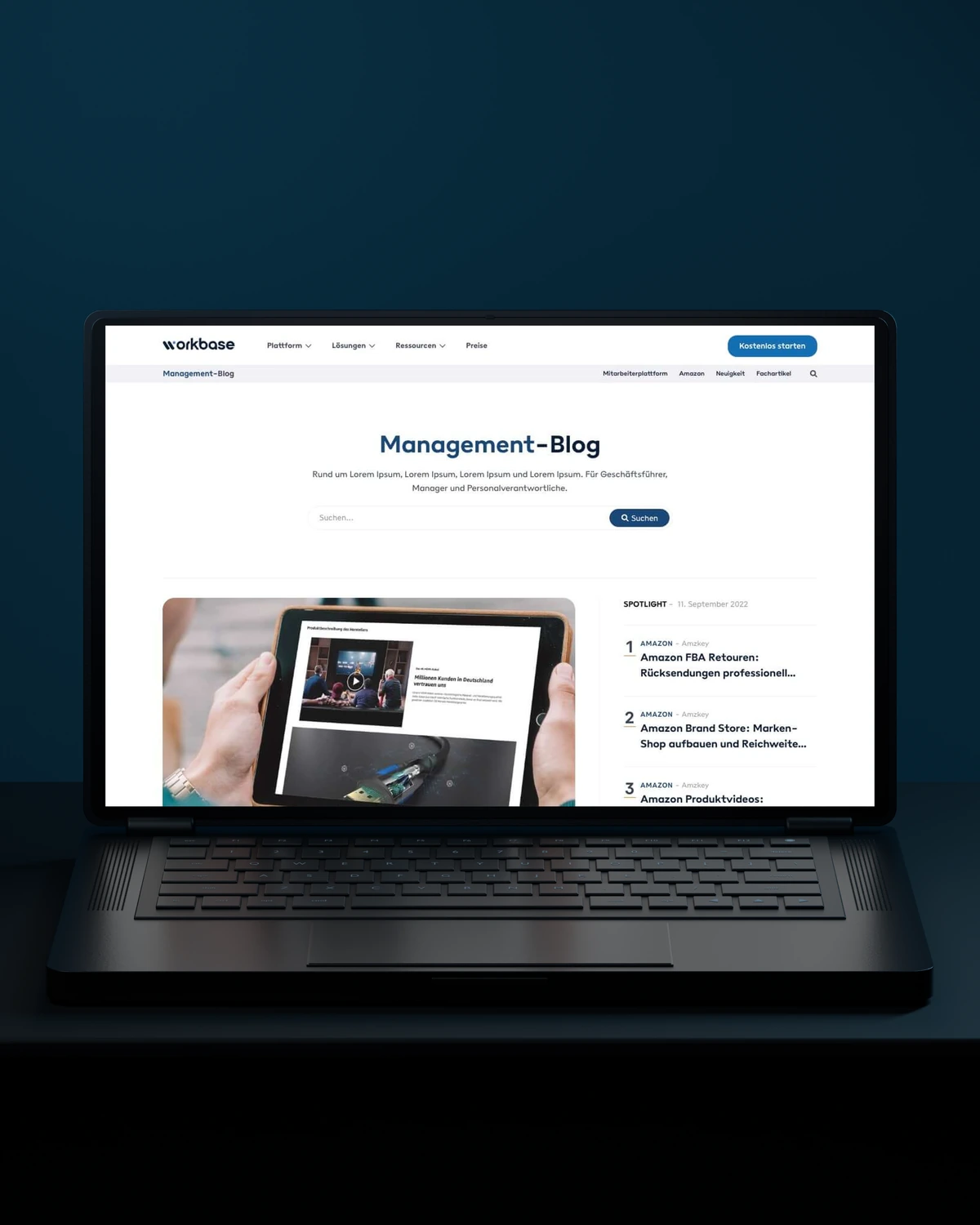
 Built to driveMore free sign-ups.
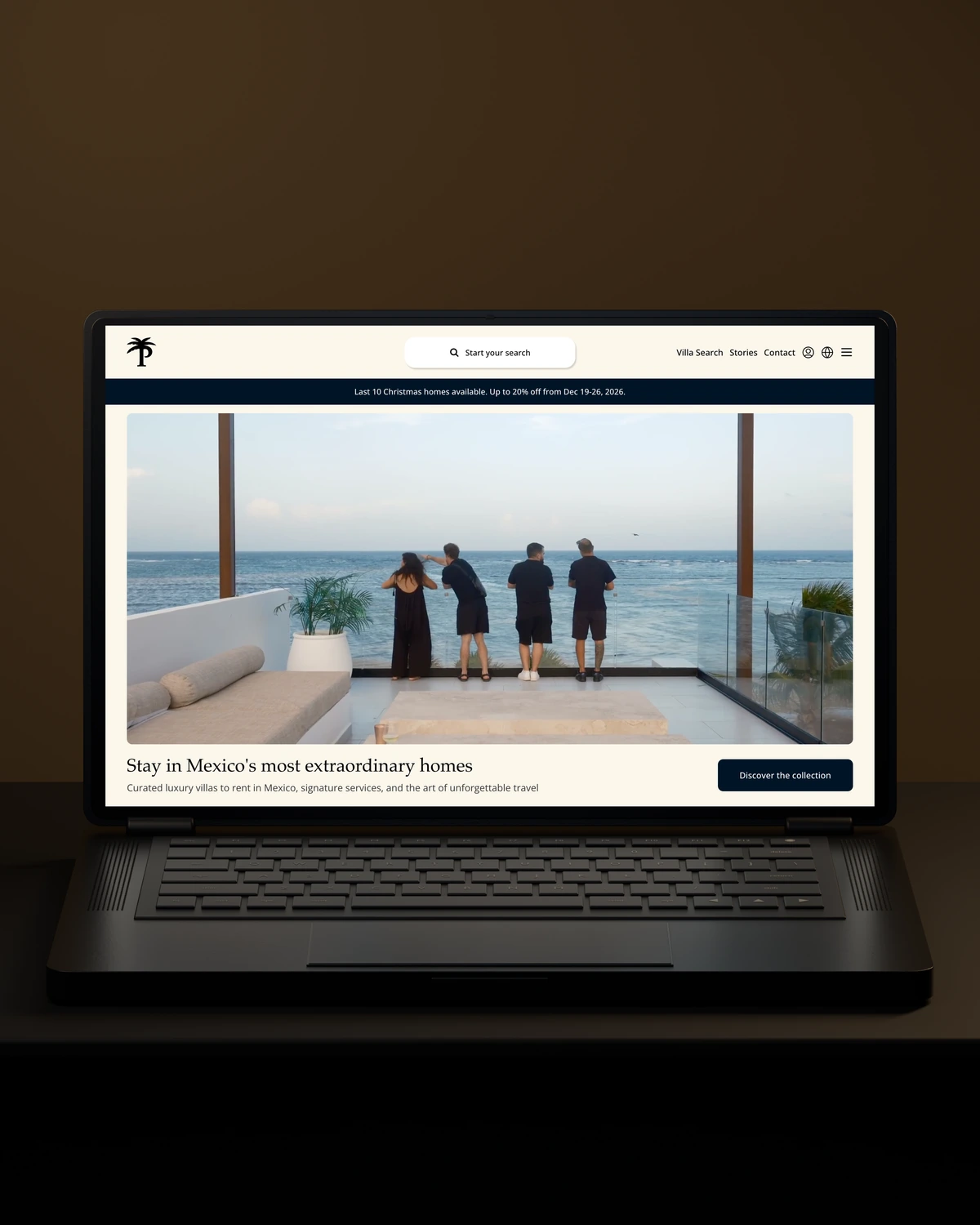
 Private Villas MexicoBuilt to driveMore direct bookings.
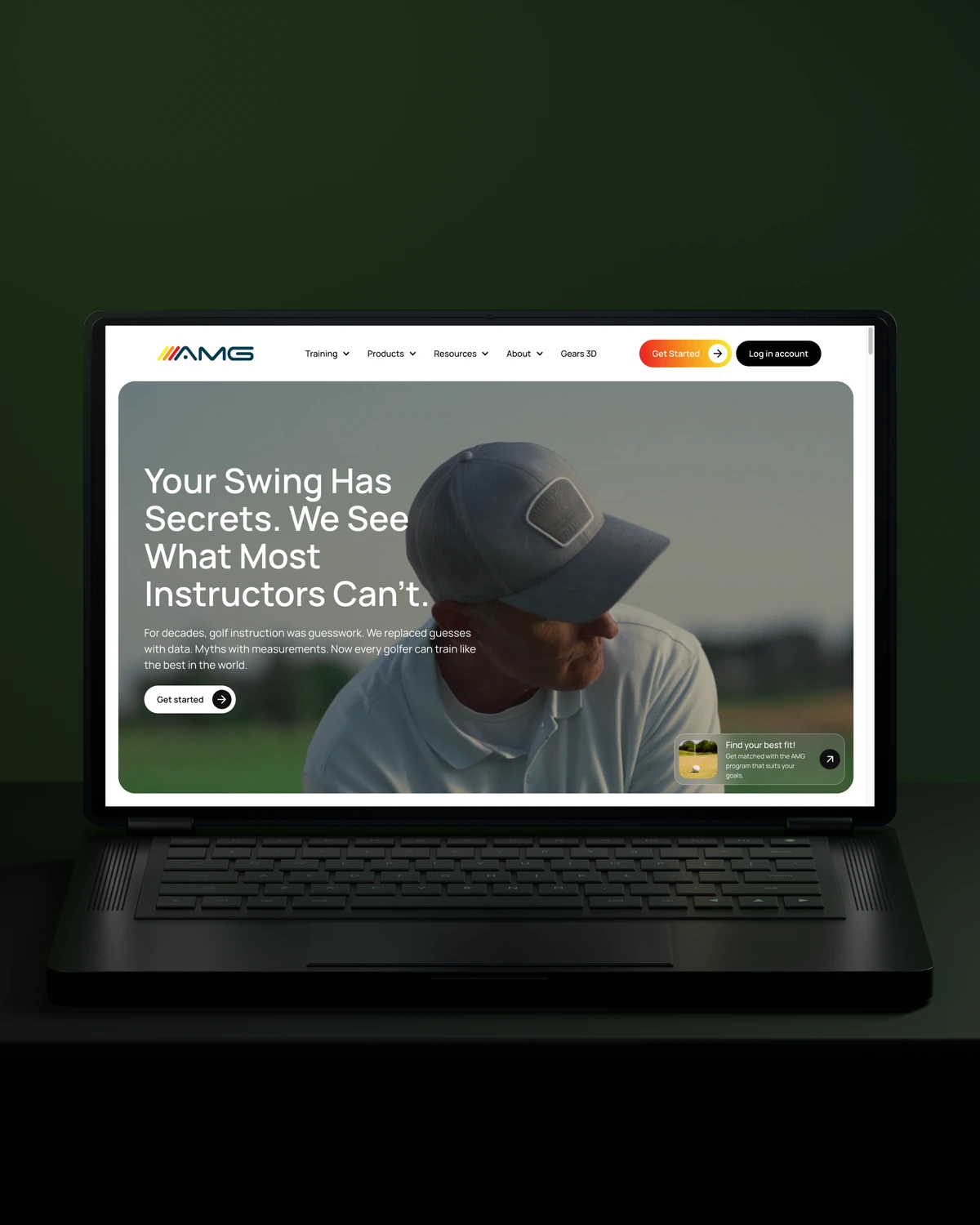
 Built to driveMore committed players.
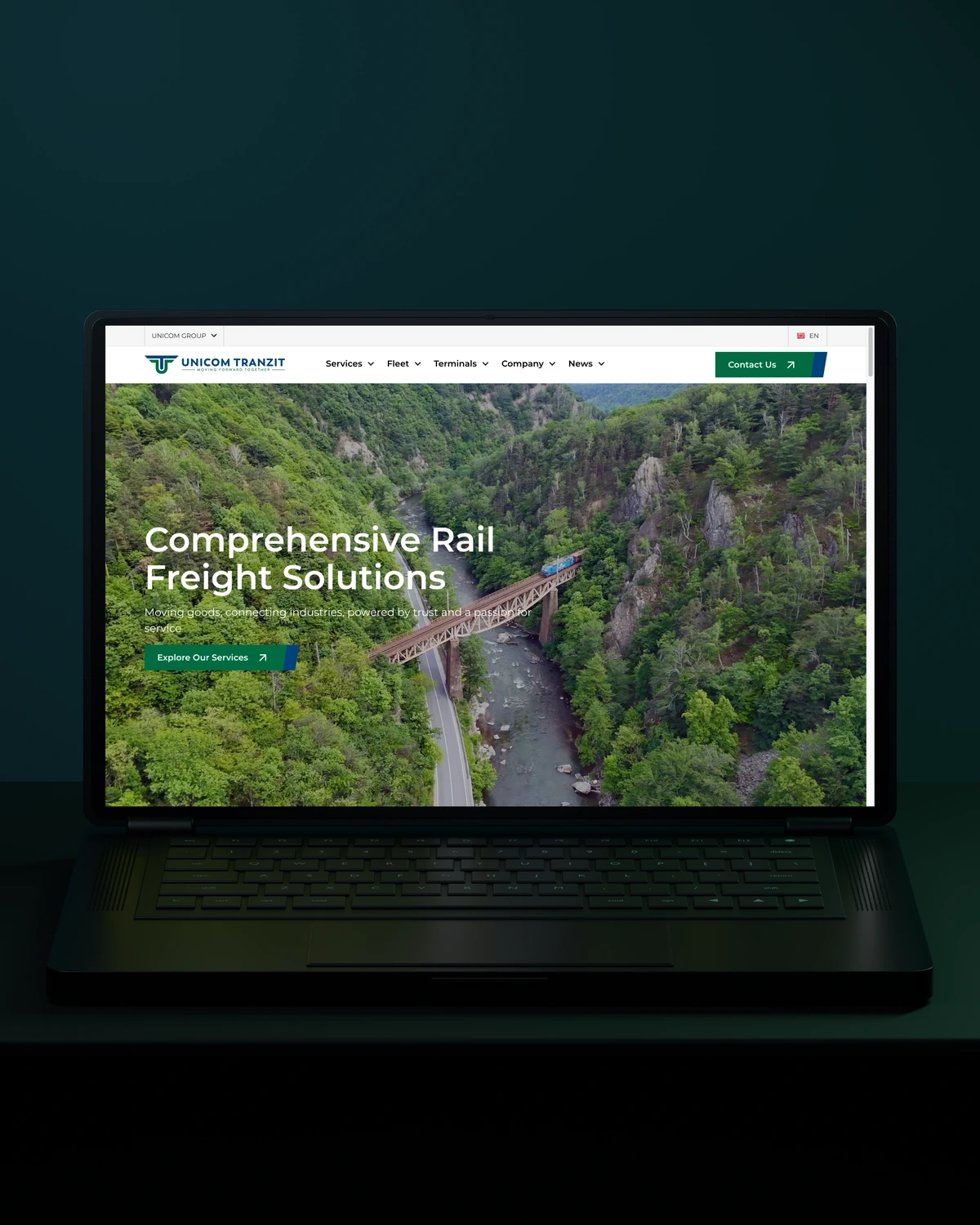

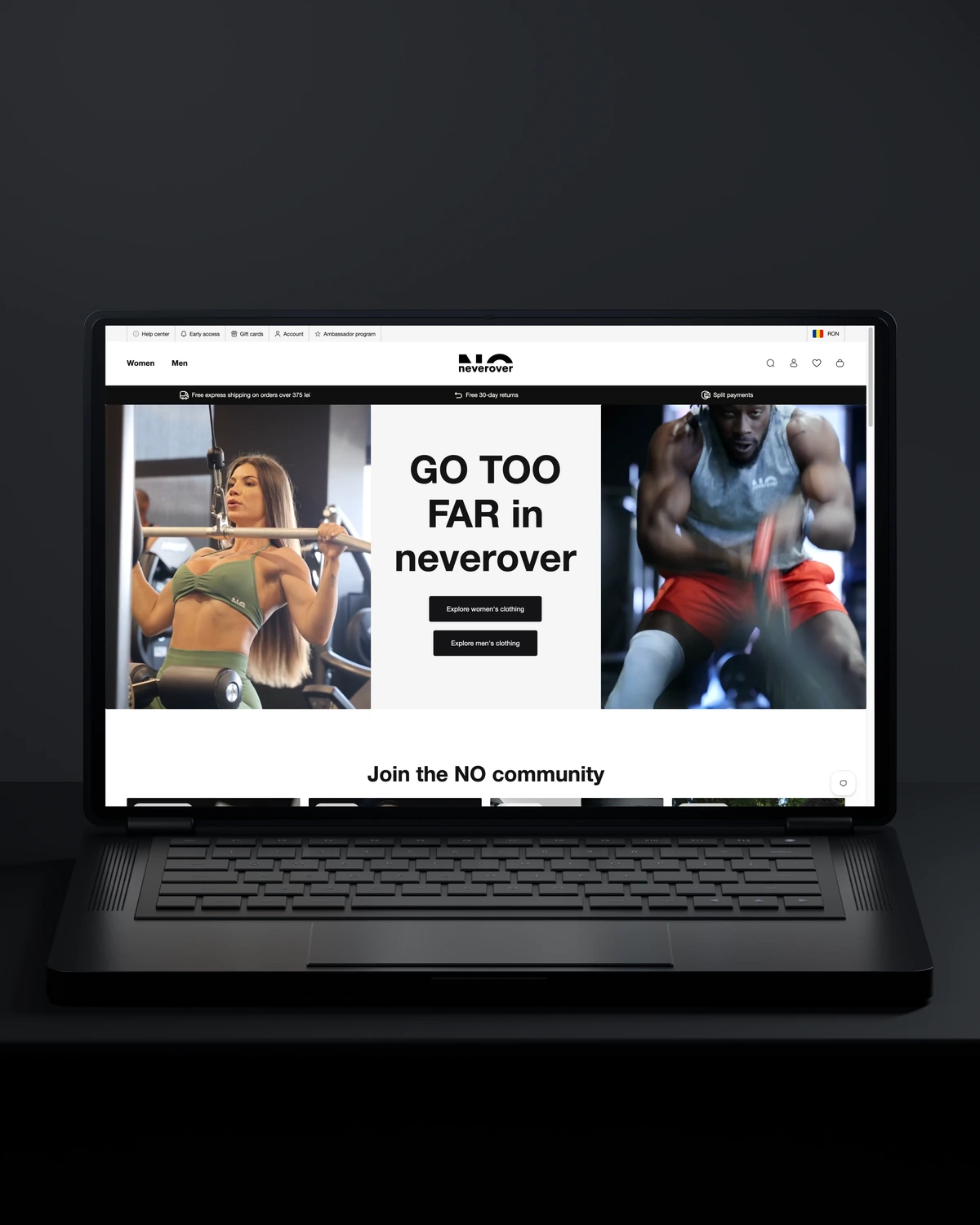
 Built to driveMore returning customers.
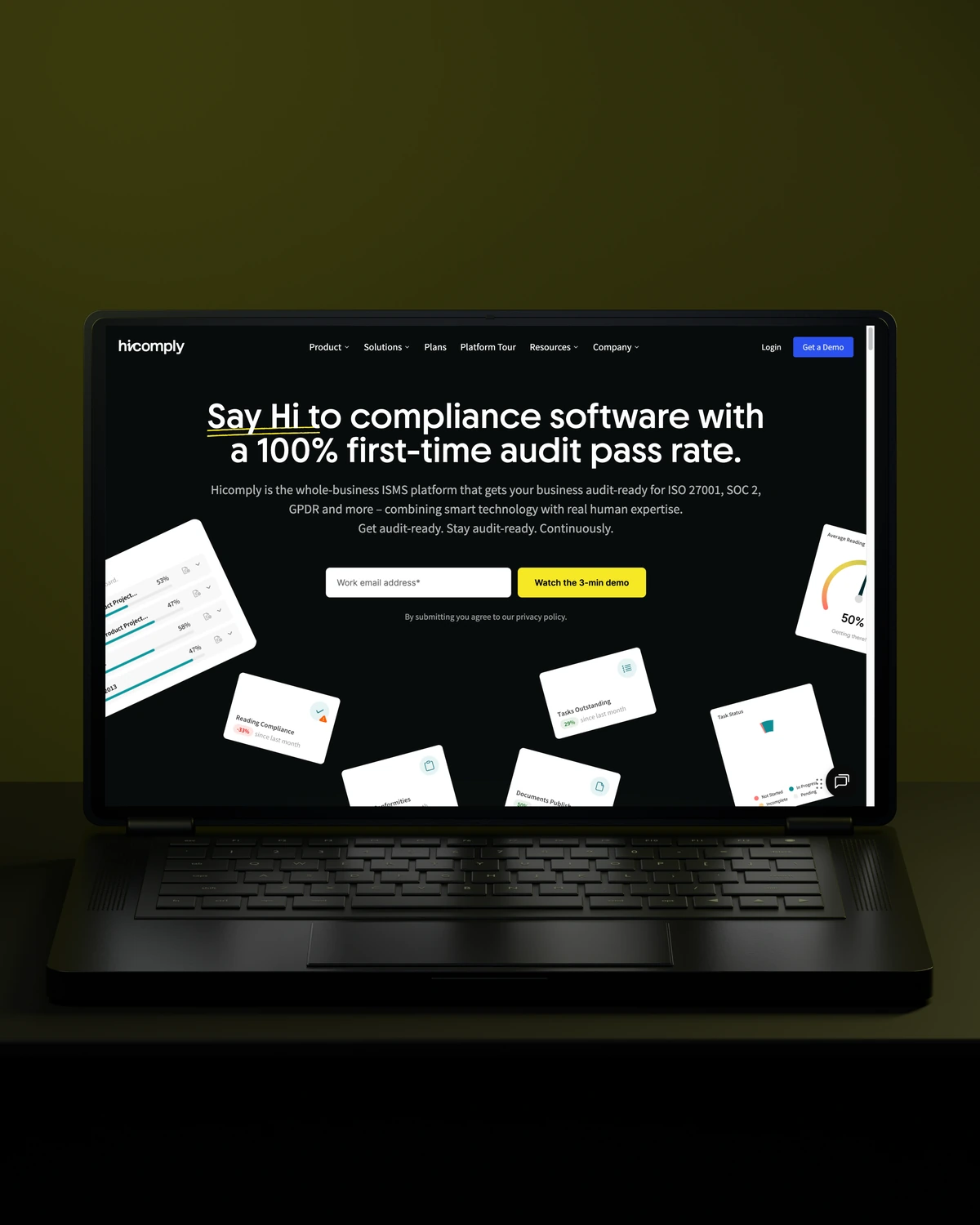
 Built to driveMore meaningful demos.
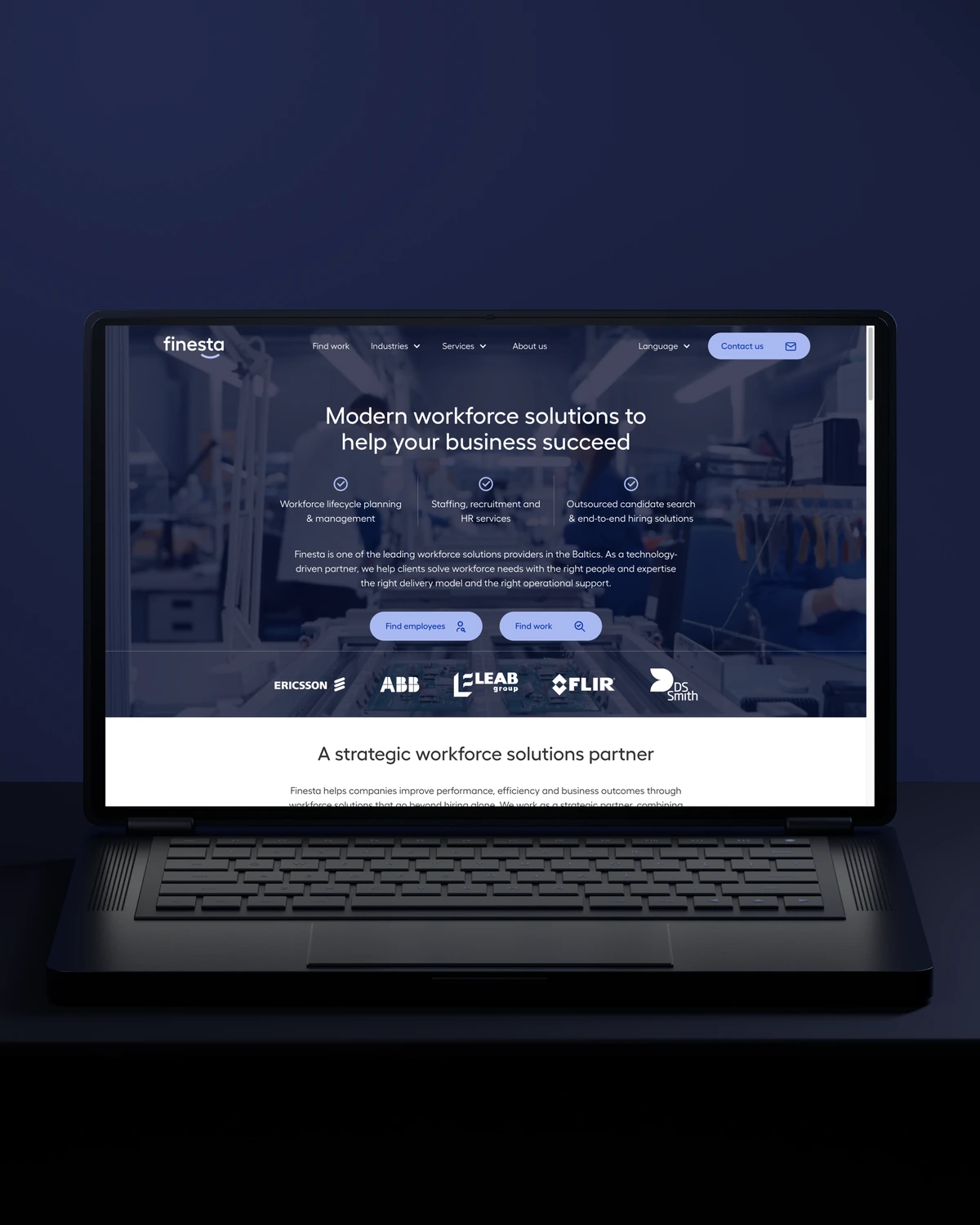
 Built to driveBetter talent connections.
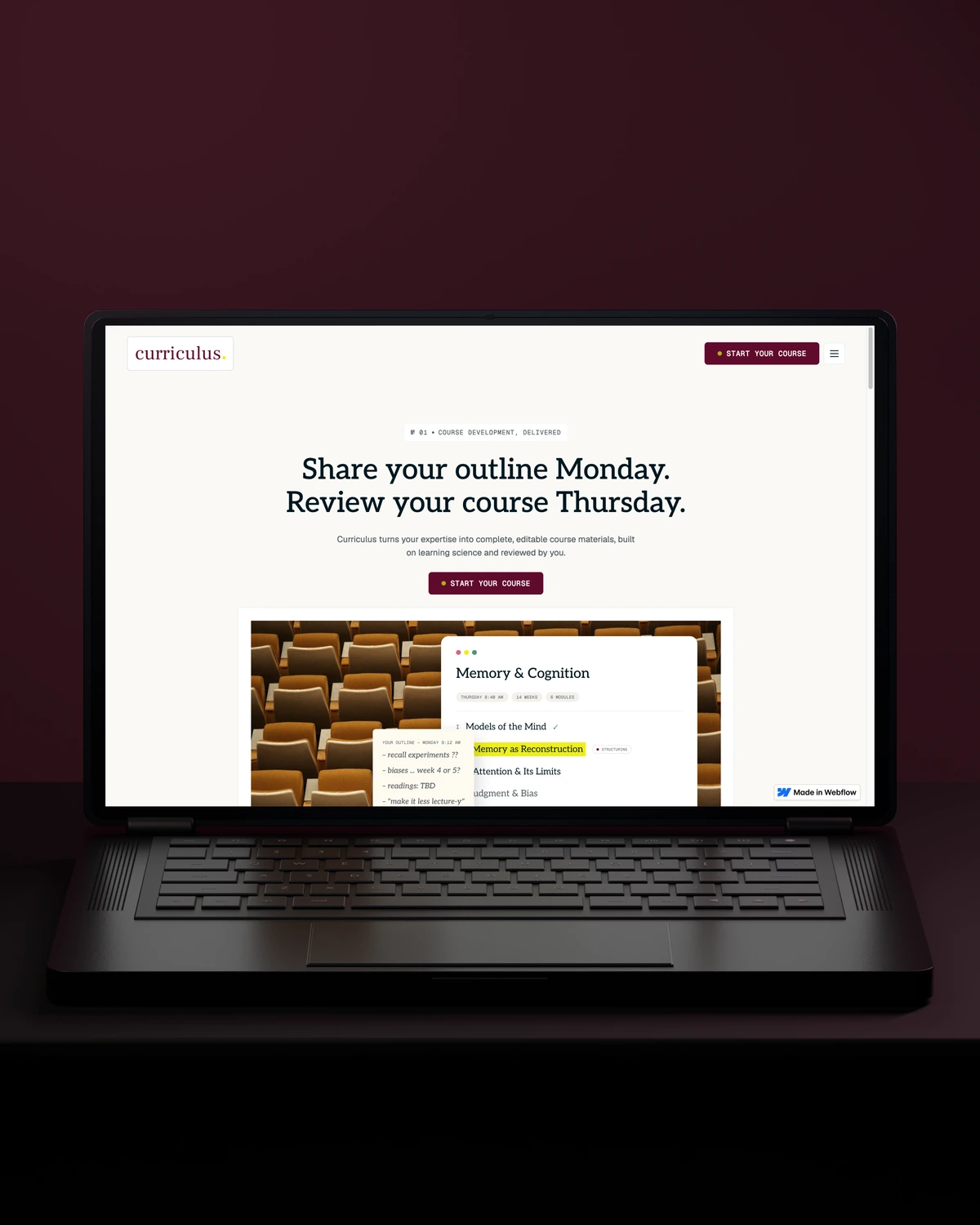
 Built to driveMore course creators.
Trusted across our practice
Independent reviews. Long-term working relationships.


“Stega Creative team not only understood our needs and vision for the websites, but they also came up with improvements.”
“After a website (re)launch, they are also always accessible and happy to help. I highly recommend everyone who is looking for a new and more stable website in Webflow, to work with Stega!”
“We’ve been working with Stega & Gabriel for the last two years. Cannot recommend them enough. They’re responsive, professional & an asset.”
A few things worth discussing before your Astro CMS integration takes shape.
Choose Sanity for an Astro site when your content is highly structured and you want custom editing screens. Choose Storyblok when editors want to build pages visually from blocks. Both give Astro live previews. Contentful and Payload are worth a look for larger or self-hosted setups.
Editors can preview drafts on an Astro site through a preview deployment that renders unpublished content from the CMS. Visual editing is possible with Sanity and Storyblok. We set previews up so reviewers see the real page layout before anything goes live.
A static Astro site rebuilds when content changes, usually triggered by a CMS webhook. Astro's server rendering can instead fetch content per request, with caching, so pages update without a full build. We choose the mode based on content volume and how quickly updates must appear.
Cost depends on the number of content types, preview requirements and whether we migrate existing content. CMS pricing varies widely by plan, so we compare options with you before choosing.
way.Your ambition. Our collective craft.
Strategy, design and technology, working as one.