



















Map every field
Source objects and fields mapped to HubSpot properties, with picklist values translated, retired fields listed and custom objects planned where your tier allows.


 4.9 / 5
HubSpot migration services for teams moving from Salesforce, Pipedrive, Zoho or spreadsheets. Properties mapped, duplicates merged, associations kept.
 HubSpotSolutions Partner
Selected work, in motion.
The digital experiences that start a customer relationship.A CRM move is the one chance to clean the data. Most teams skip it and import the problem.
What's included
HubSpot imports are unforgiving about structure. We map, clean and test before a single record goes live.
Source objects and fields mapped to HubSpot properties, with picklist values translated, retired fields listed and custom objects planned where your tier allows.
Contacts and companies matched on email, domain and fuzzy name rules, then merged by a keep-or-drop rule you approve in advance.
Test imports to a sandbox, with record counts, associations and sample records checked against the source before the final load.
Links between contacts, companies, deals and tickets preserved, with notes, emails and calls attached to the records they belong to.
Security, by consideration.
For your HubSpot project, we consider CRM records, workflow permissions, forms and connected applications as part of one connected build.
See our approachGitHub workflows, peer review and dependency checks bring decisions into the release process.
Certificate configuration, HTTPS and secure headers help protect the path between your users and your systems.
Scoped tool access, validated inputs and human approval where automated actions carry consequences.
You approve the mapping and the dedupe rules before anything is imported.
Export and profile the data, then agree the mapping and merge rules.
Load to a HubSpot sandbox and check counts, associations and samples.
Freeze the old CRM, run the delta and switch the team over.



 Built to driveMore meaningful demos.

 Built to driveBetter talent connections.

 Built to driveMore course creators.


 Built to driveMore product discovery.

 Built to driveMore sign-ups.


 Built to driveMore memberships.

 Built to driveBetter-qualified leads.

 Built to driveMore qualified candidates.



 Built to driveMore enquiries.

 Built to driveMore qualified demos.
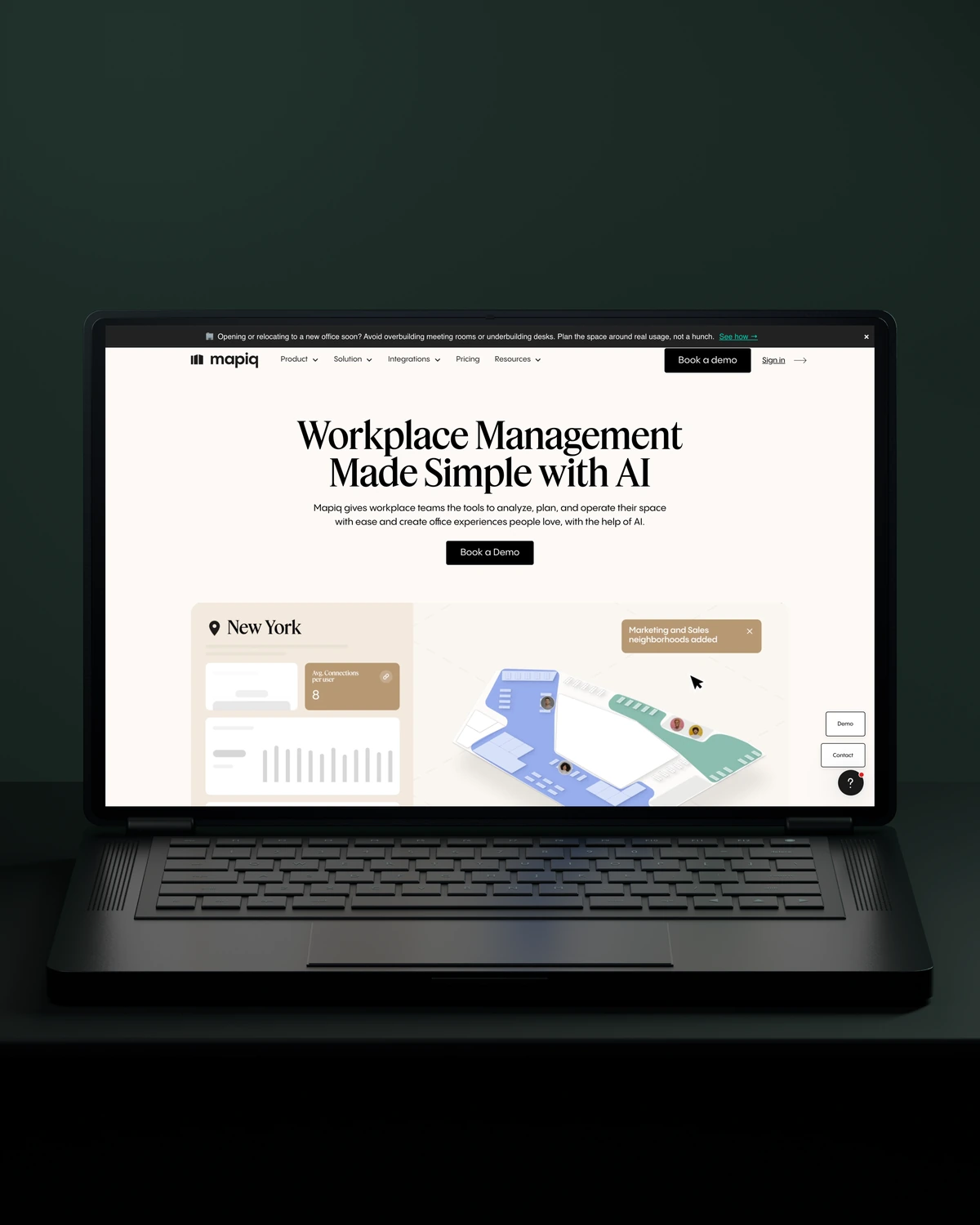
 Built to driveMore workplace demos.

 Built to driveMore business accounts.

 Built to driveMore free trials.

 Built to driveMore building owners.

 Built to driveMore free sign-ups.

 Private Villas MexicoBuilt to driveMore direct bookings.

 Built to driveMore committed players.



 Built to driveMore returning customers.
Trusted across our practice
Independent reviews. Long-term working relationships.


“After a website (re)launch, they are also always accessible and happy to help. I highly recommend everyone who is looking for a new and more stable website in Webflow, to work with Stega!”
“Stega Creative team not only understood our needs and vision for the websites, but they also came up with improvements.”
“We’ve been working with Stega & Gabriel for the last two years. Cannot recommend them enough. They’re responsive, professional & an asset.”
A few things worth discussing before your HubSpot migration takes shape.
A Salesforce to HubSpot migration maps Salesforce objects and fields to HubSpot properties, cleans duplicates, then imports records with their associations and activity history. We test in a HubSpot sandbox first. Workflows, reports and Apex logic do not transfer, so we rebuild the ones you still need.
Duplicates are merged before a HubSpot migration, not after. We match contacts on email and companies on domain, flag fuzzy matches for review and agree which record wins. HubSpot deduplicates some records on import, but it will not merge the variations your old CRM built up.
Data quality matters more than record volume: a large, clean CRM moves faster than a small, messy one. Activity history and custom objects add time, and so does a sandbox test round before the final load.
Spreadsheets migrate into HubSpot like any other source, usually with more cleaning. We merge the sheets, standardise company names, countries and stages, then import them as linked contacts, companies and deals. A spreadsheet move is a good moment to design the HubSpot pipeline properly.
way.Your ambition. Our collective craft.
Strategy, design and technology, working as one.