























Discover the process
Interviews and system reviews that map each handoff between marketing, sales and service, with volumes, so we automate the right steps first.


 4.9 / 5
Salesforce workflow automation for work that crosses systems: website, marketing platform, Salesforce and service tools, with exceptions caught rather than ignored.
 SalesforcePartner
Selected work, in motion.
The experiences at the front of a connected customer journey.The slowest steps in most sales processes happen between systems, where no single tool owns the work.
What's included
We automate the handoffs between Salesforce and the tools next to it, starting with the ones your team complains about.
Interviews and system reviews that map each handoff between marketing, sales and service, with volumes, so we automate the right steps first.
Salesforce Flow, Platform Events and integration middleware connecting Salesforce to your website, marketing platform, billing and support tools.
Failed or ambiguous records routed to a queue with a reason, an alert and a clear owner, instead of vanishing into a log.
Each automation described in plain language with its trigger, systems and owner, so your admin can change it later with confidence.
Security, by consideration.
For your Salesforce project, we consider customer records, permission sets, automation and external integrations as part of one connected build.
See our approachGitHub workflows, peer review and dependency checks bring decisions into the release process.
Certificate configuration, HTTPS and secure headers help protect the path between your users and your systems.
Scoped tool access, validated inputs and human approval where automated actions carry consequences.
We start with the handoffs your team spends the most time on.
Map handoffs, volumes and failure points across systems.
Flows and integrations built and tested in a sandbox.
Launch with exception handling, alerts and documentation.



 Built to driveMore sign-ups.


 Built to driveMore memberships.


 Built to driveBetter-qualified leads.
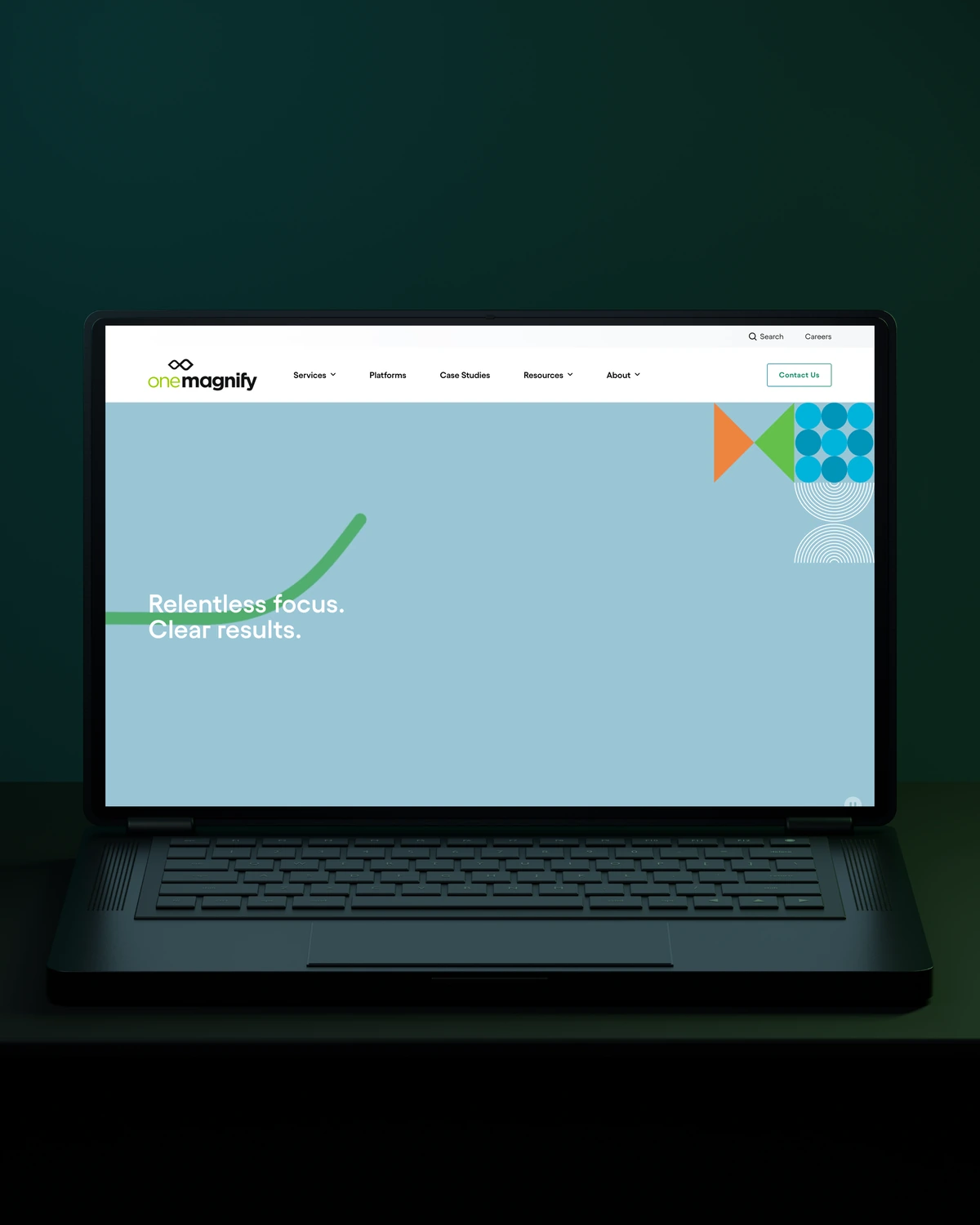
 Built to driveMore qualified candidates.



 Built to driveMore enquiries.

 Built to driveMore qualified demos.
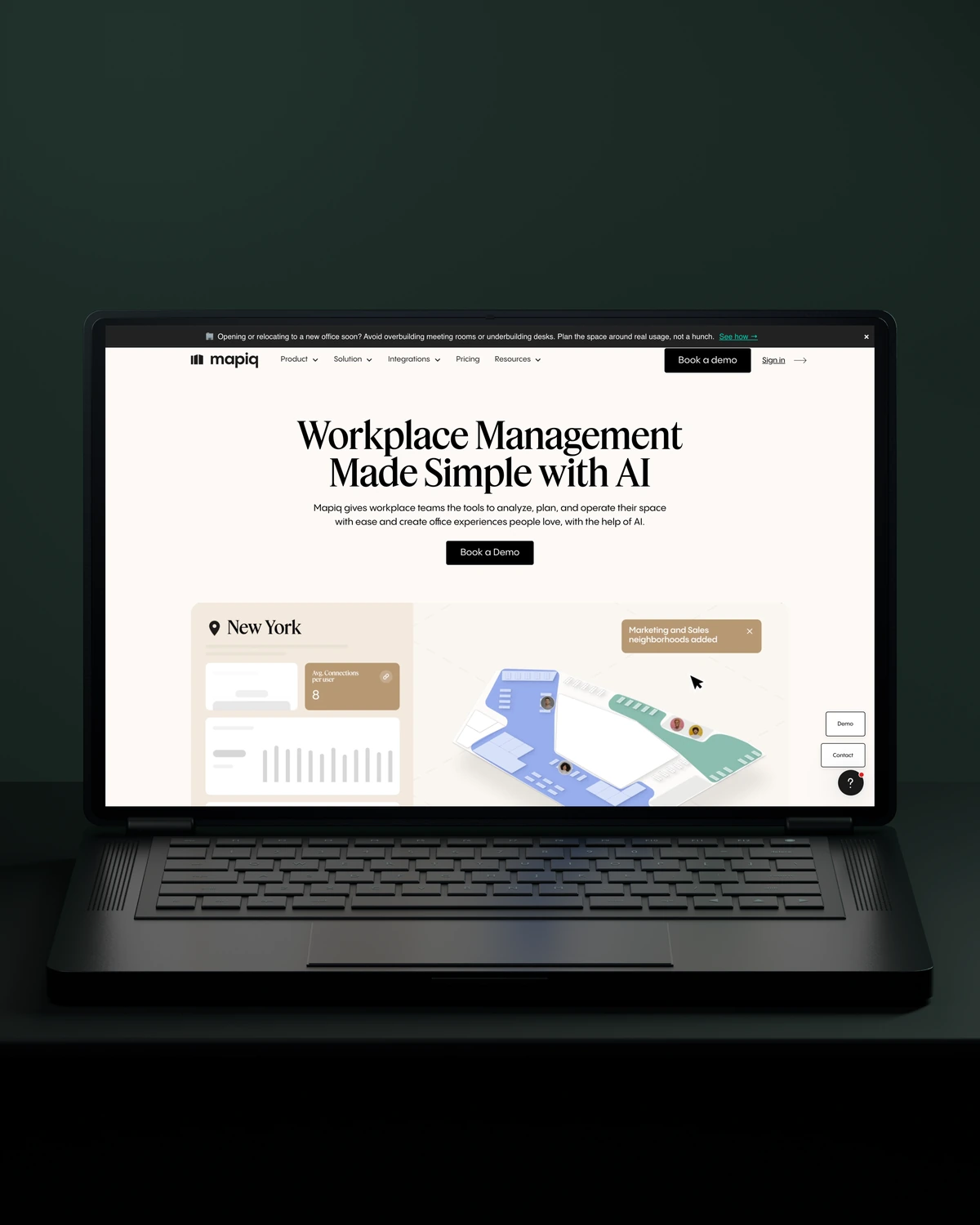
 Built to driveMore workplace demos.

 Built to driveMore business accounts.

 Built to driveMore free trials.

 Built to driveMore building owners.
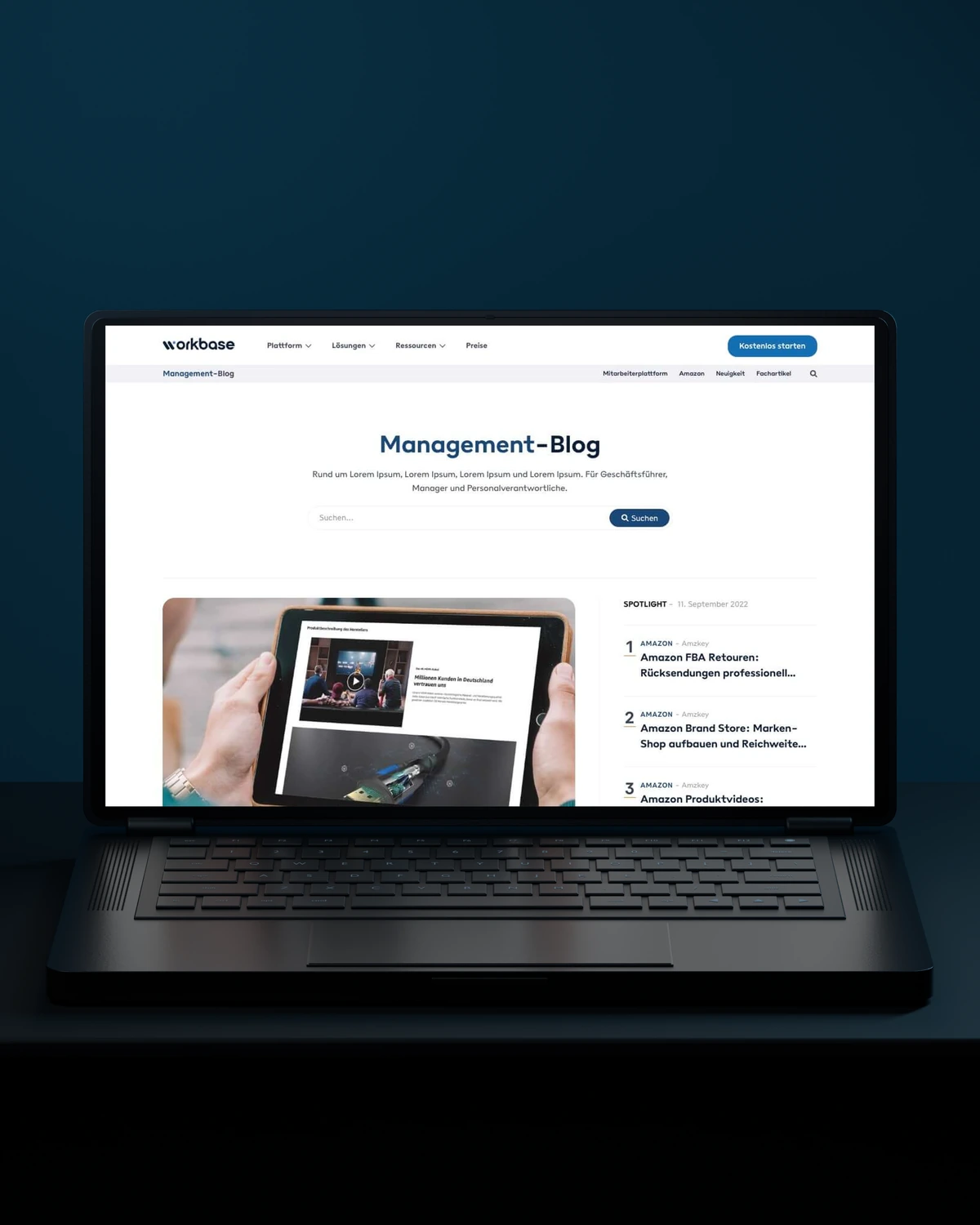
 Built to driveMore free sign-ups.

 Private Villas MexicoBuilt to driveMore direct bookings.

 Built to driveMore committed players.
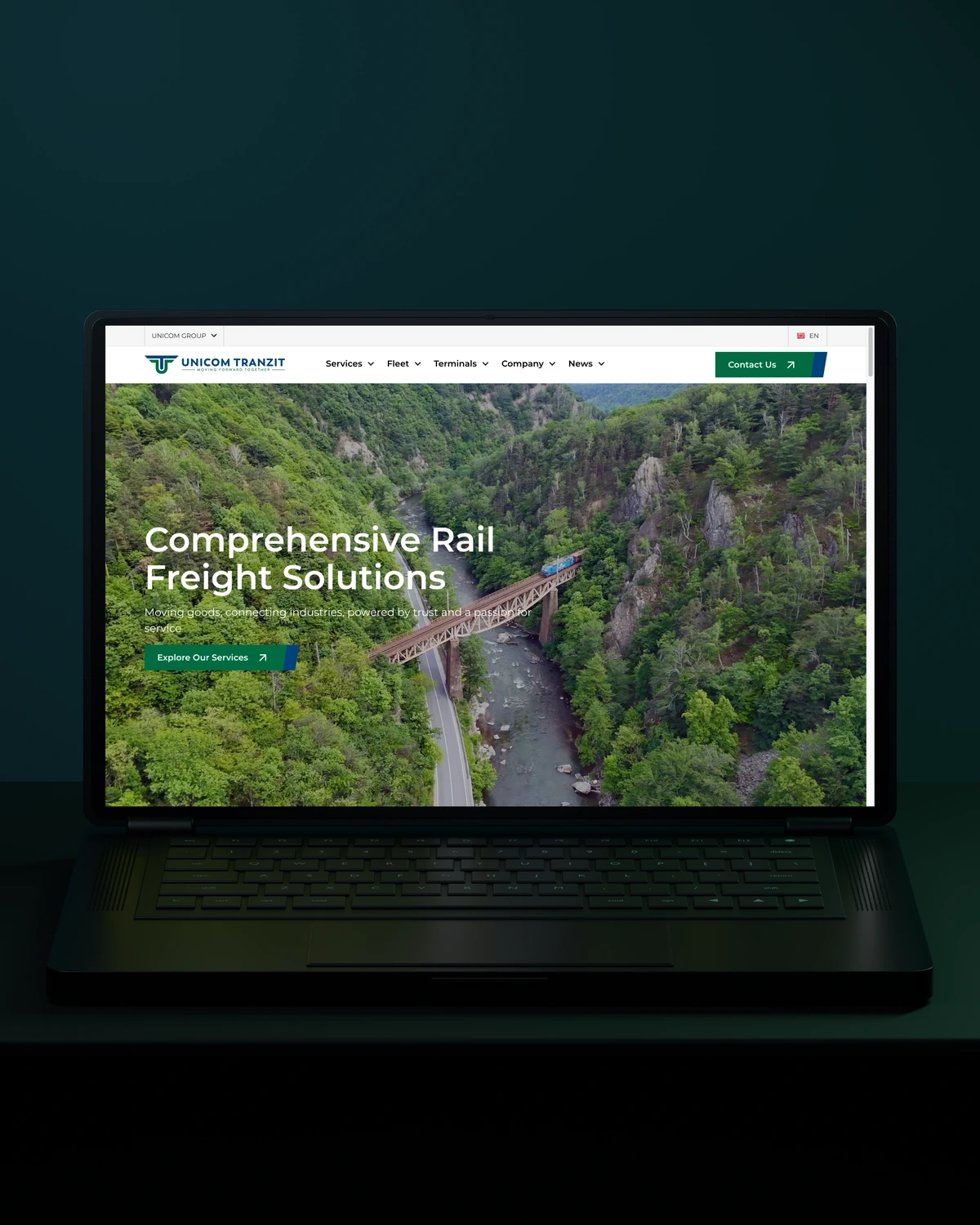


 Built to driveMore returning customers.
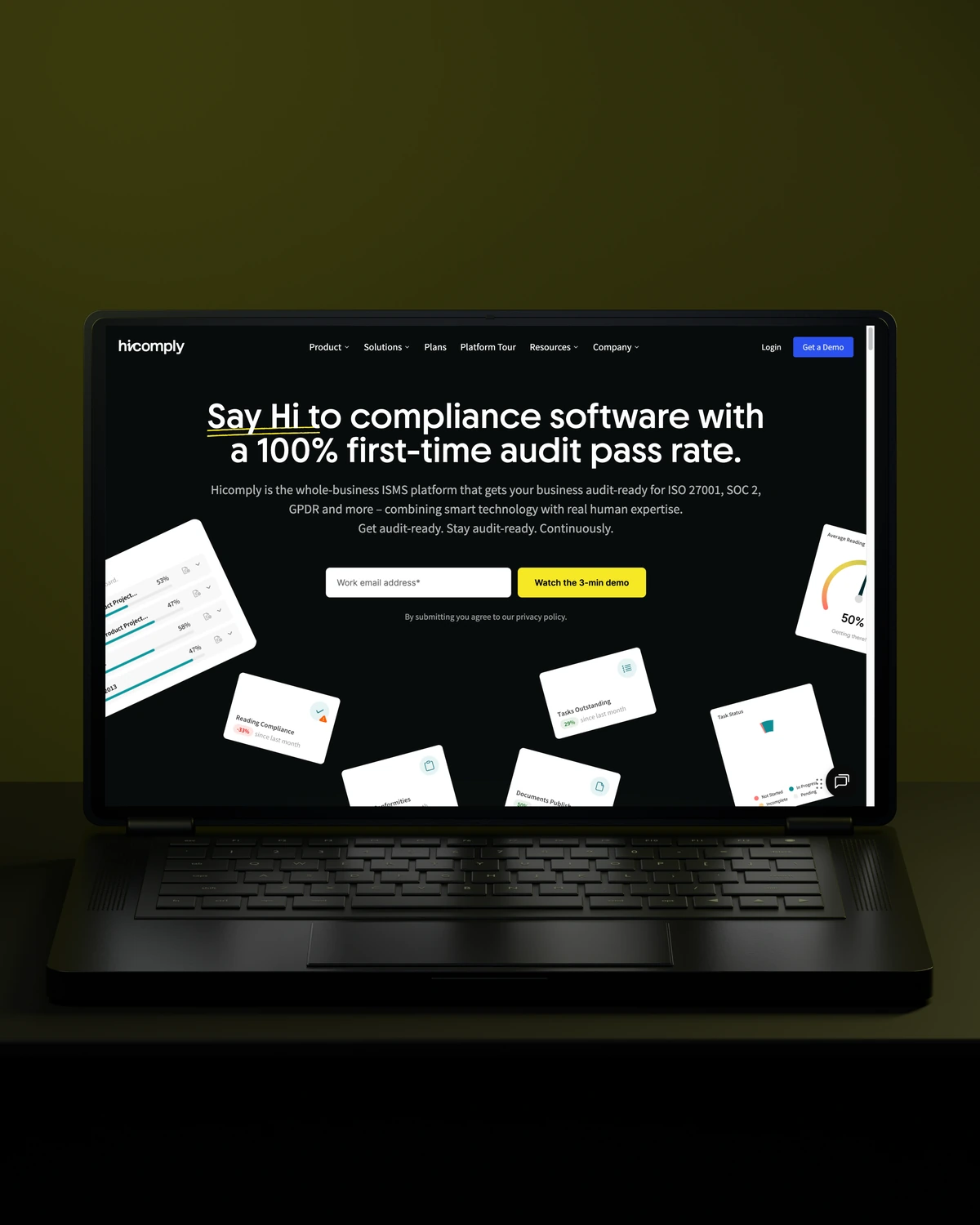
 Built to driveMore meaningful demos.
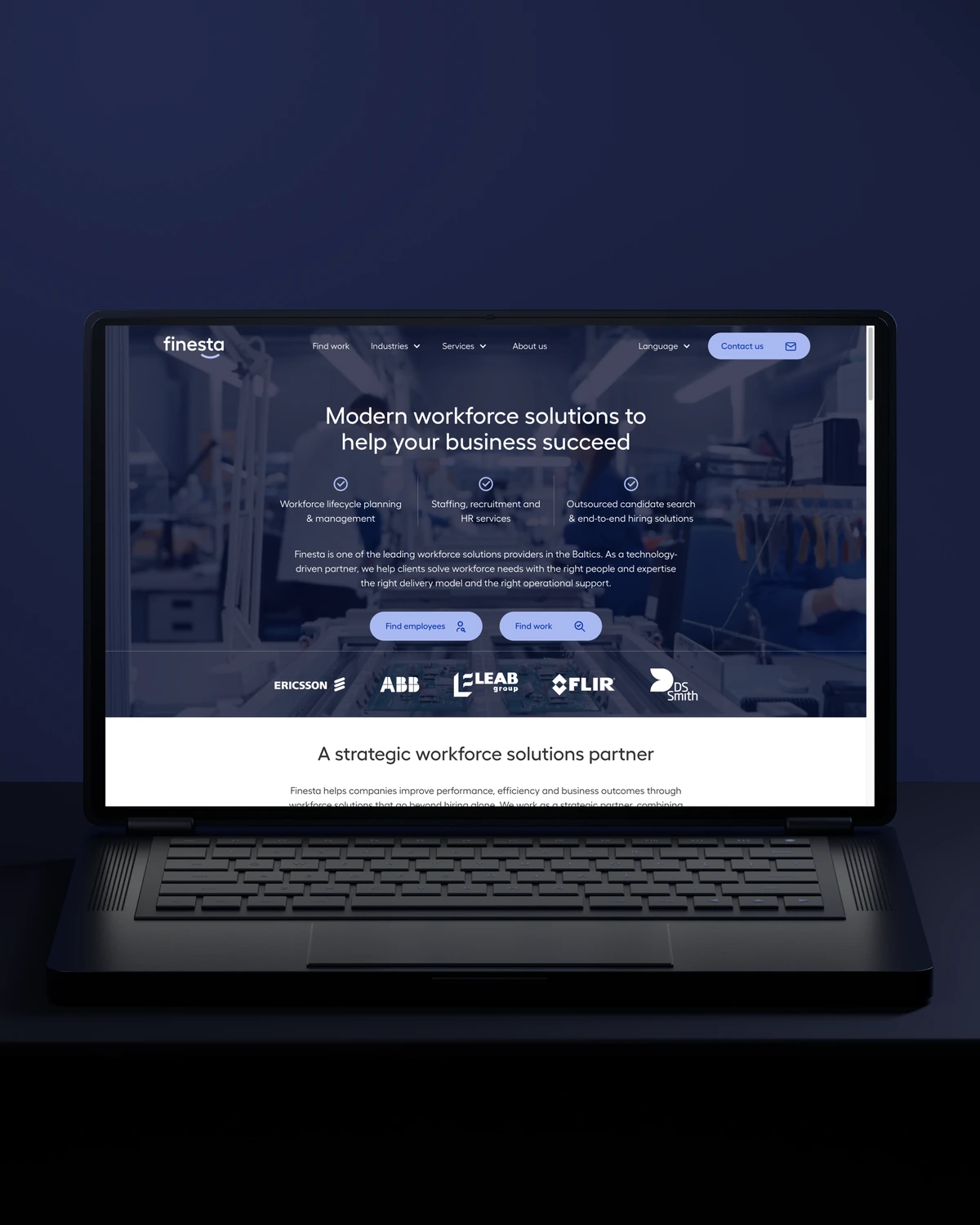
 Built to driveBetter talent connections.

 Built to driveMore course creators.
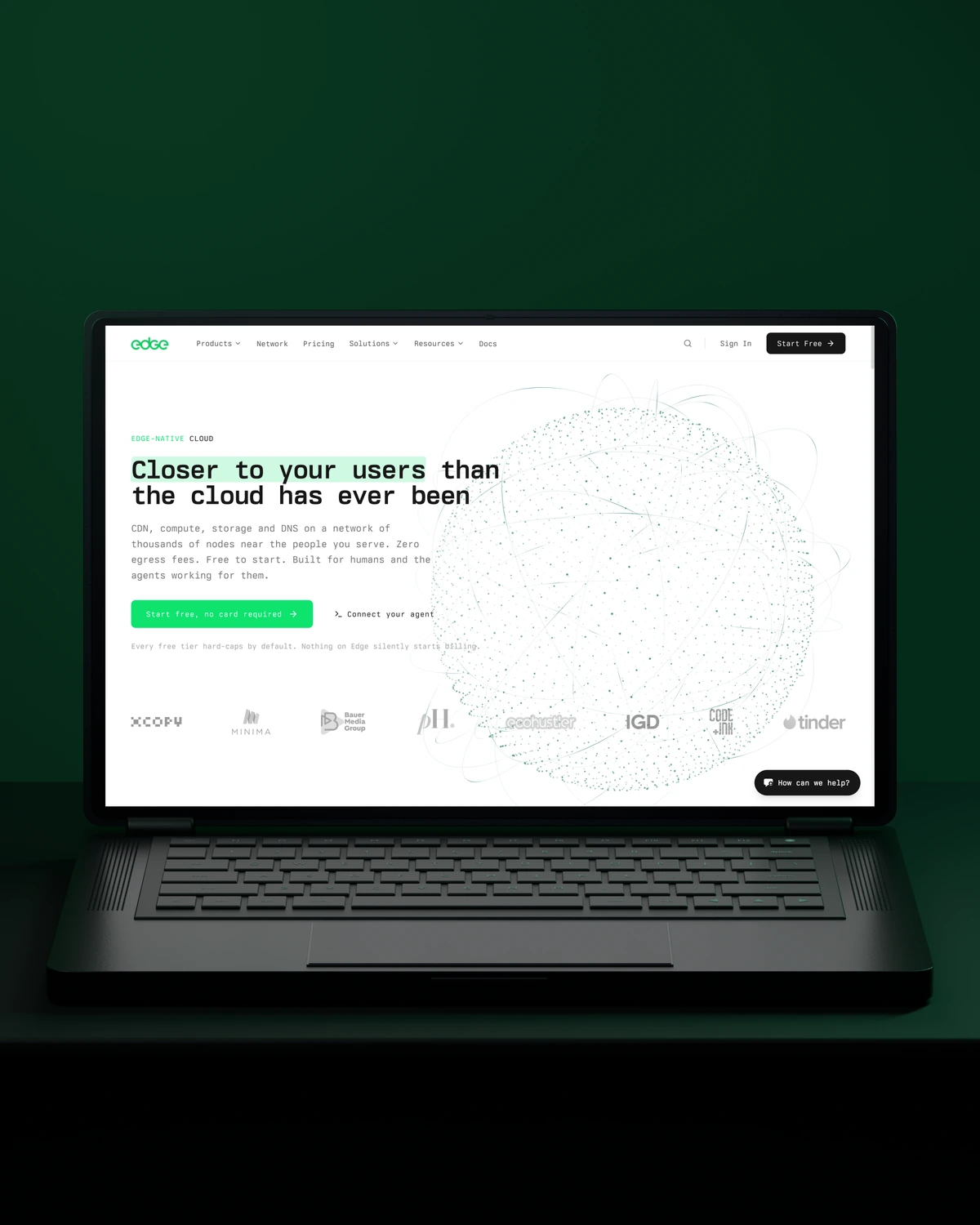
 Built to driveMore product discovery.
Trusted across our practice
Independent reviews. Long-term working relationships.


“After a website (re)launch, they are also always accessible and happy to help. I highly recommend everyone who is looking for a new and more stable website in Webflow, to work with Stega!”
“Stega Creative team not only understood our needs and vision for the websites, but they also came up with improvements.”
“We’ve been working with Stega & Gabriel for the last two years. Cannot recommend them enough. They’re responsive, professional & an asset.”
A few things worth discussing before your Salesforce automation takes shape.
Salesforce Flow automates work inside Salesforce, such as updating records or creating tasks. An integration platform such as MuleSoft, Workato or Make moves data between Salesforce and other systems. Most cross-system automation uses both: Flow for internal steps, middleware for everything outside Salesforce.
Salesforce hands leads from marketing to sales automatically once lead status, scoring and assignment rules are in place. Your marketing platform scores the lead, Salesforce assigns it and creates a task for the rep. We agree the handoff criteria with both teams before building.
Use Salesforce Flow for most automation, because admins can read and change it without code. Apex is the better choice for complex logic, large data volumes or integrations that Flow cannot handle cleanly. We default to Flow and document the reason whenever we choose Apex instead.
Cost depends on how many systems are involved, the volume of records and how much exception handling each flow needs. We price after discovery, once the handoffs and their failure points are mapped.
way.Your ambition. Our collective craft.
Strategy, design and technology, working as one.