





















Connect forms to your CRM
Gravity Forms or native forms feeding HubSpot, Salesforce or Pipedrive, with UTM, page and consent data attached to every lead.


 4.9 / 5
WordPress integrations that connect forms, content and customer systems through maintained code instead of a stack of single-purpose plugins.
Selected work, in motion.
A glimpse of the design and detail behind our websites.When WordPress is connected by copy and paste, leads go missing and data goes stale.
What's included
We connect WordPress to the systems around it with code your team can see, test and maintain.
Gravity Forms or native forms feeding HubSpot, Salesforce or Pipedrive, with UTM, page and consent data attached to every lead.
Inventory, events, jobs or pricing pulled from your systems through custom endpoints, cached so pages stay fast when the API is slow.
Webhooks, scheduled imports and publishing triggers that remove repeated manual work from your editors' week.
The WordPress REST API or WPGraphQL set up so apps, kiosks or a headless frontend can read your content securely.
Security, by consideration.
For your WordPress project, we consider editor access, plugins, form submissions and ongoing updates as part of one connected build.
See our approachGitHub workflows, peer review and dependency checks bring decisions into the release process.
Certificate configuration, HTTPS and secure headers help protect the path between your users and your systems.
Scoped tool access, validated inputs and human approval where automated actions carry consequences.
Every integration comes with logging, so failures are visible before they cost you.
Which system owns which data, what moves when, and what happens when a call fails.
Integrations written as a maintained plugin and tested on staging with real accounts.
Go live with logging and alerts, plus a guide for your team.



 Built to driveMore sign-ups.


 Built to driveMore memberships.
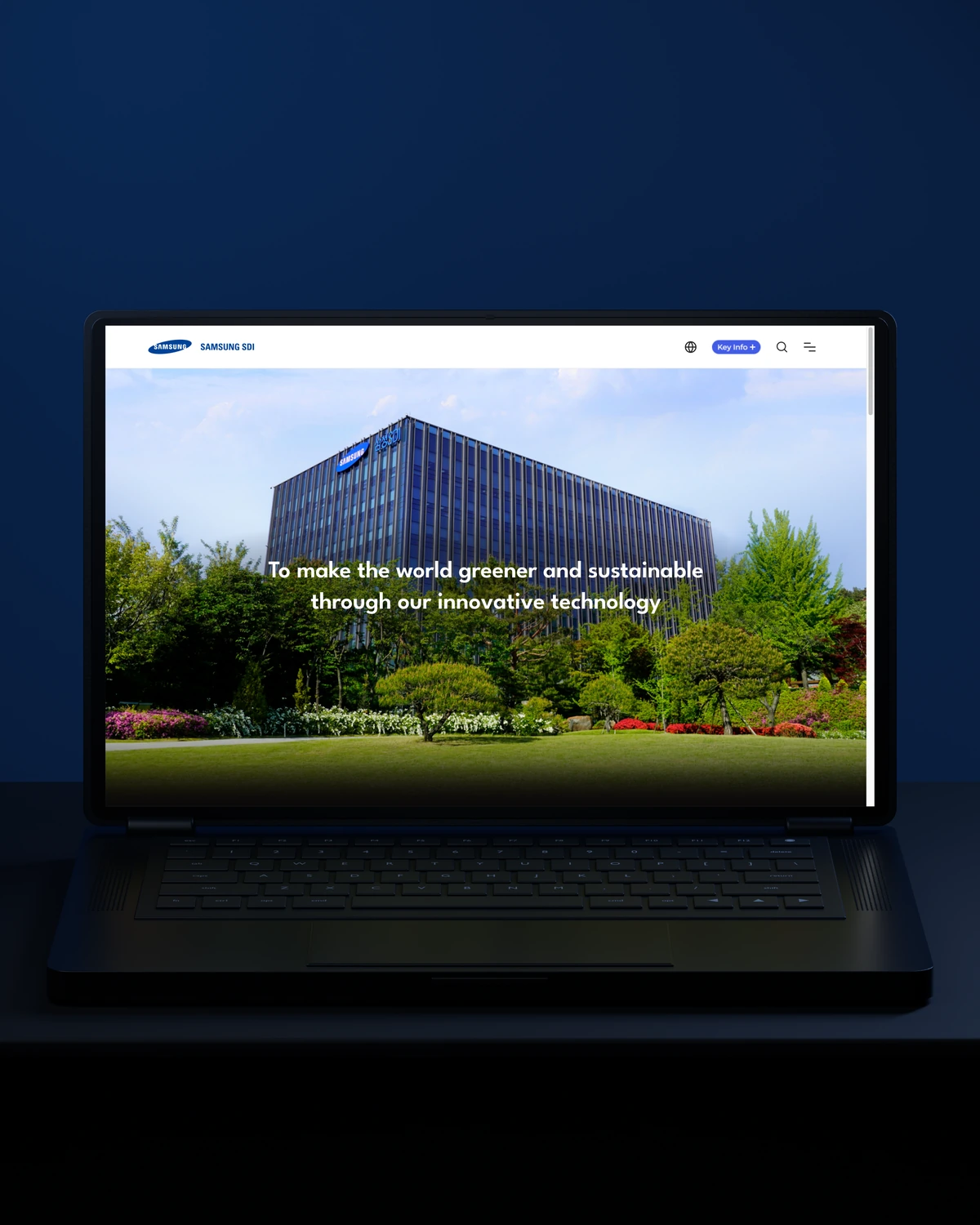

 Built to driveBetter-qualified leads.
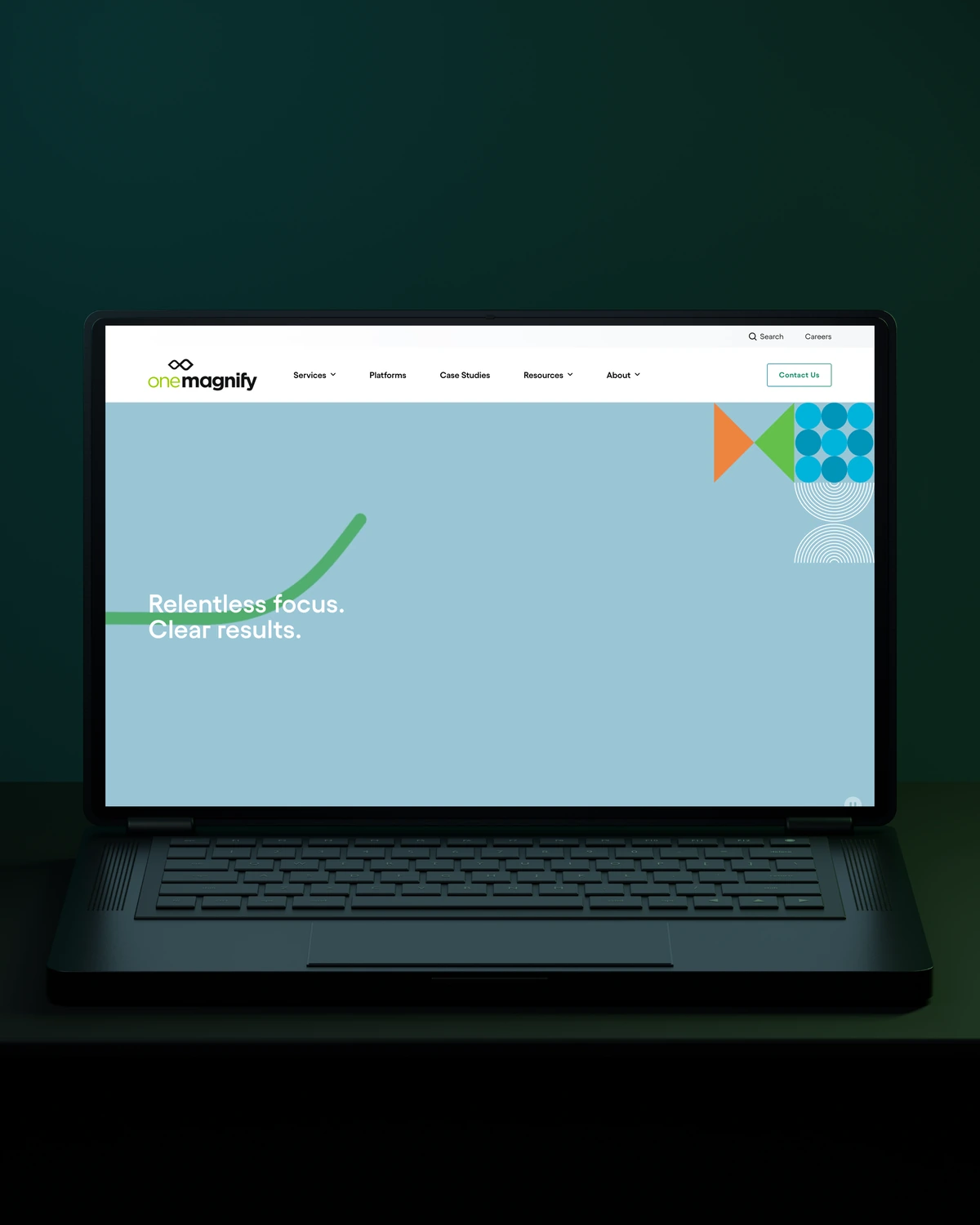
 Built to driveMore qualified candidates.



 Built to driveMore enquiries.

 Built to driveMore qualified demos.
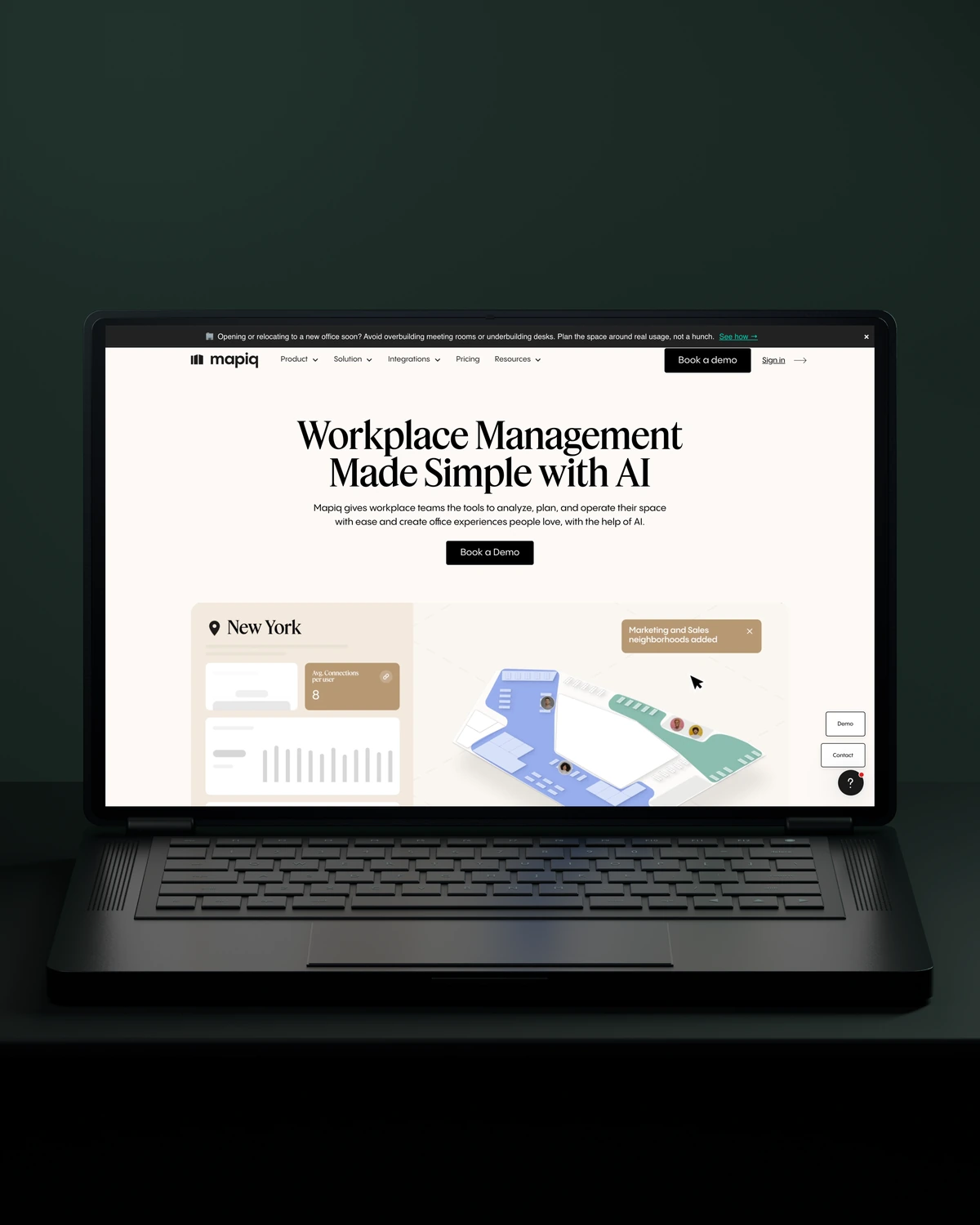
 Built to driveMore workplace demos.
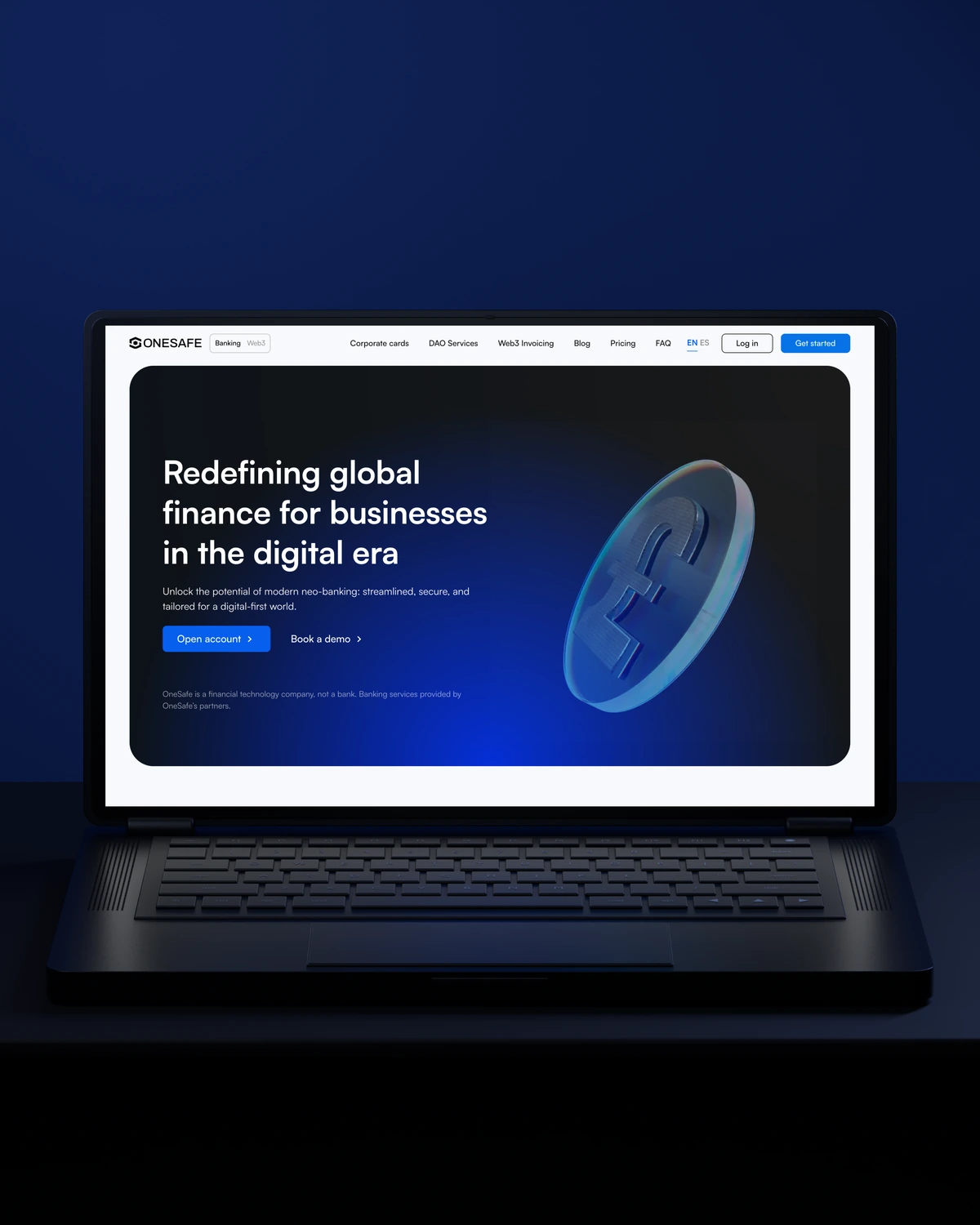
 Built to driveMore business accounts.

 Built to driveMore free trials.

 Built to driveMore building owners.
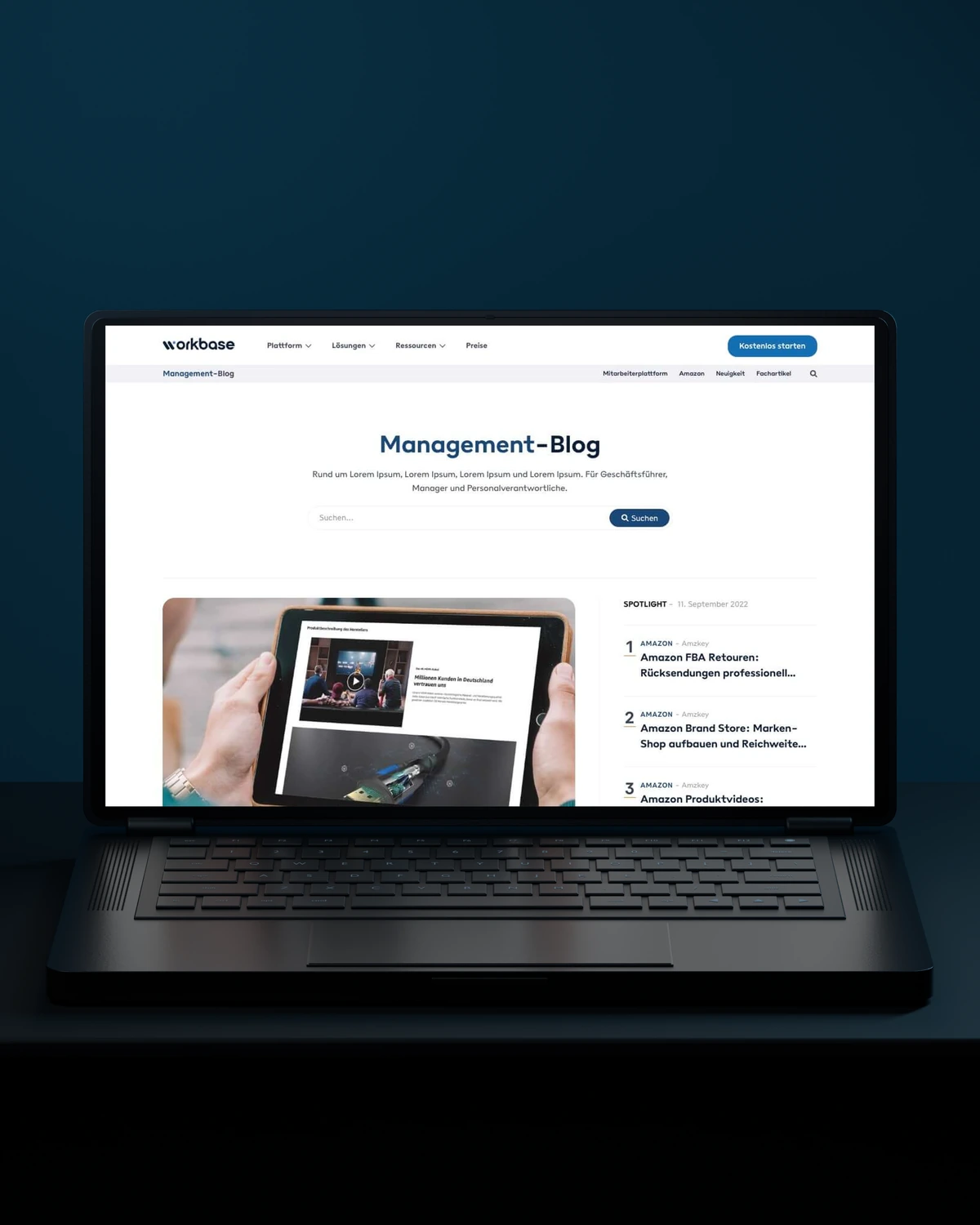
 Built to driveMore free sign-ups.

 Private Villas MexicoBuilt to driveMore direct bookings.

 Built to driveMore committed players.
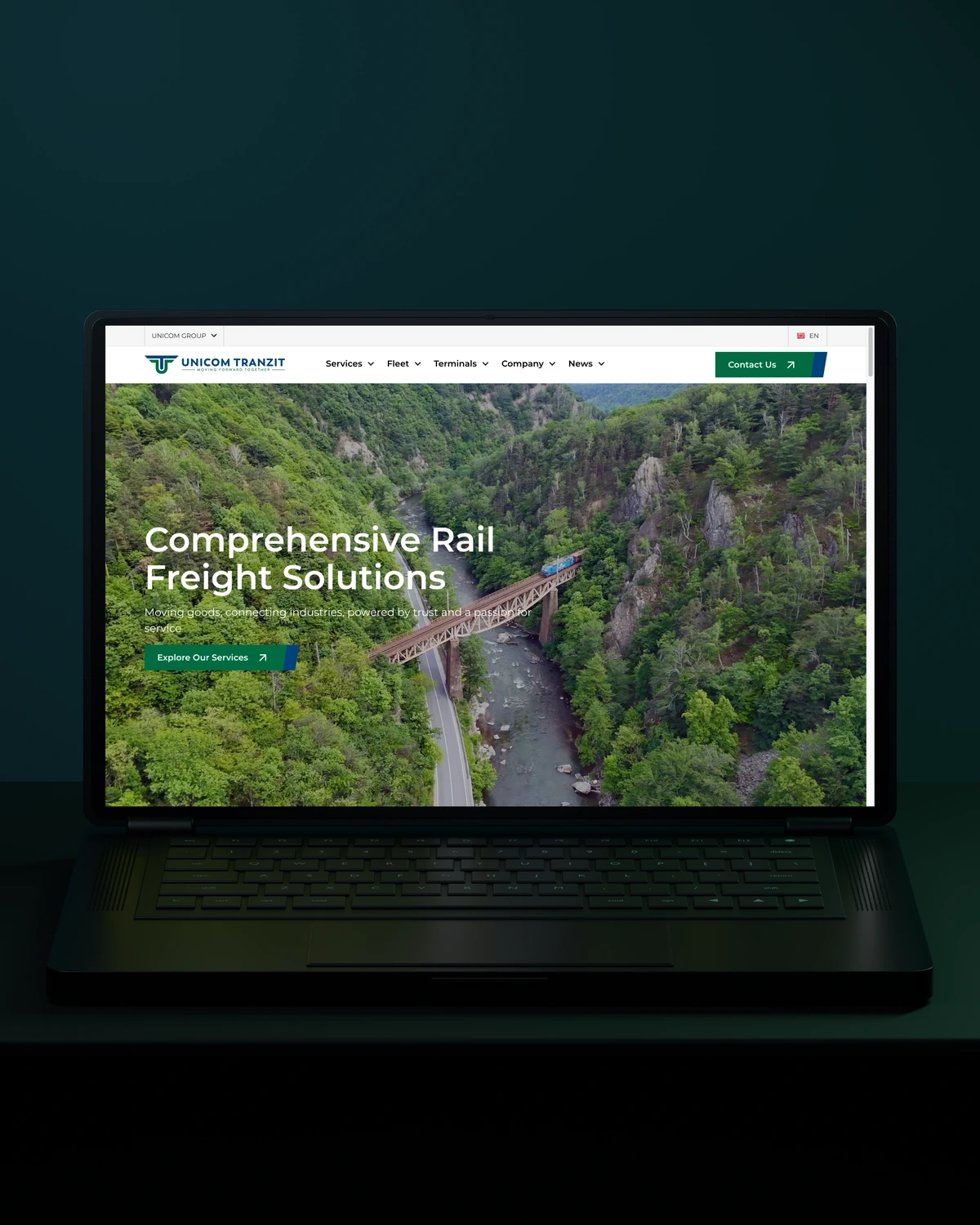


 Built to driveMore returning customers.

 Built to driveMore meaningful demos.

 Built to driveBetter talent connections.

 Built to driveMore course creators.
 Built to driveMore product discovery.
Trusted across our practice
Independent reviews. Long-term working relationships.


“Stega Creative team not only understood our needs and vision for the websites, but they also came up with improvements.”
“After a website (re)launch, they are also always accessible and happy to help. I highly recommend everyone who is looking for a new and more stable website in Webflow, to work with Stega!”
“We’ve been working with Stega & Gabriel for the last two years. Cannot recommend them enough. They’re responsive, professional & an asset.”
A few things worth discussing before your WordPress integrations takes shape.
WordPress forms connect to HubSpot through the HubSpot plugin, a form plugin add-on or a direct API integration. We use the API route when you need custom fields, consent records or routing logic, because it gives full control over what reaches the contact record and how failures are handled.
WordPress can integrate with Salesforce to create leads, update records and pull data onto the site. We build the connection through Salesforce's API with field mapping, deduplication rules and logging, so every web lead arrives with its source and nothing is lost when Salesforce rejects a record.
A plugin is better for WordPress integrations when a maintained, well-supported one does exactly what you need. Custom code is better for specific field mapping, several connected systems or reliable error handling. Many sites end up with both: a few trusted plugins plus one custom integration plugin.
A form-to-CRM connection sits at the low end. Two-way syncs, external APIs with caching or several connected systems cost more. We scope each integration after checking the APIs involved and what should happen when they fail.
way.Your ambition. Our collective craft.
Strategy, design and technology, working as one.