









A broad workplace platform, explained one job at a time.
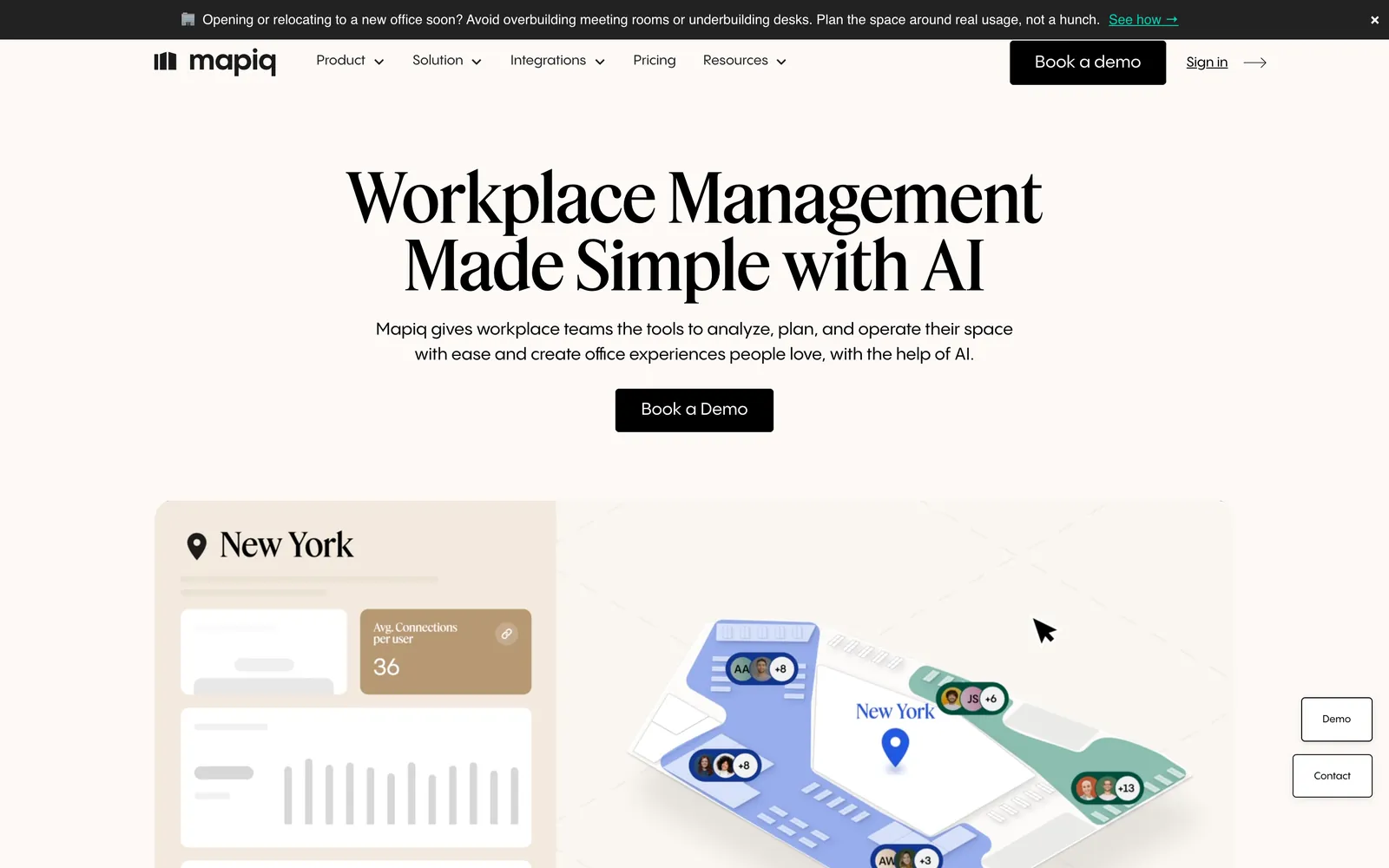
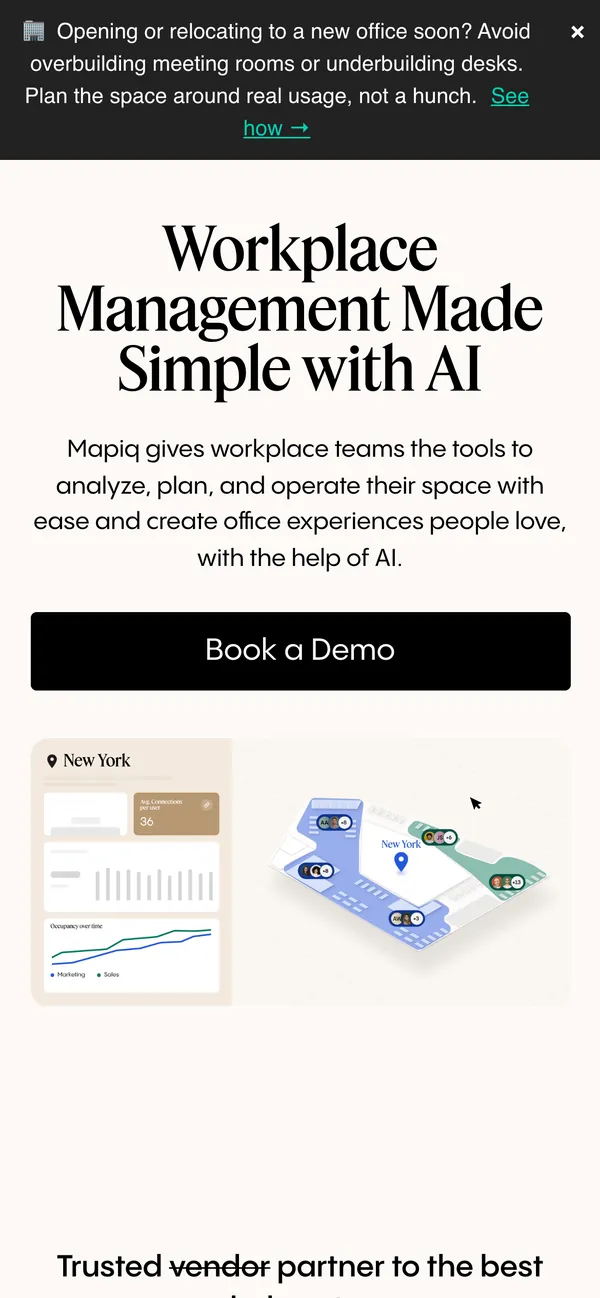
Mapiq's product handles desk and room booking, visitors, catering and space reports. We built a Webflow site that splits it by the work each team does and points every page at a demo.
- Client
- Mapiq
- Sector
- Workplace management software
- What we did
- Web design, Webflow development, Information architecture, Conversion design
- Built to drive
- More workplace demos.
- Live site
- mapiq.com
The problem
One platform, several buyers, and a lot to explain.
Mapiq sells to the people who analyse office space, the people who plan it and the people who run it day to day. Each group cares about a different part of the product. A single long product story would make all of them dig for the part that matters, and the demo request would get lost on the way.
- A product that spans planning, employee experience and operations.
- Different buyers inside one company, each looking for a different answer.
- A demo request that had to stay easy to find from any page.
The solution
Organise the site around the work each team does.
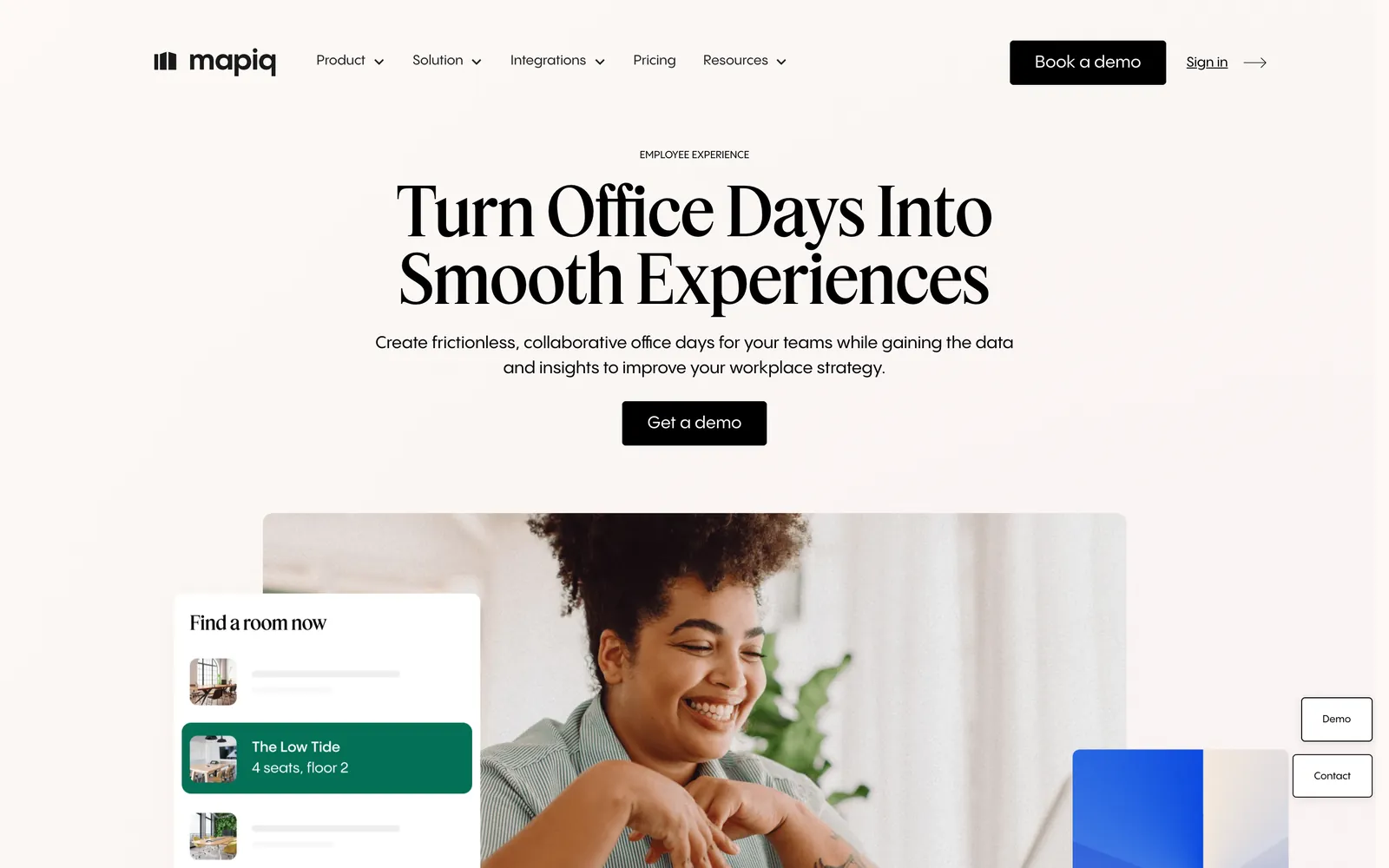
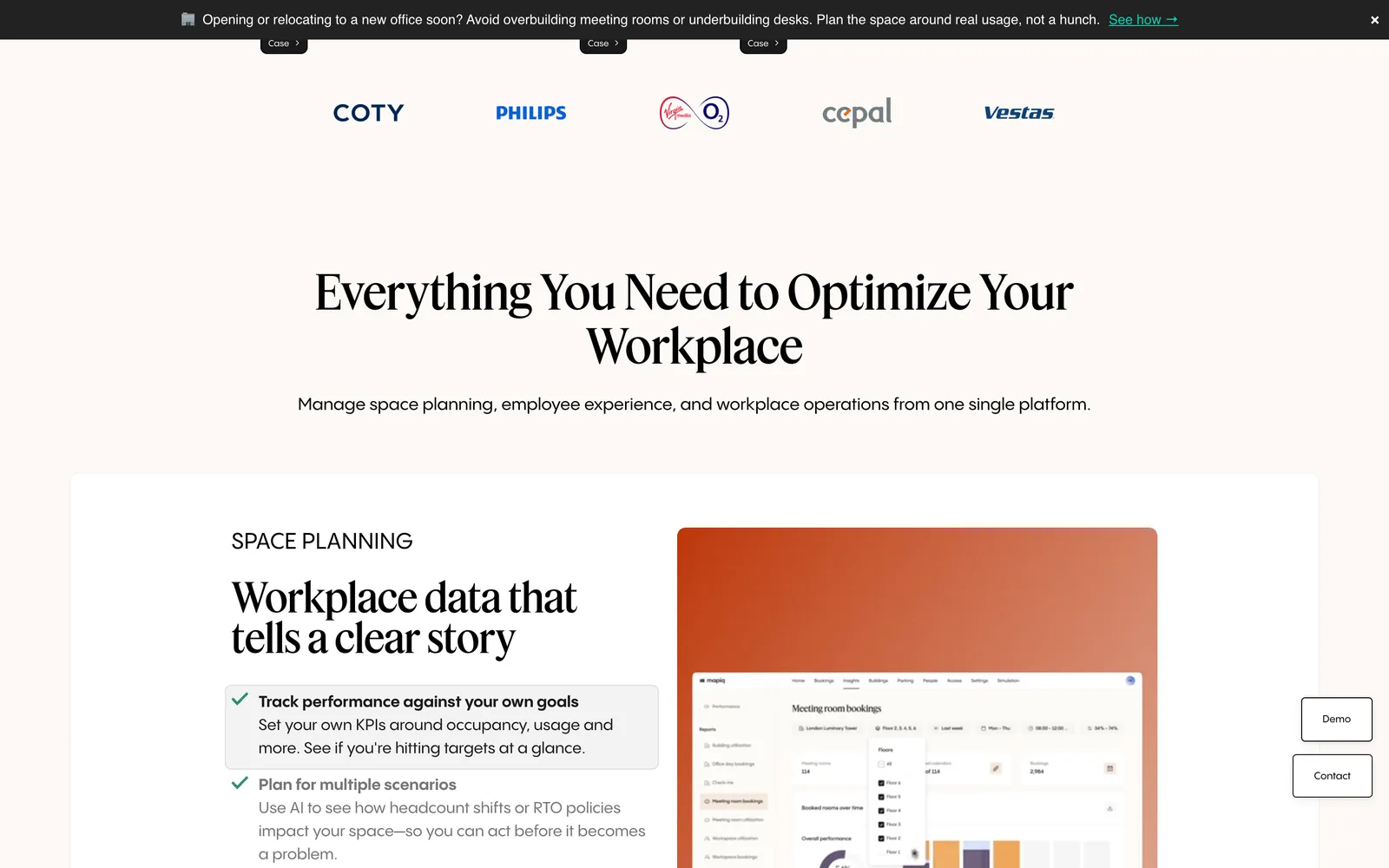
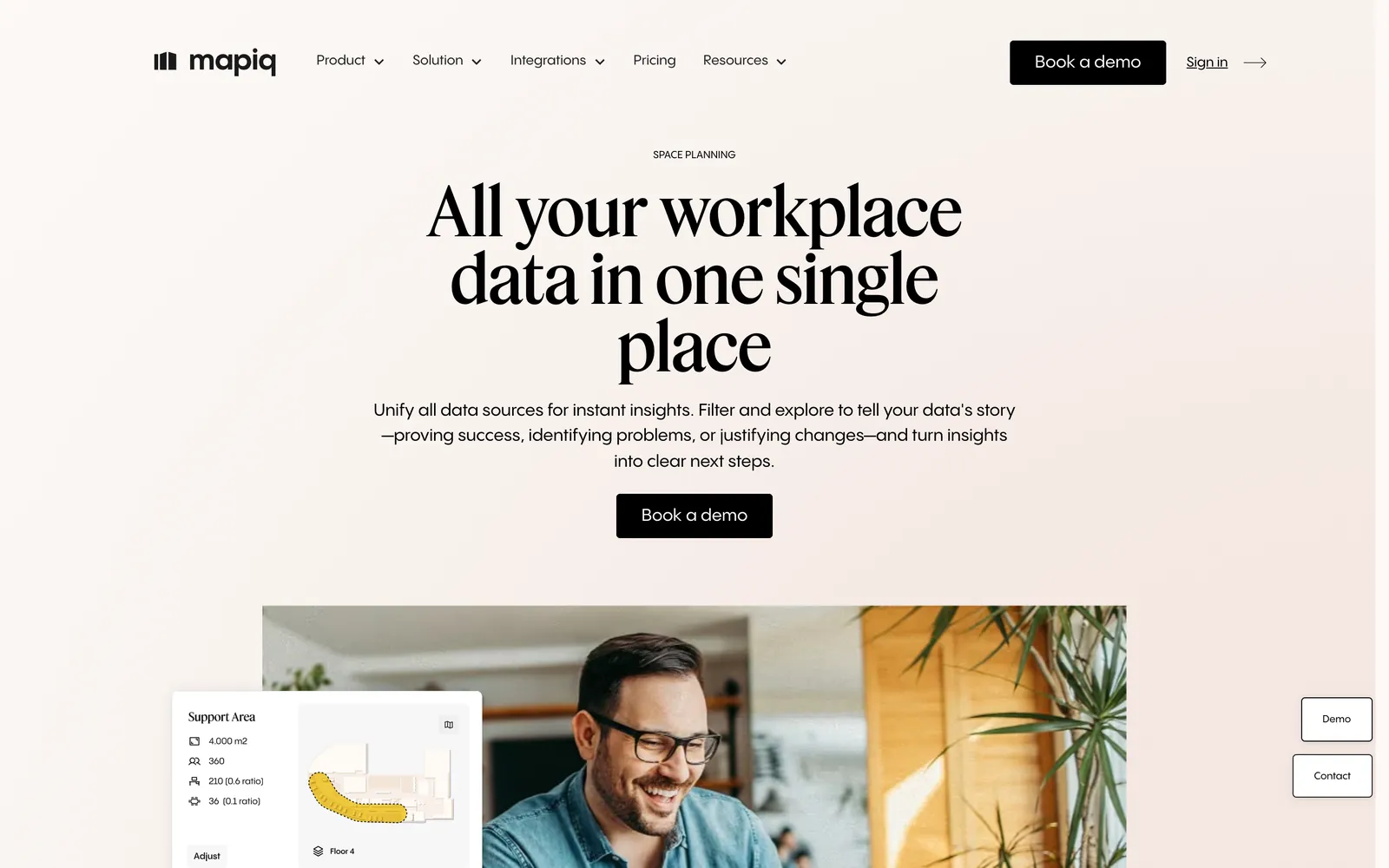
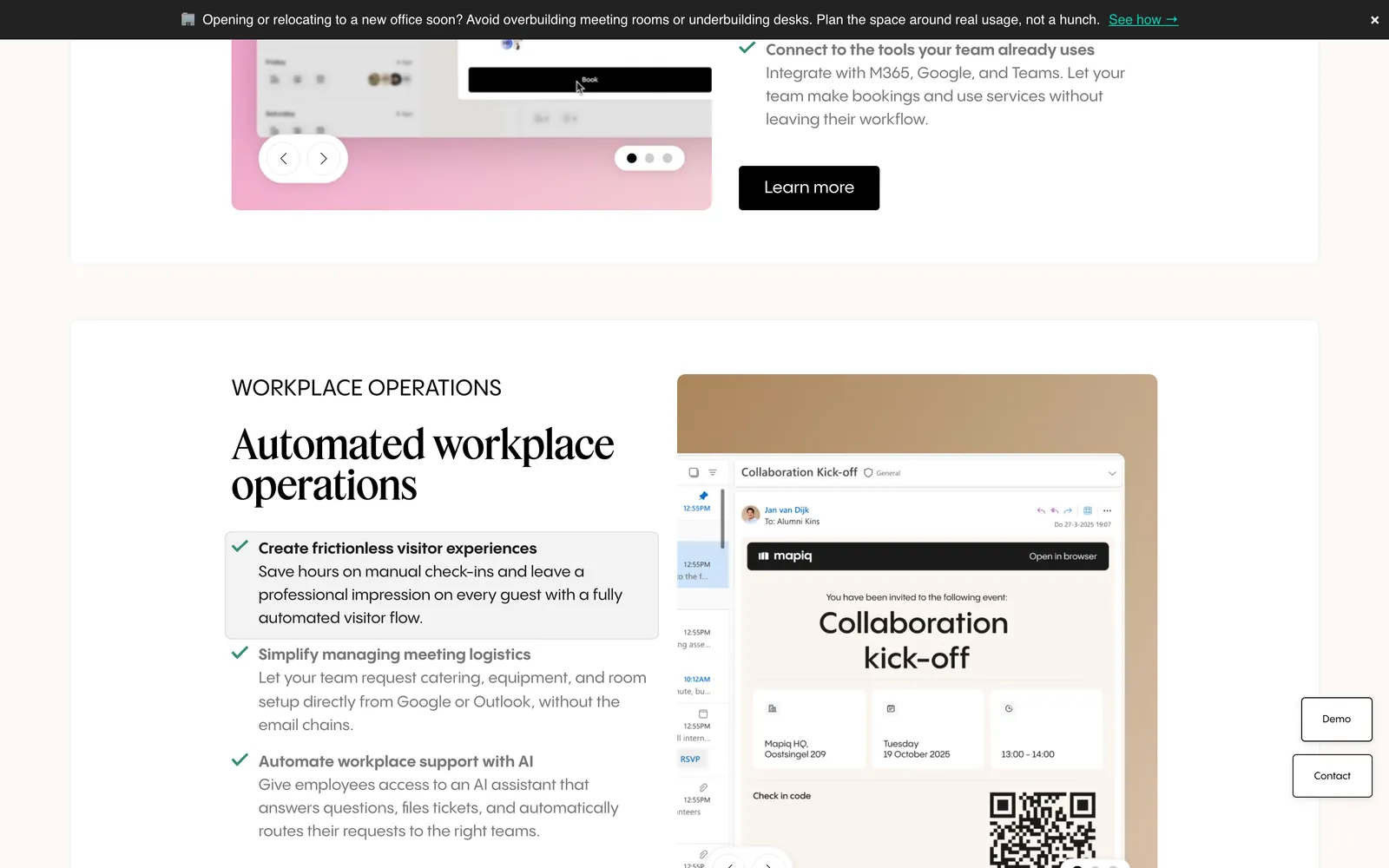
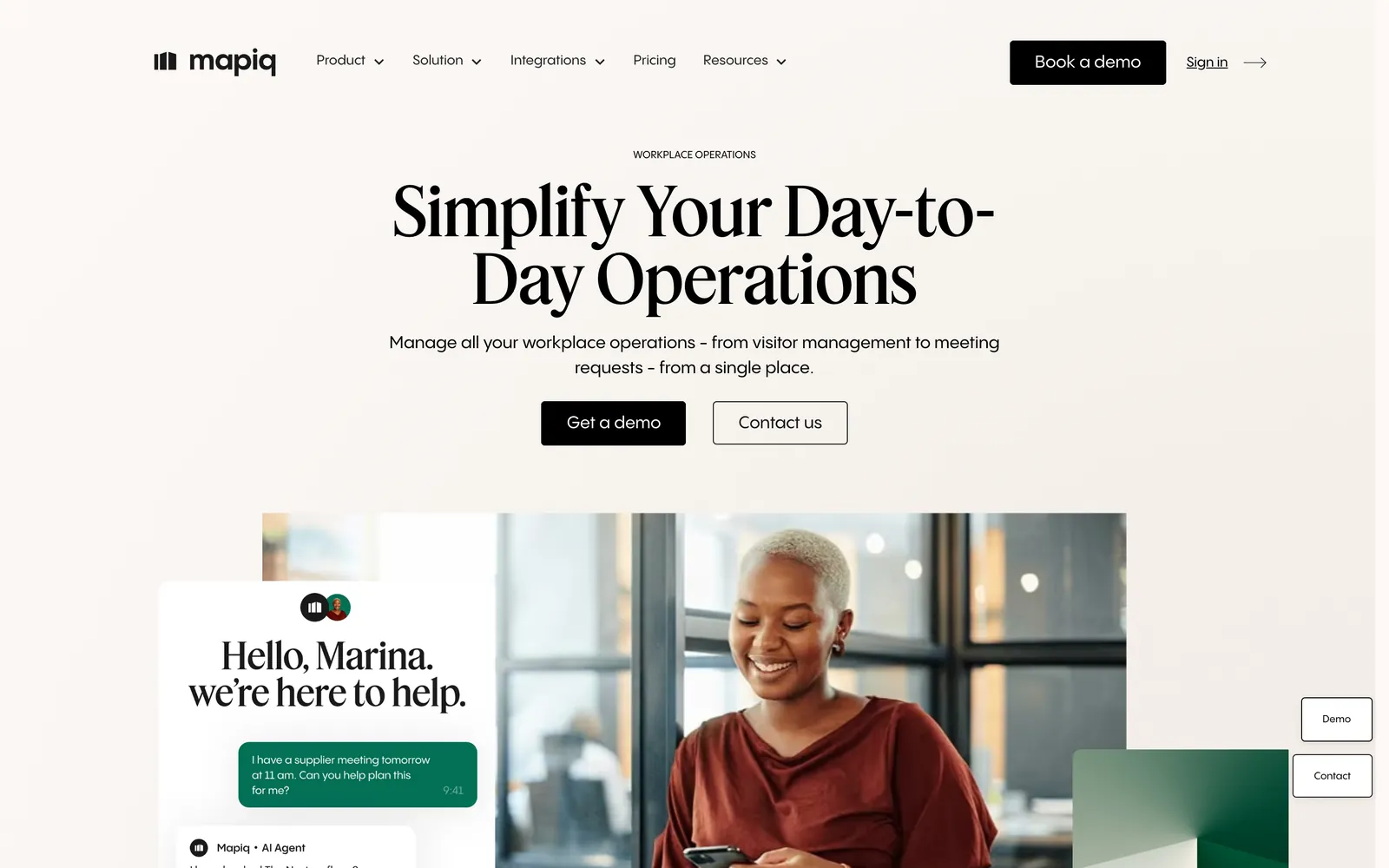
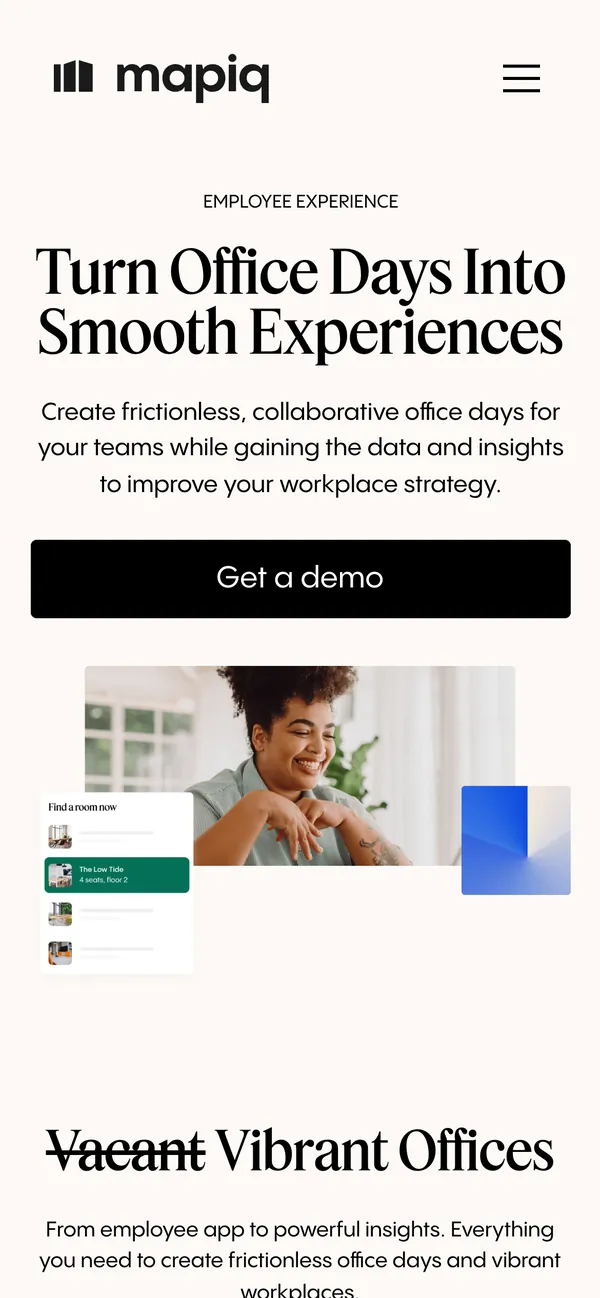
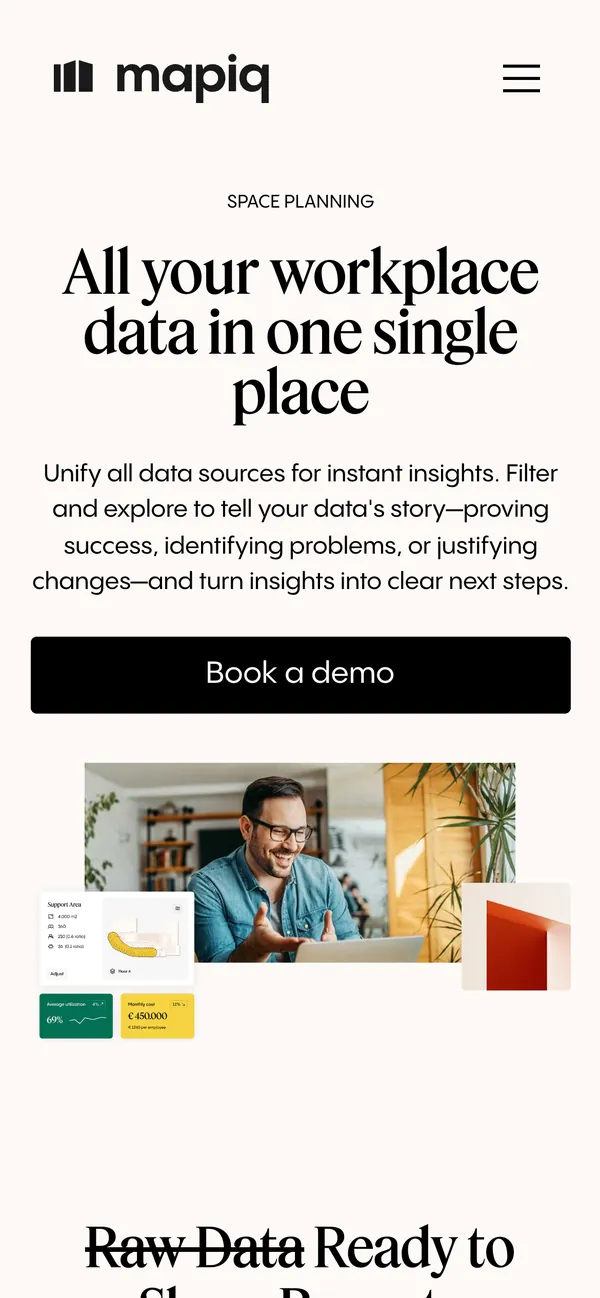
We grouped Mapiq's features into the areas workplace teams already use to describe their jobs: space planning, employee experience and workplace operations. Each area has its own page and its own demo prompt. A visitor reads what applies to them and books from there.
Our intervention
What we took on.
We designed and built the site in Webflow, with a structure the Mapiq team can keep extending.
- 01
Solution pages
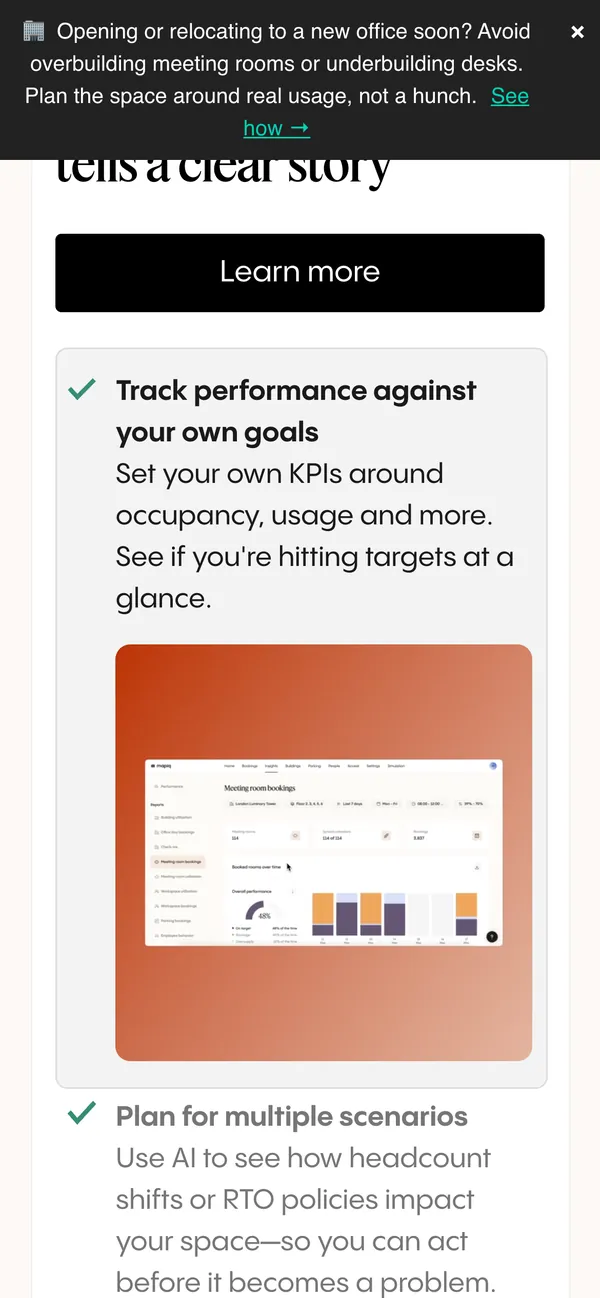
A page each for space planning, employee experience and workplace operations, with its own story, product visuals and FAQ.
- 02
Integrations overview
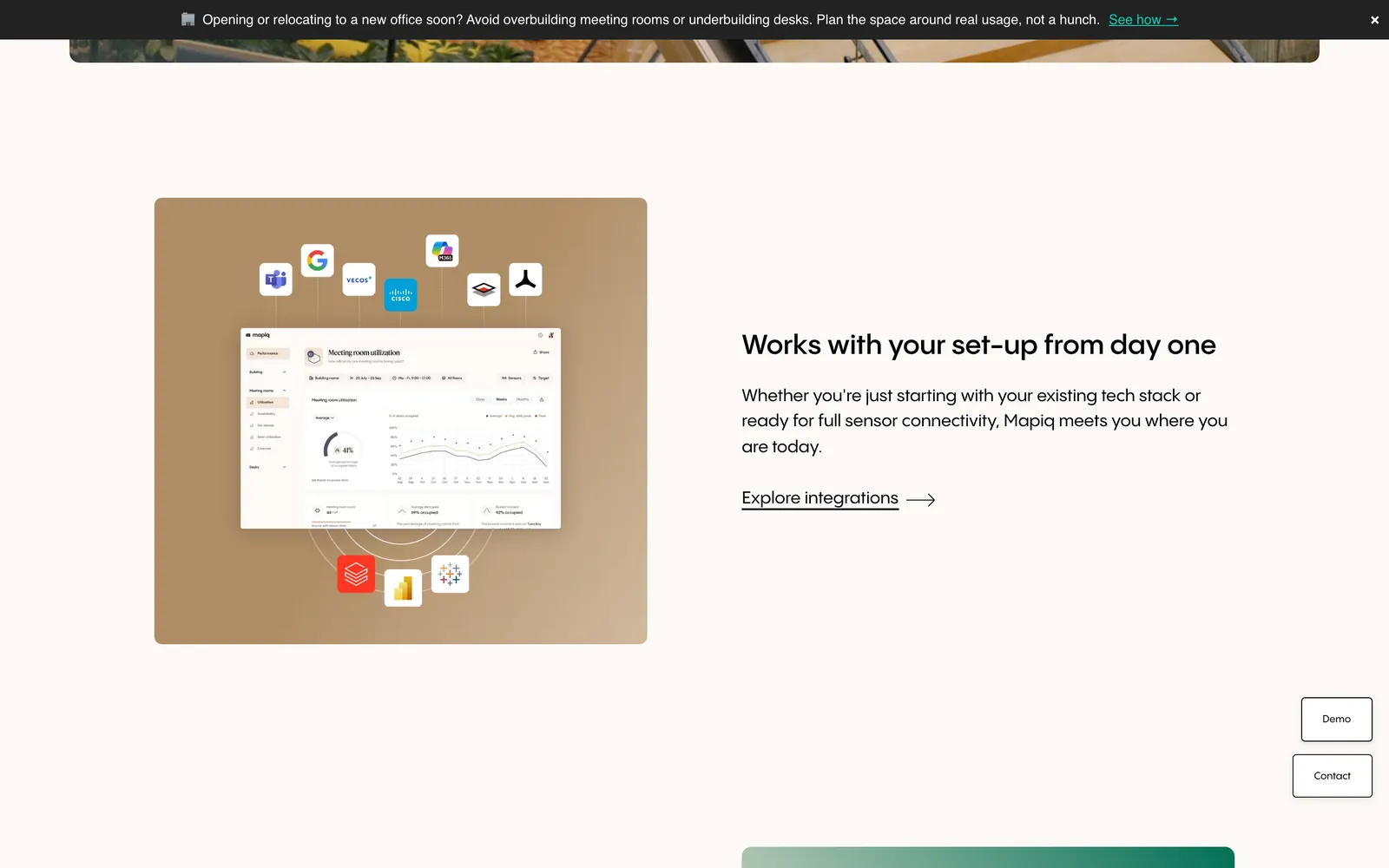
A section that shows how Mapiq connects to the calendars, chat tools and hardware a workplace already runs.
- 03
Demo path on every page
A demo button that stays in the navigation and a short route to the booking form from every section.
- 04
Webflow build
A component-based build, so the marketing team adds pages and edits copy in the Webflow Editor themselves.
The Stega fix
Each page answers one team's question.
Software that does many things is hard to sell on one page. Our rule was simple. Every page answers one team's question, shows the product doing it, then asks for the demo.
Split by job
Visitors pick the area that matches their work, so nobody wades through features meant for a colleague.
Show the interface
Real product screens and short copy carry each section, so the product explains itself before a sales call.
One action everywhere
Book a demo is the same button with the same wording on every page, which keeps the next step obvious.
Stega initiatives
What comes next.
With the structure in place, the next work is about learning which pages bring in demos.
Demo attribution
Next we are setting up event tracking from each solution page to the demo form, so the team can see which story brings in requests.
Search content
We are preparing FAQ and comparison content around the terms workplace teams search for, built from existing page sections.
Page tests
Once tracking has enough data, we propose testing hero copy and demo prompts on the three solution pages.
Toolstack
The tools behind it.
- WebflowThe site, its CMS and the Editor the marketing team works in.
- FigmaPage designs, components and product visual layouts.
- Google Tag ManagerDemo button and form events, set up without code changes.
- Google AnalyticsTraffic and demo requests per solution page.
- Google Search ConsoleIndexing and search queries for the product pages.