







Inventory the content
Every page, post, media file and author listed with traffic data, then marked to keep, merge or retire before anything moves.


 4.9 / 5
WordPress migration services for moves from another CMS, between hosts or from the classic editor to blocks, with every URL accounted for.
Selected work, in motion.
A glimpse of the design and detail behind our websites.Copying files takes an afternoon. Keeping content, URLs and editors working takes a plan.
What's included
We treat a WordPress migration as a content project first and a technical move second.
Every page, post, media file and author listed with traffic data, then marked to keep, merge or retire before anything moves.
Shortcodes, page builder layouts and legacy HTML converted into Gutenberg blocks, so migrated posts stay editable in the new theme.
A 301 map for every changed URL, set at server or plugin level, covering old categories, tags, feeds and media paths.
Crawls, Search Console coverage and broken link reports in the weeks after the move, with fixes shipped as issues appear.
Security, by consideration.
For your WordPress project, we consider editor access, plugins, form submissions and ongoing updates as part of one connected build.
See our approachGitHub workflows, peer review and dependency checks bring decisions into the release process.
Certificate configuration, HTTPS and secure headers help protect the path between your users and your systems.
Scoped tool access, validated inputs and human approval where automated actions carry consequences.
Editors keep publishing until the day of the switch.
A crawl, a content audit and a migration plan with the shortest possible content freeze.
Content imported, converted and checked on a staging site your editors review.
Final sync, DNS switch and redirects live, then post-launch checks.
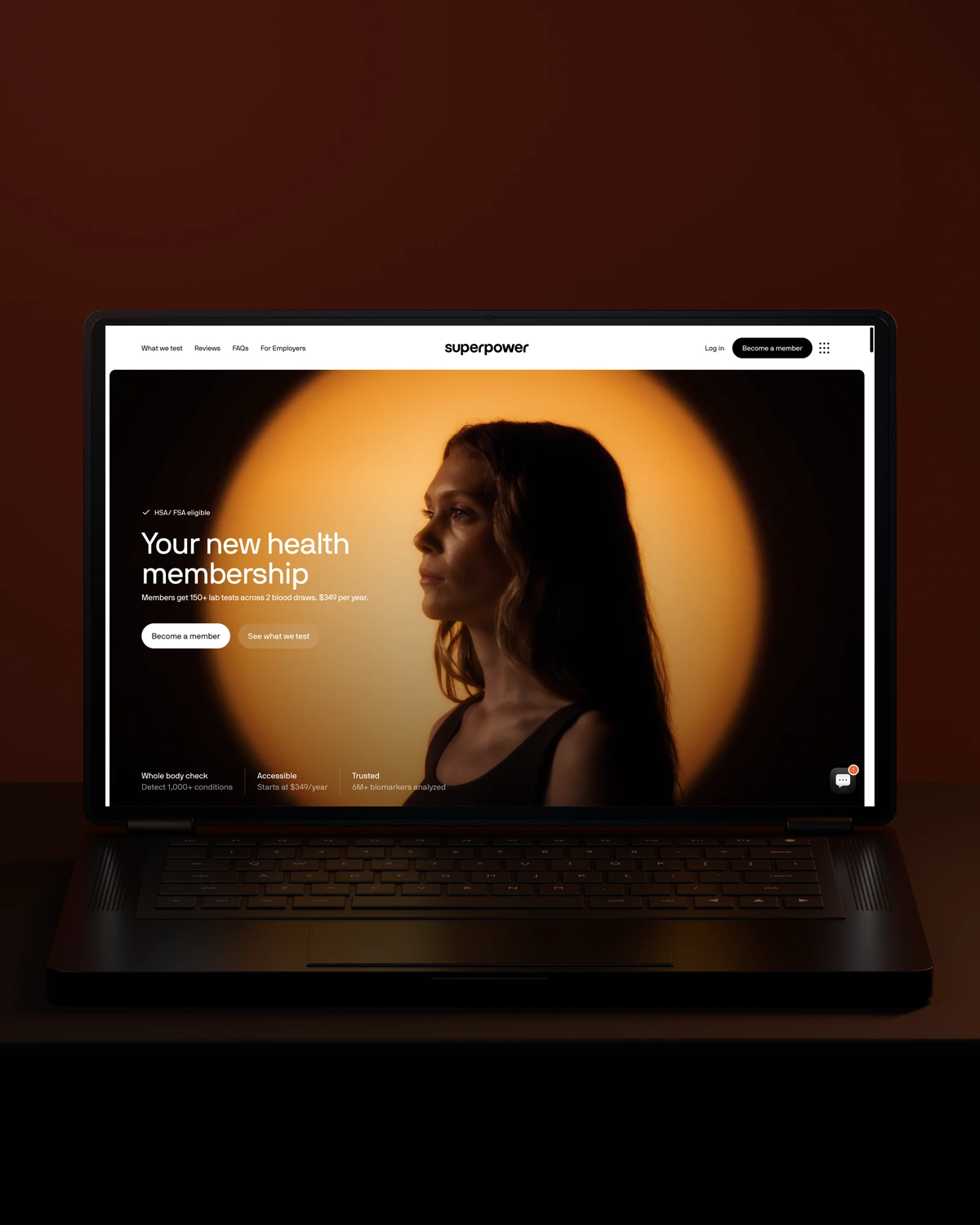


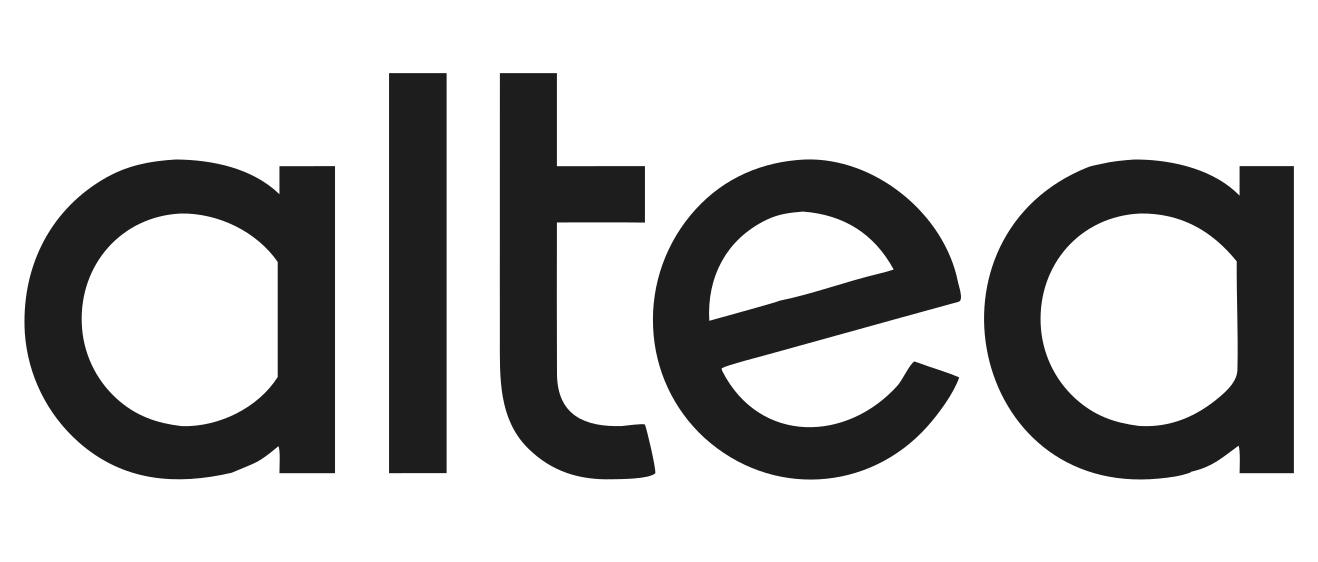
 Built to driveMore sign-ups.
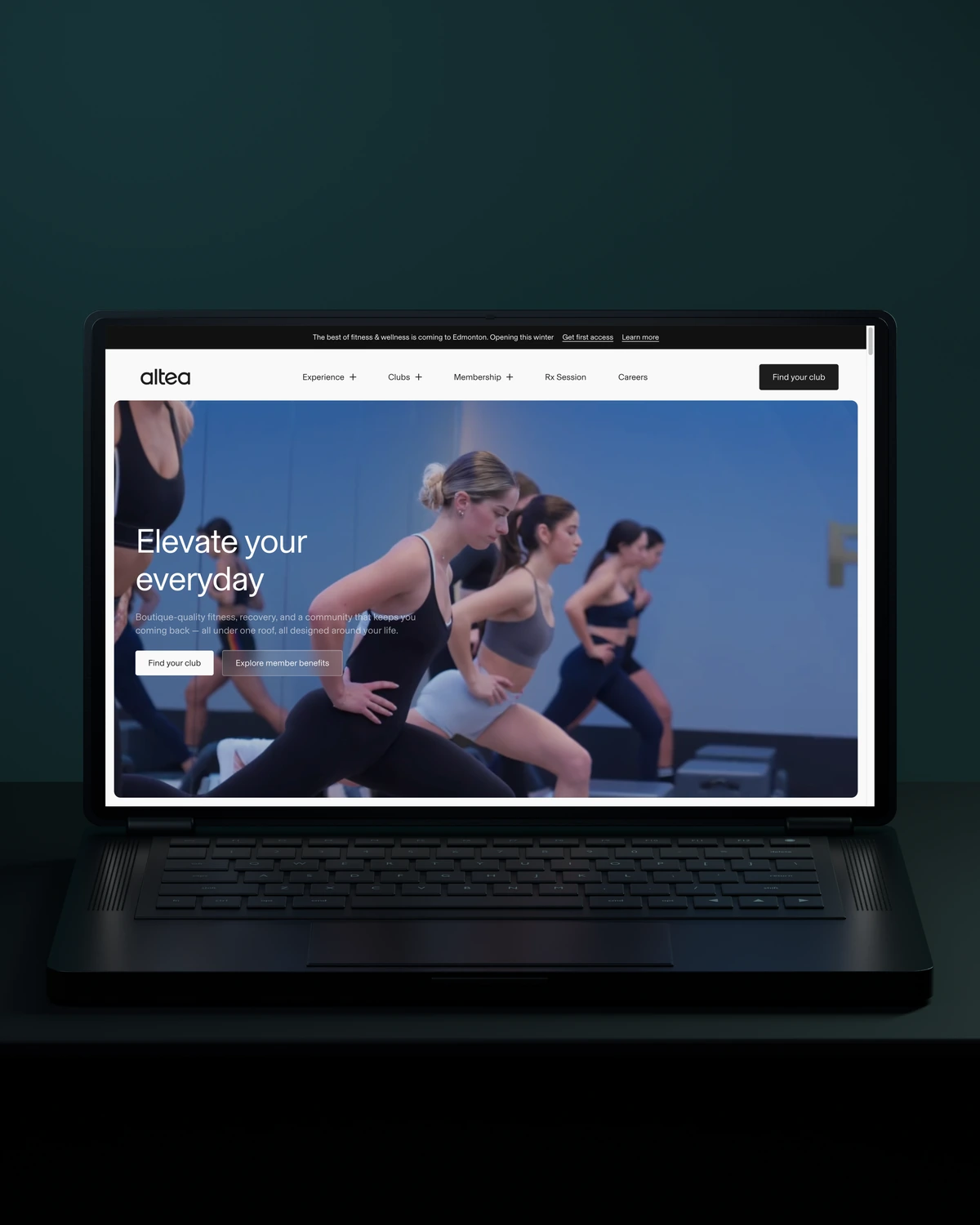
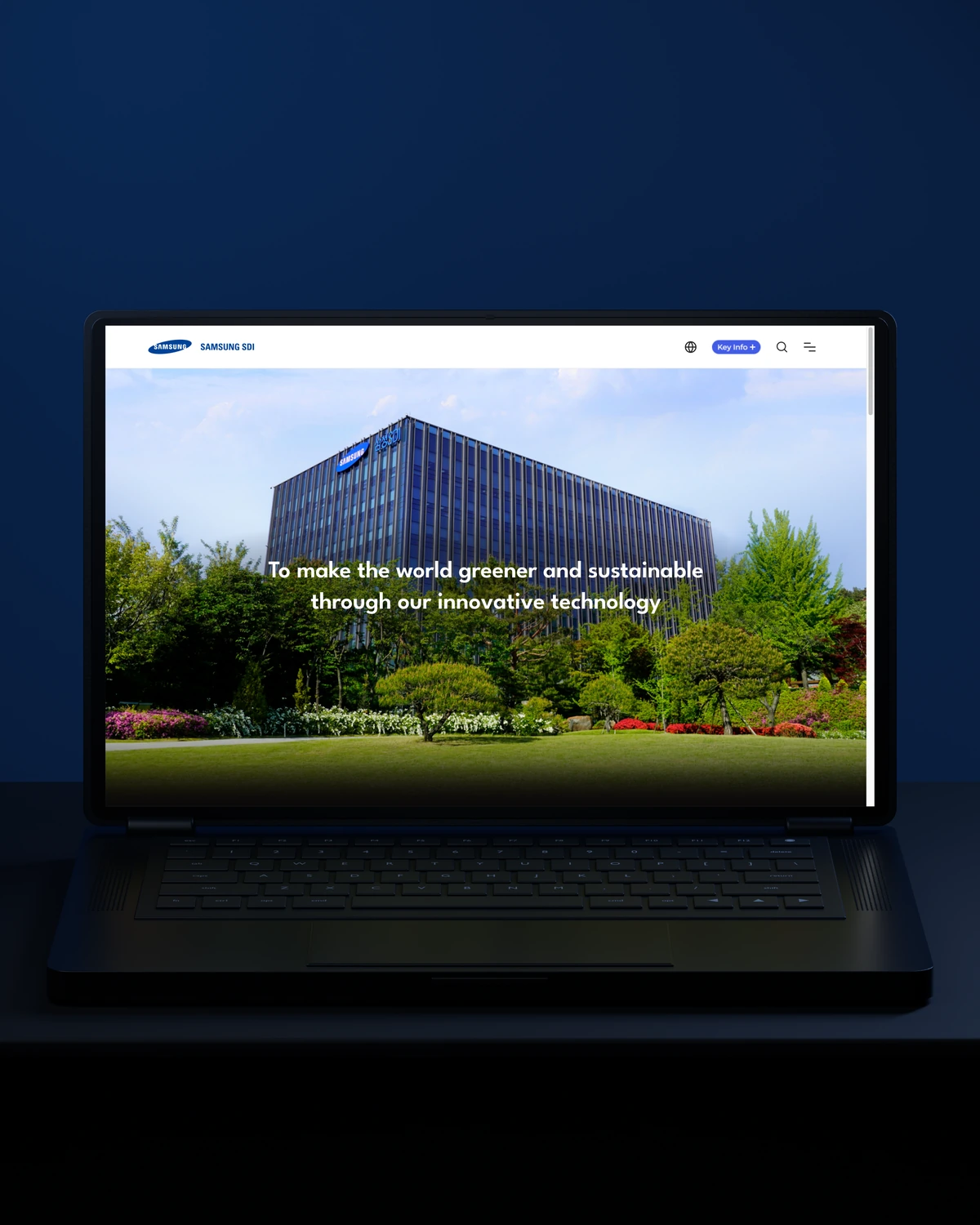
 Built to driveMore memberships.

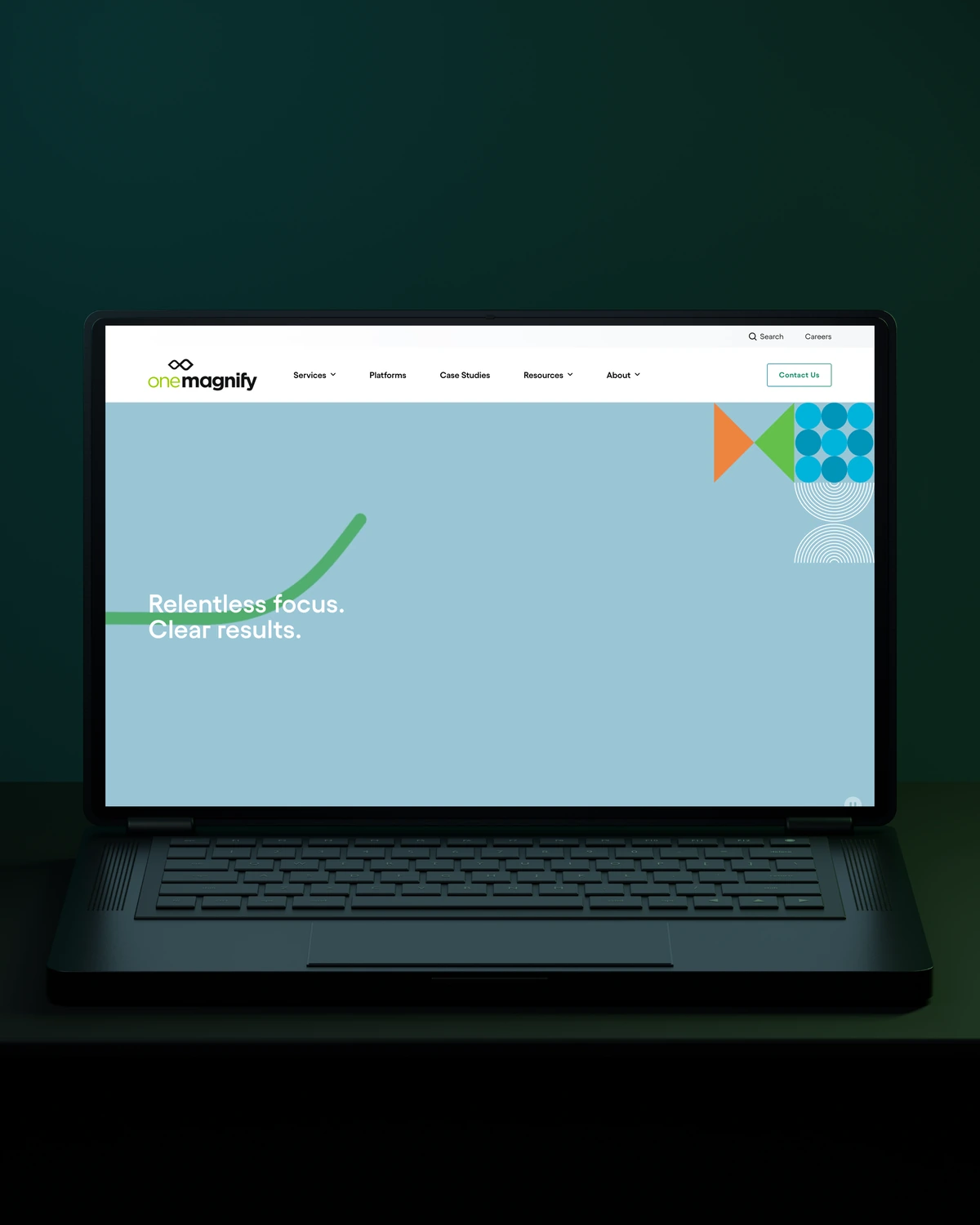
 Built to driveBetter-qualified leads.
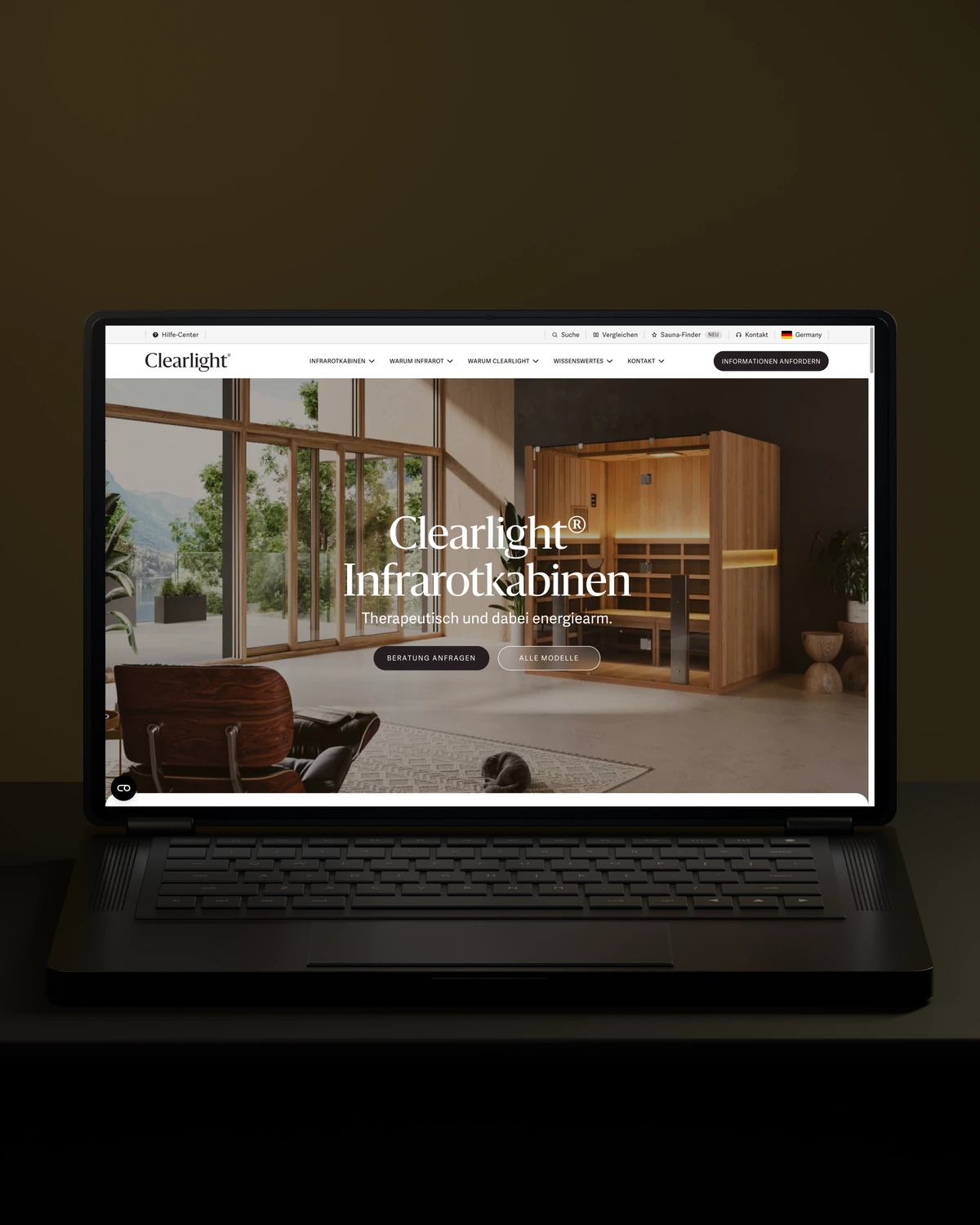
 Built to driveMore qualified candidates.

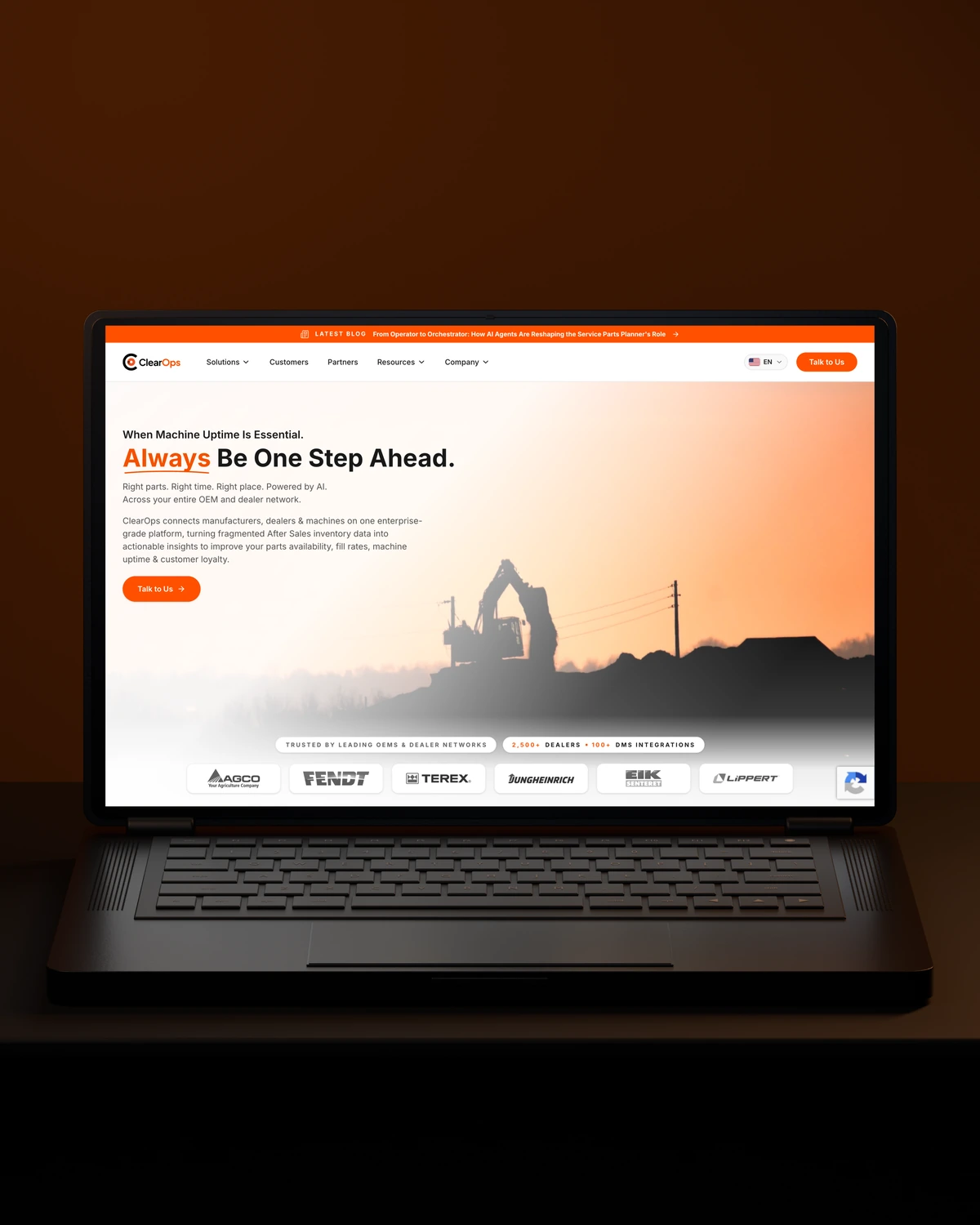
 Built to driveMore enquiries.
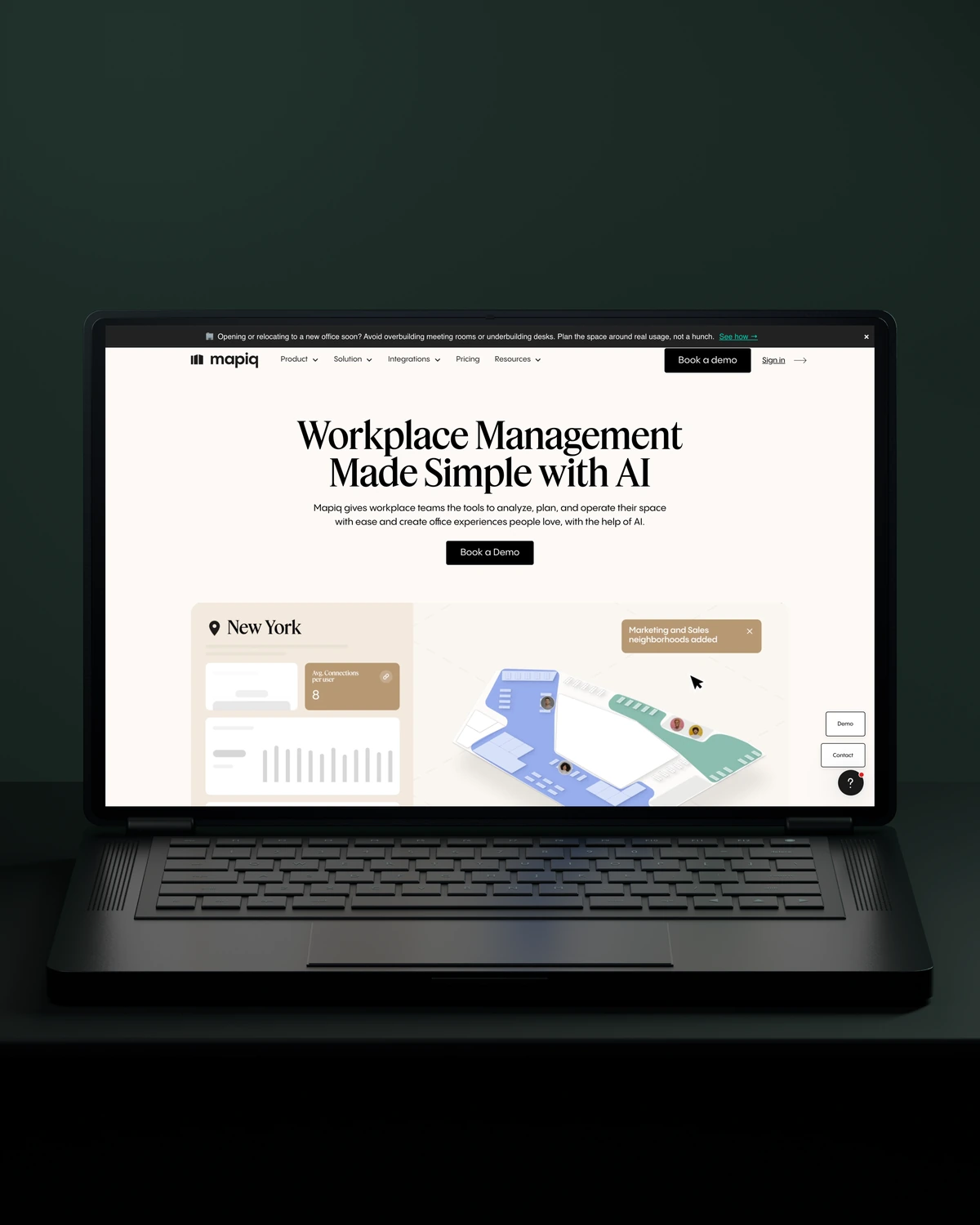
 Built to driveMore qualified demos.
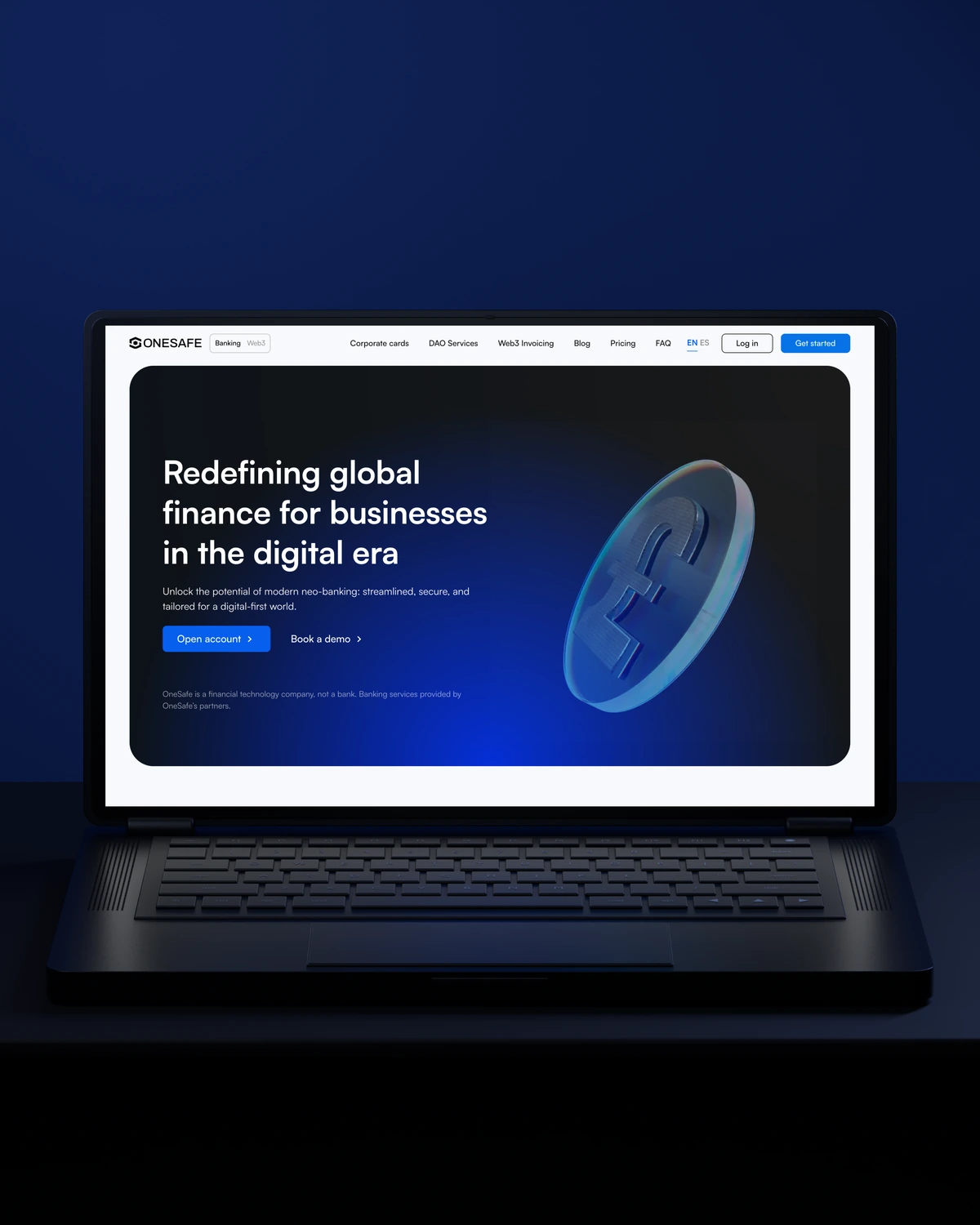
 Built to driveMore workplace demos.
 Built to driveMore business accounts.
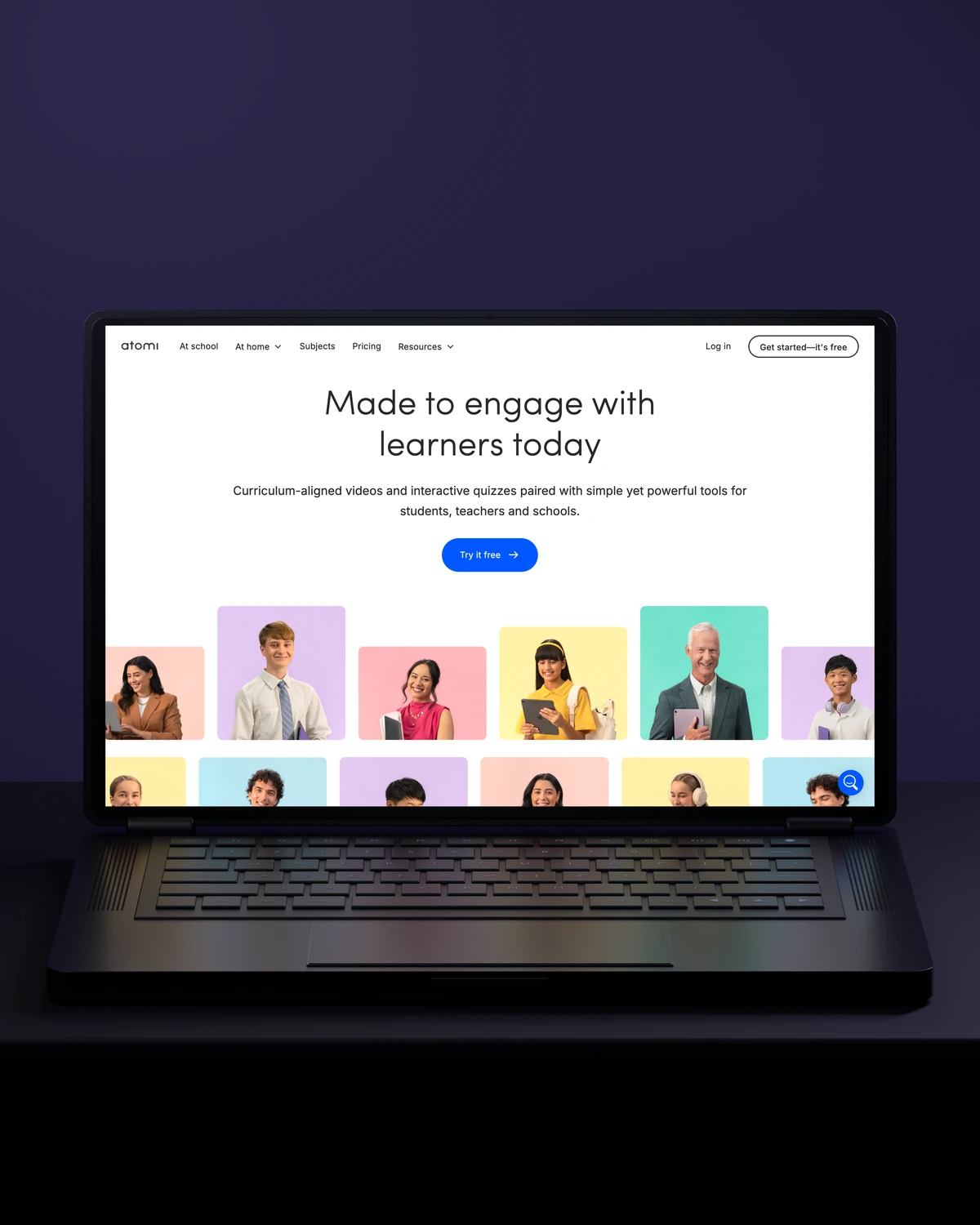
 Built to driveMore free trials.
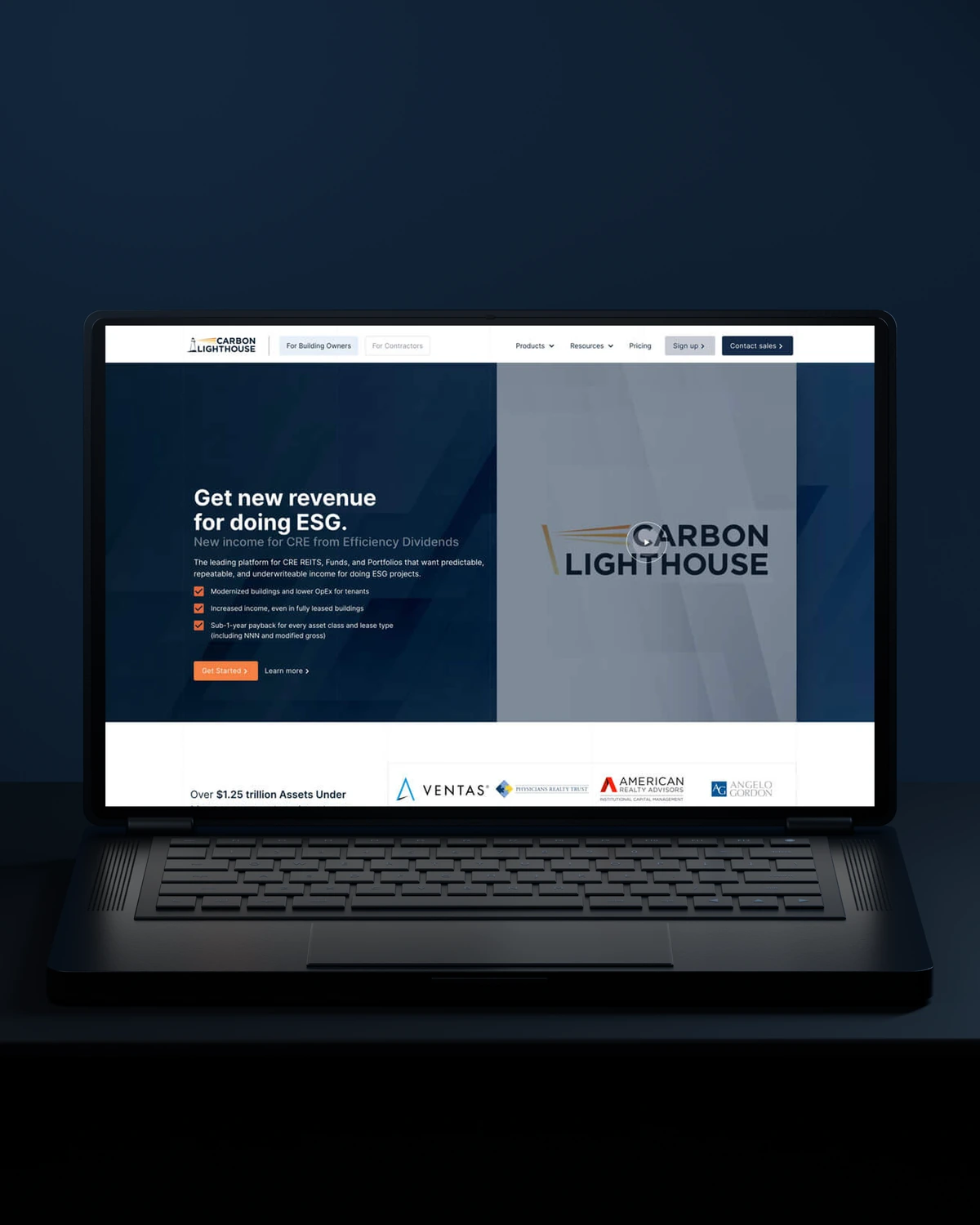
 Built to driveMore building owners.
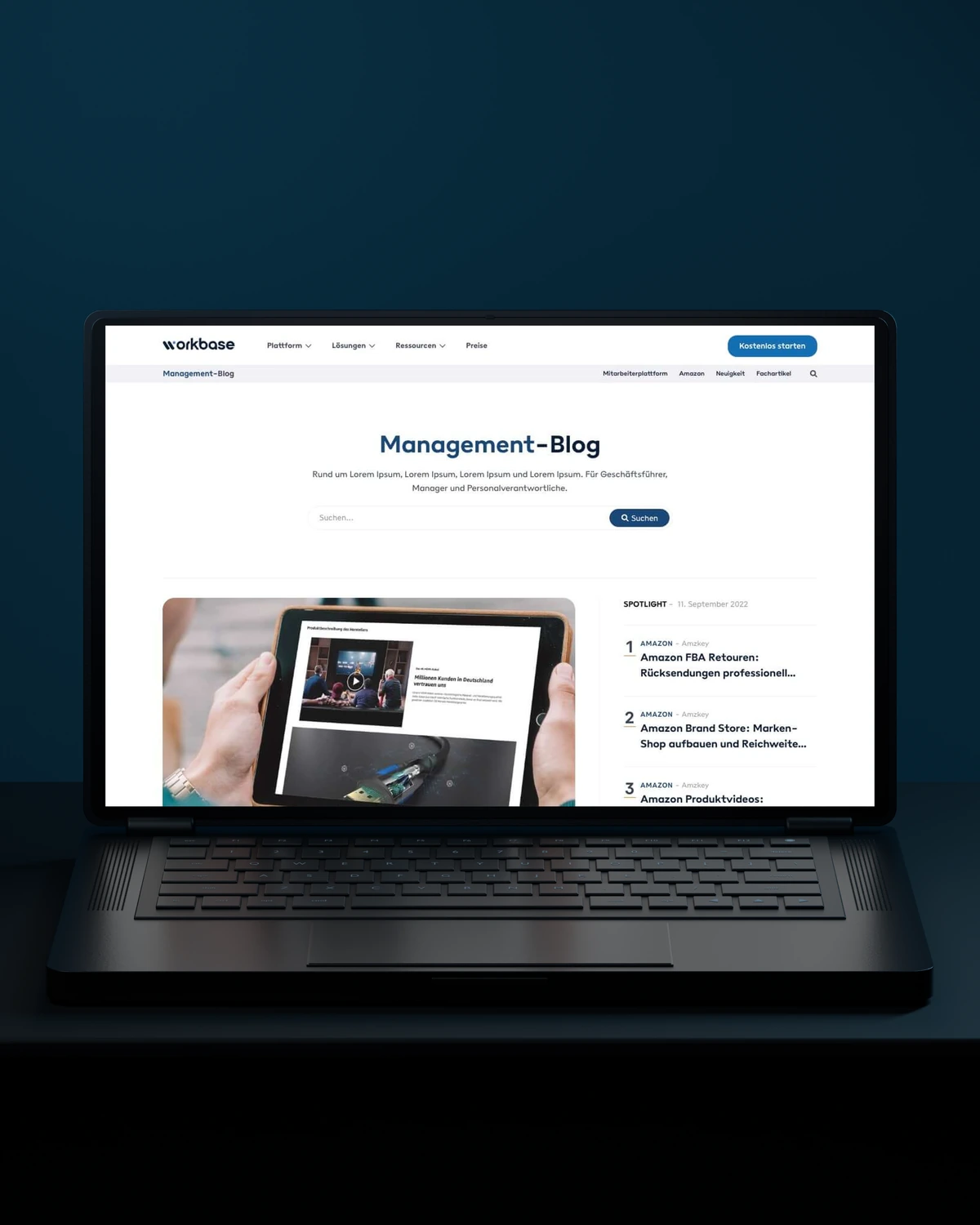
 Built to driveMore free sign-ups.
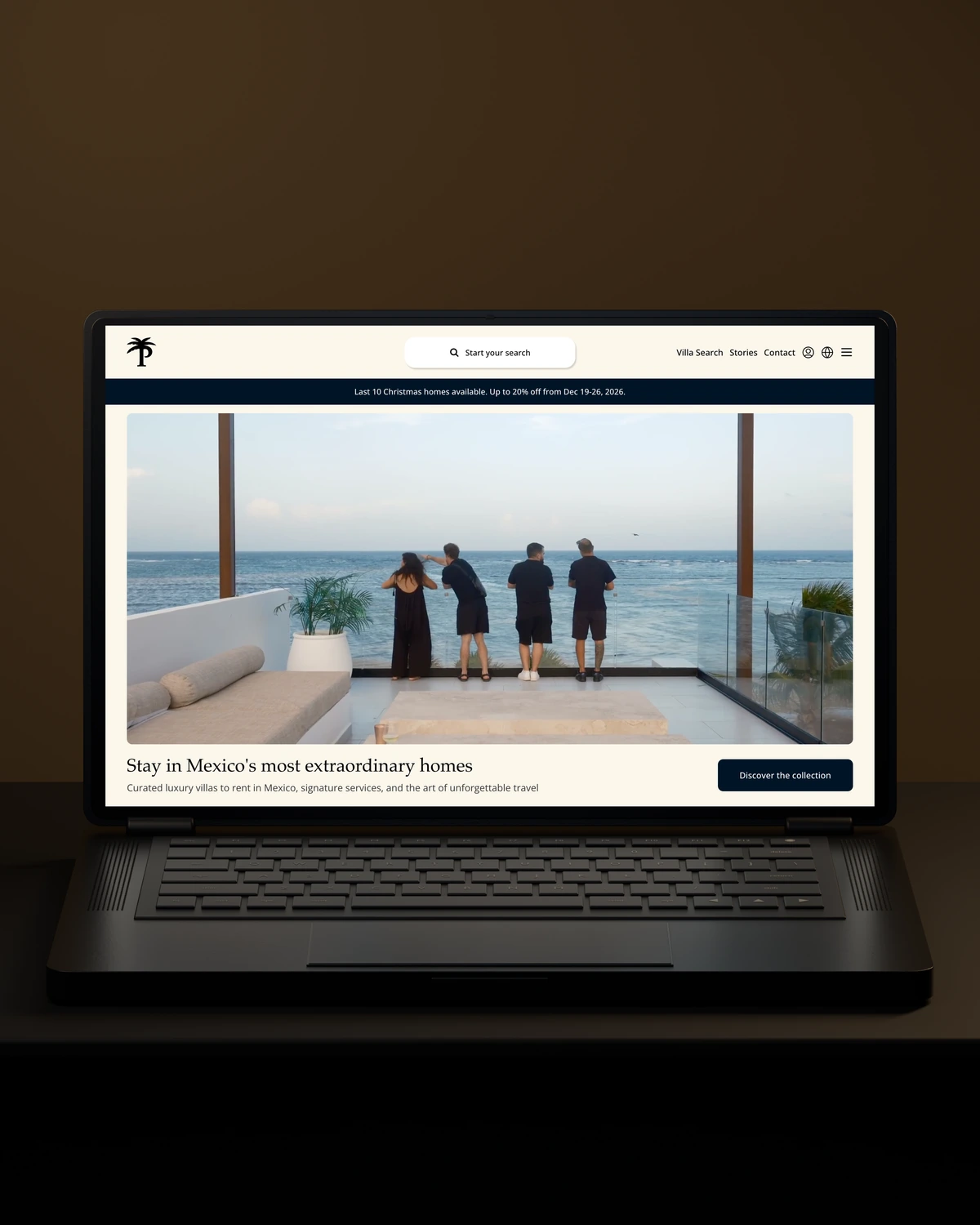
 Private Villas MexicoBuilt to driveMore direct bookings.
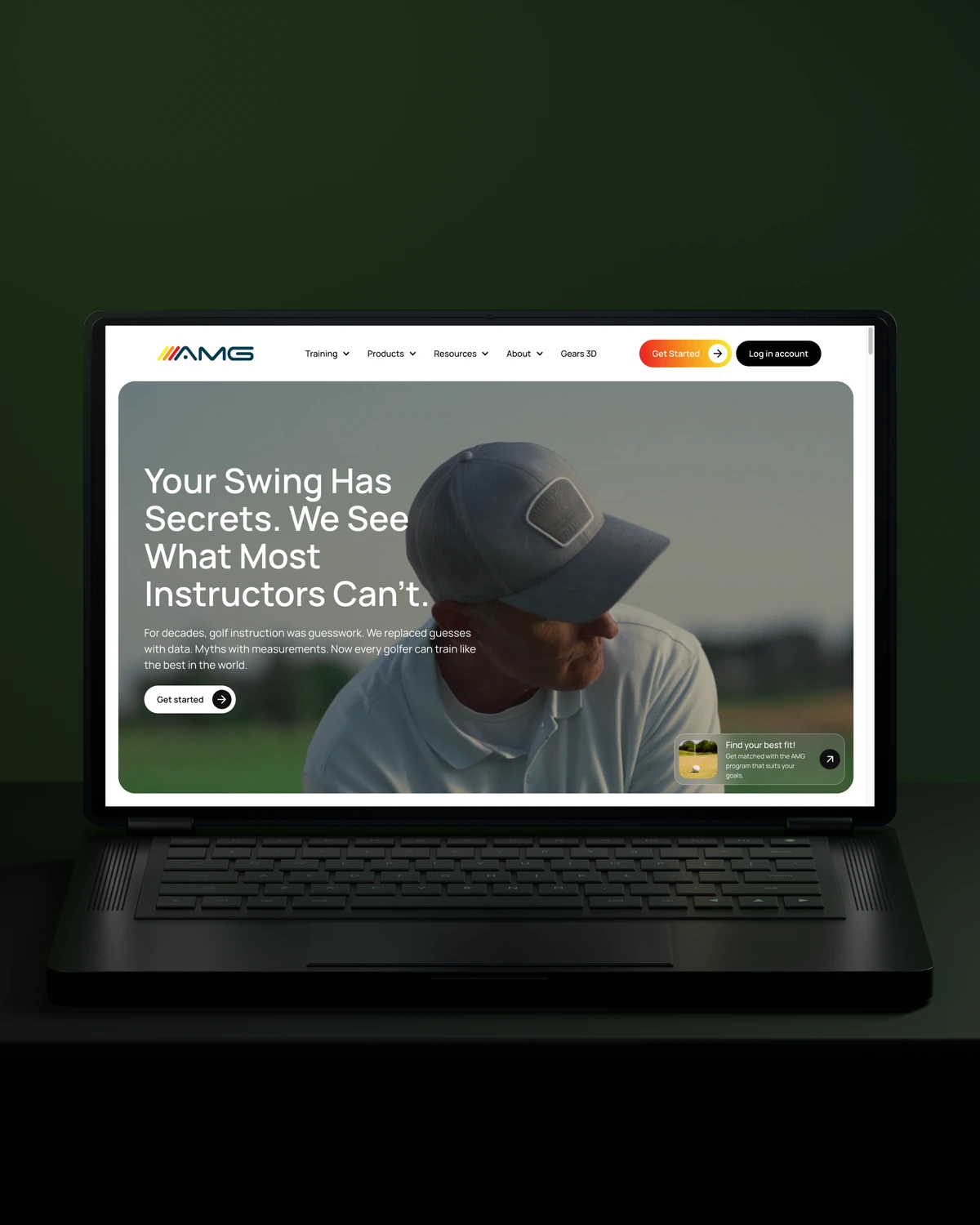
 Built to driveMore committed players.
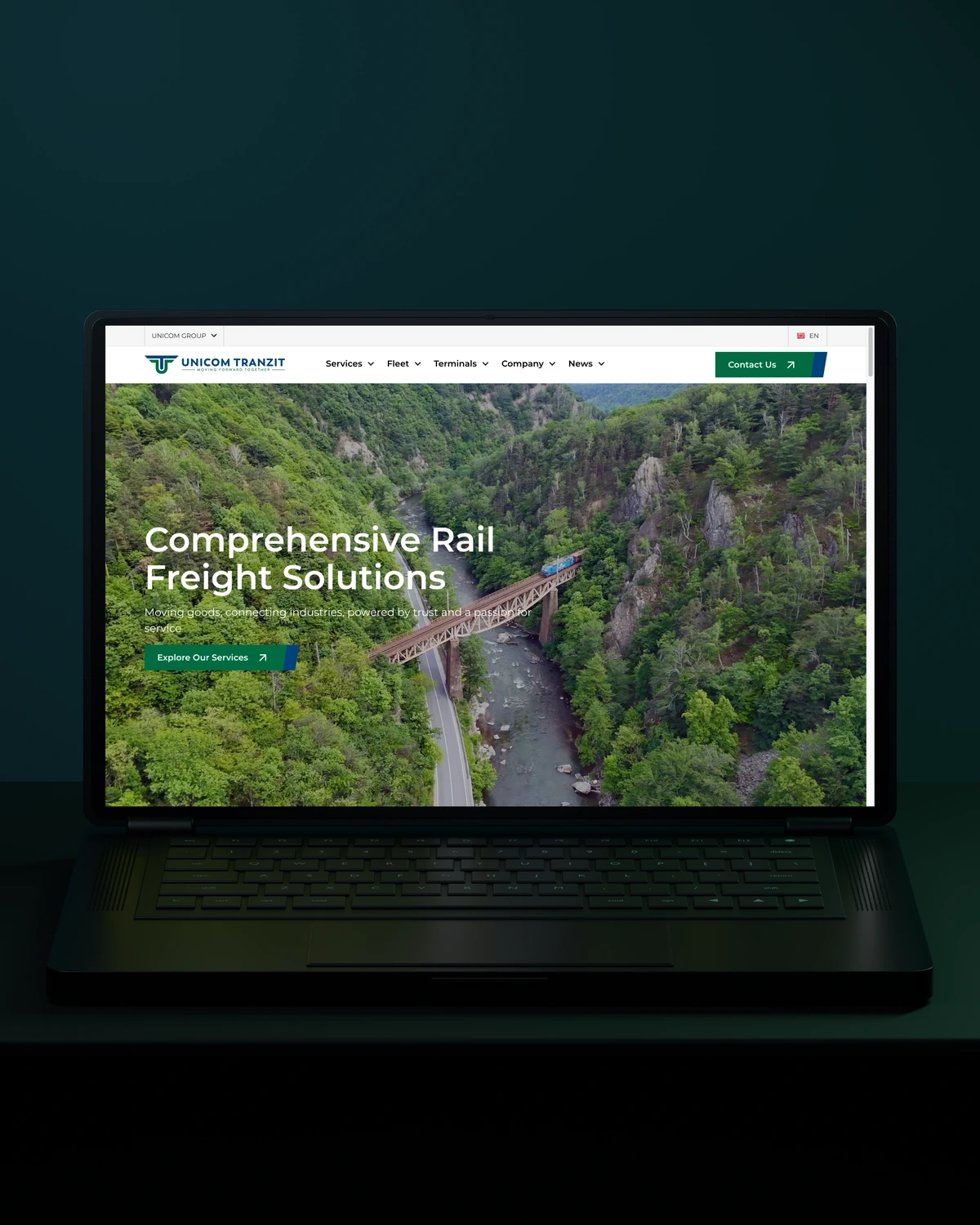

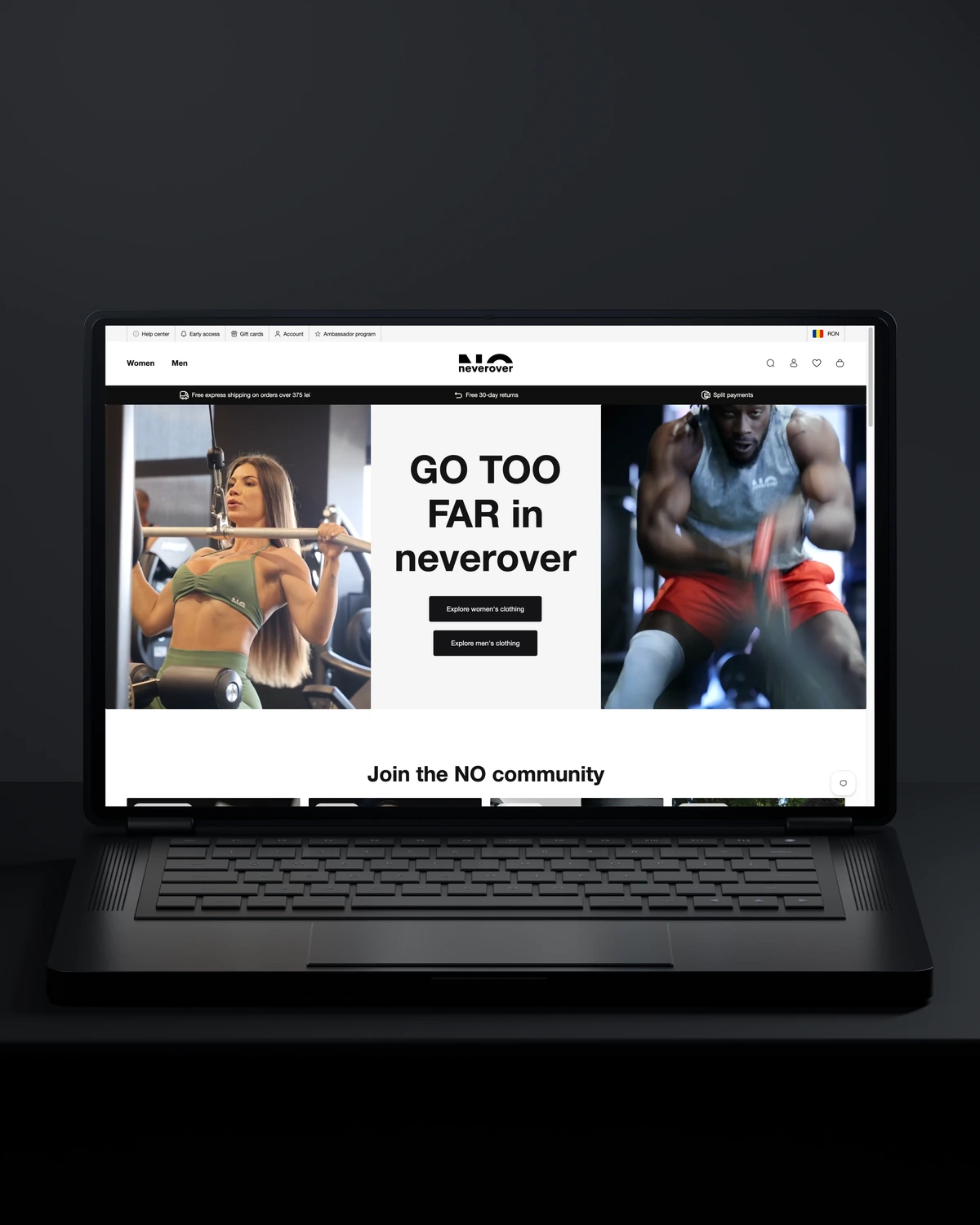
 Built to driveMore returning customers.
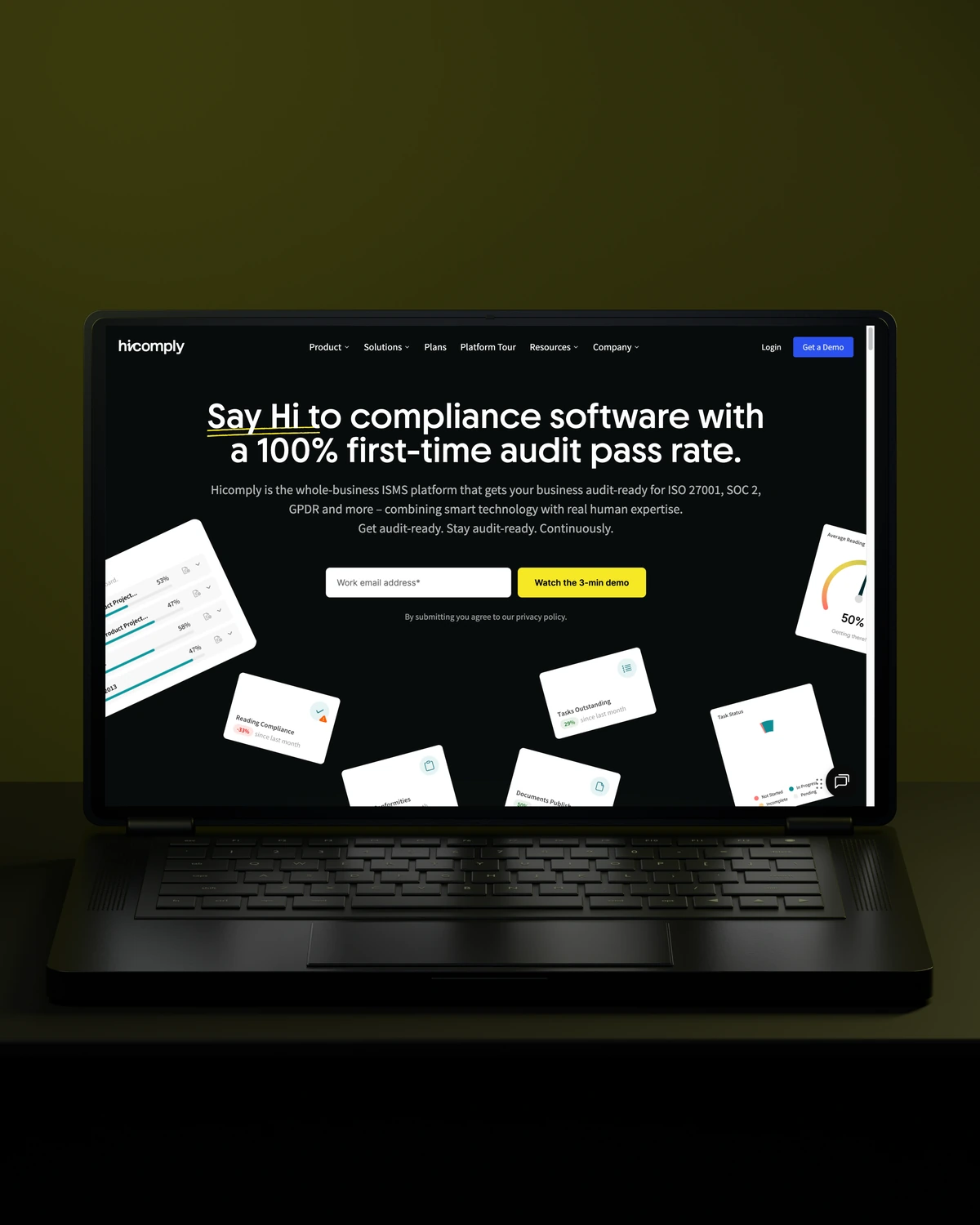
 Built to driveMore meaningful demos.
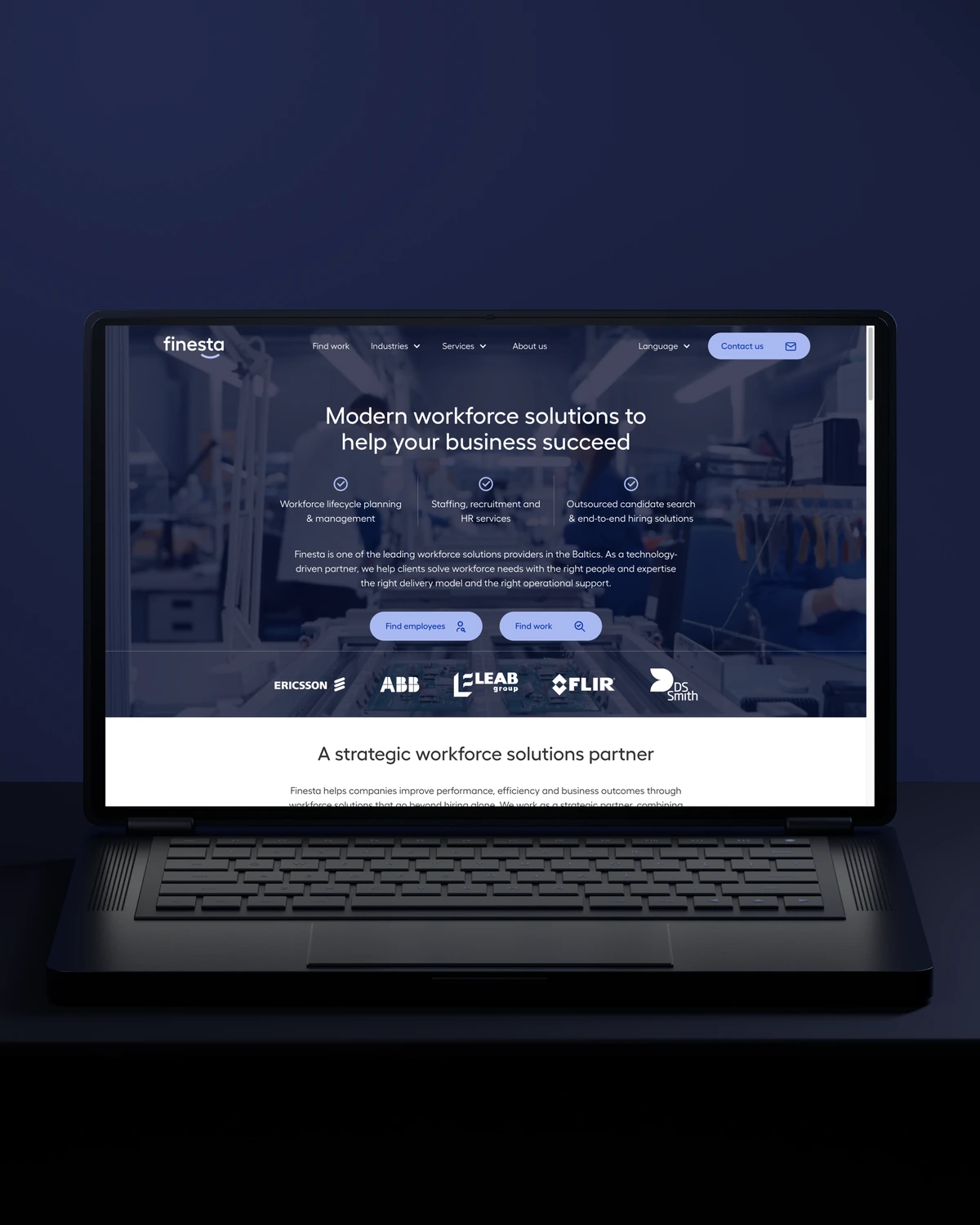
 Built to driveBetter talent connections.
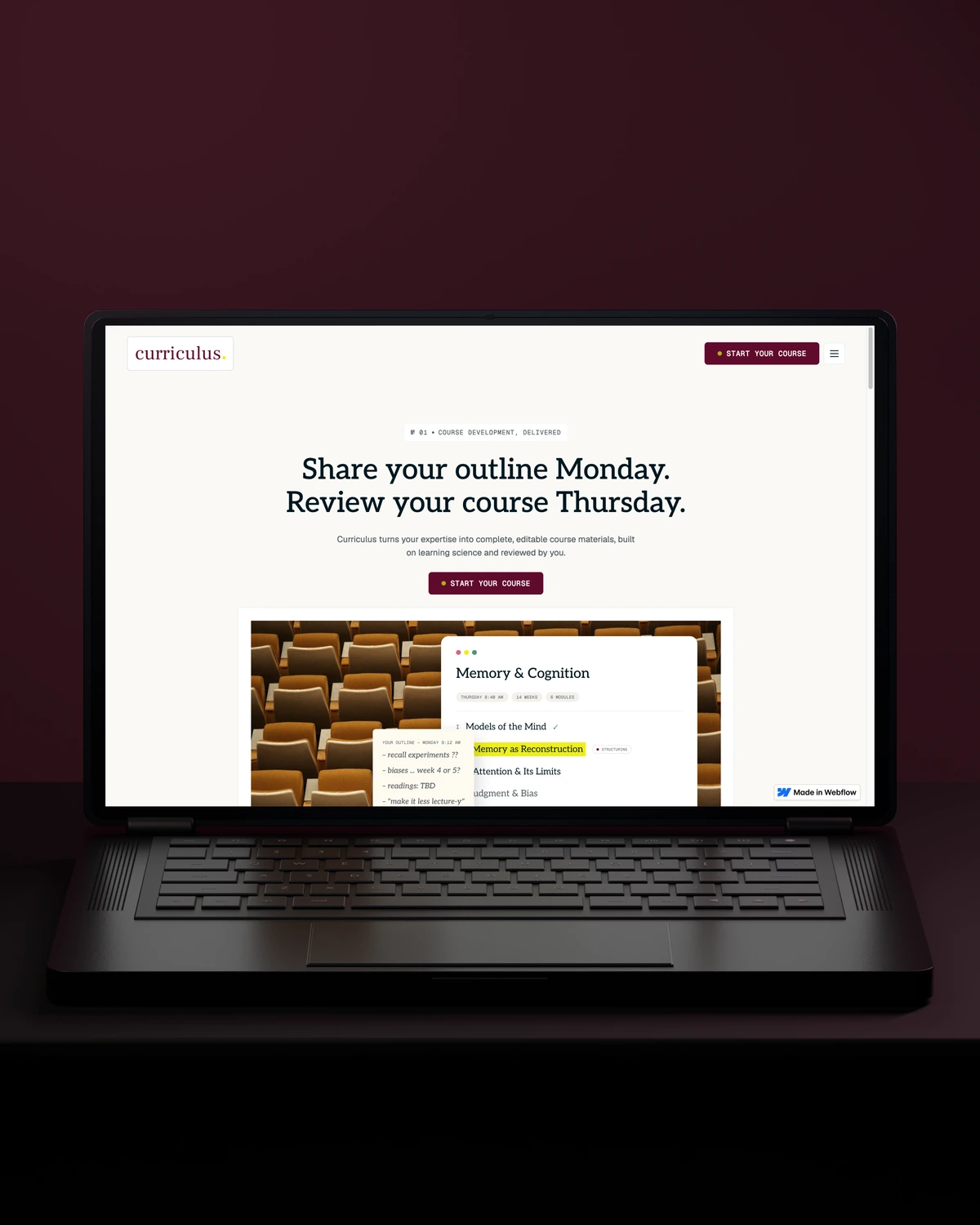
 Built to driveMore course creators.
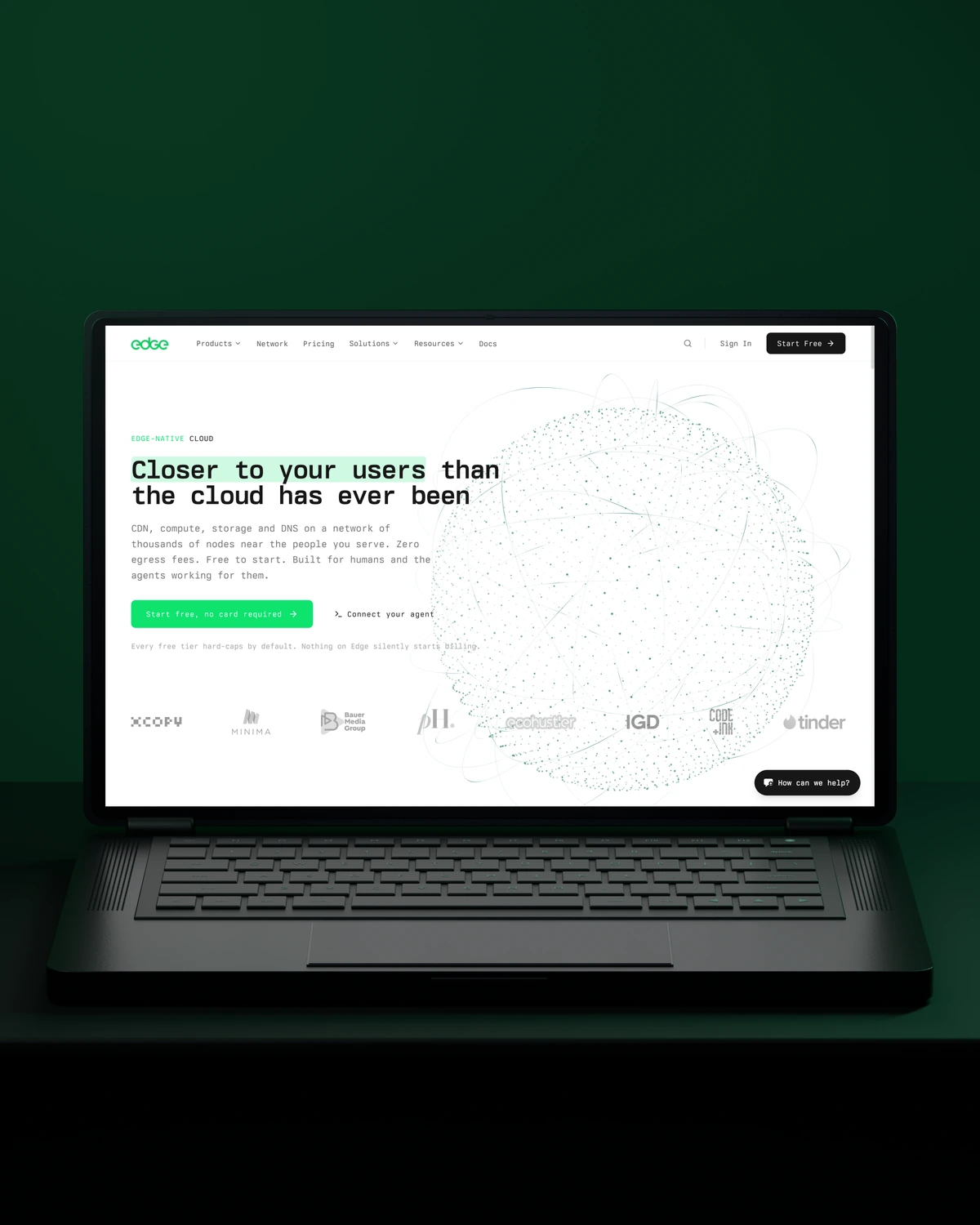
 Built to driveMore product discovery.
Trusted across our practice
Independent reviews. Long-term working relationships.

“After a website (re)launch, they are also always accessible and happy to help. I highly recommend everyone who is looking for a new and more stable website in Webflow, to work with Stega!”
“Stega Creative team not only understood our needs and vision for the websites, but they also came up with improvements.”
“We’ve been working with Stega & Gabriel for the last two years. Cannot recommend them enough. They’re responsive, professional & an asset.”
A few things worth discussing before your WordPress migration takes shape.
Migrating a website to WordPress from another CMS starts with a full export of content, media and URLs. We map each content type to WordPress post types and fields, import with scripts rather than copy and paste, and set 301 redirects so old links and rankings carry over.
Moving WordPress to a new host without downtime means copying the site in advance and switching DNS only once the copy is tested. We sync files and database, lower DNS TTLs beforehand, freeze content briefly for the final sync and check the new host before sending traffic to it.
Old WordPress posts can be converted to Gutenberg blocks, automatically for simple content or with scripts for shortcodes and page builder markup. We test conversions on a sample first, because heavy page builder layouts are sometimes faster to rebuild by hand than by script.
A host-to-host move is the quickest. A move from another CMS, with content restructured into new post types and blocks, takes longest. Editors keep publishing until the short final freeze.
way.Your ambition. Our collective craft.
Strategy, design and technology, working as one.