























Map the catalogue
Attribute sets, configurable products, categories, customer groups and tier prices mapped to the target platform, with clean-up rules agreed first.


 4.9 / 5
Adobe Commerce migration for stores moving onto Adobe Commerce, upgrading from Magento Open Source or leaving it. Catalogue, extensions and integrations mapped first.
Selected work, in motion.
A look at the craft behind our digital experiences.Adobe Commerce stores collect years of extensions and integrations. Nobody has the full list.
What's included
An Adobe Commerce migration touches the catalogue, the extensions and every connected system. We plan all three.
Attribute sets, configurable products, categories, customer groups and tier prices mapped to the target platform, with clean-up rules agreed first.
ERP, PIM, payment, tax, search and fulfilment connections listed with their data flows, so each is rebuilt, replaced or retired on purpose.
Installed extensions assessed for use, compatibility and replacement, so the new platform carries only what the business still needs.
A full rehearsal on staging with data import, integration tests and a timed cutover script, so launch day repeats a run you have already seen.
Security, by consideration.
For your Adobe Commerce project, we consider customer data, admin permissions, extensions and commerce integrations as part of one connected build.
See our approachGitHub workflows, peer review and dependency checks bring decisions into the release process.
Certificate configuration, HTTPS and secure headers help protect the path between your users and your systems.
Scoped tool access, validated inputs and human approval where automated actions carry consequences.
The rehearsal is the step most migrations skip. It is the one we insist on.
Catalogue, extensions, integrations and URLs listed and mapped.
Full data import and integration test on staging, with a timed runbook.
Final import, redirects live, integrations switched and monitored.



 Built to driveMore sign-ups.


 Built to driveMore memberships.
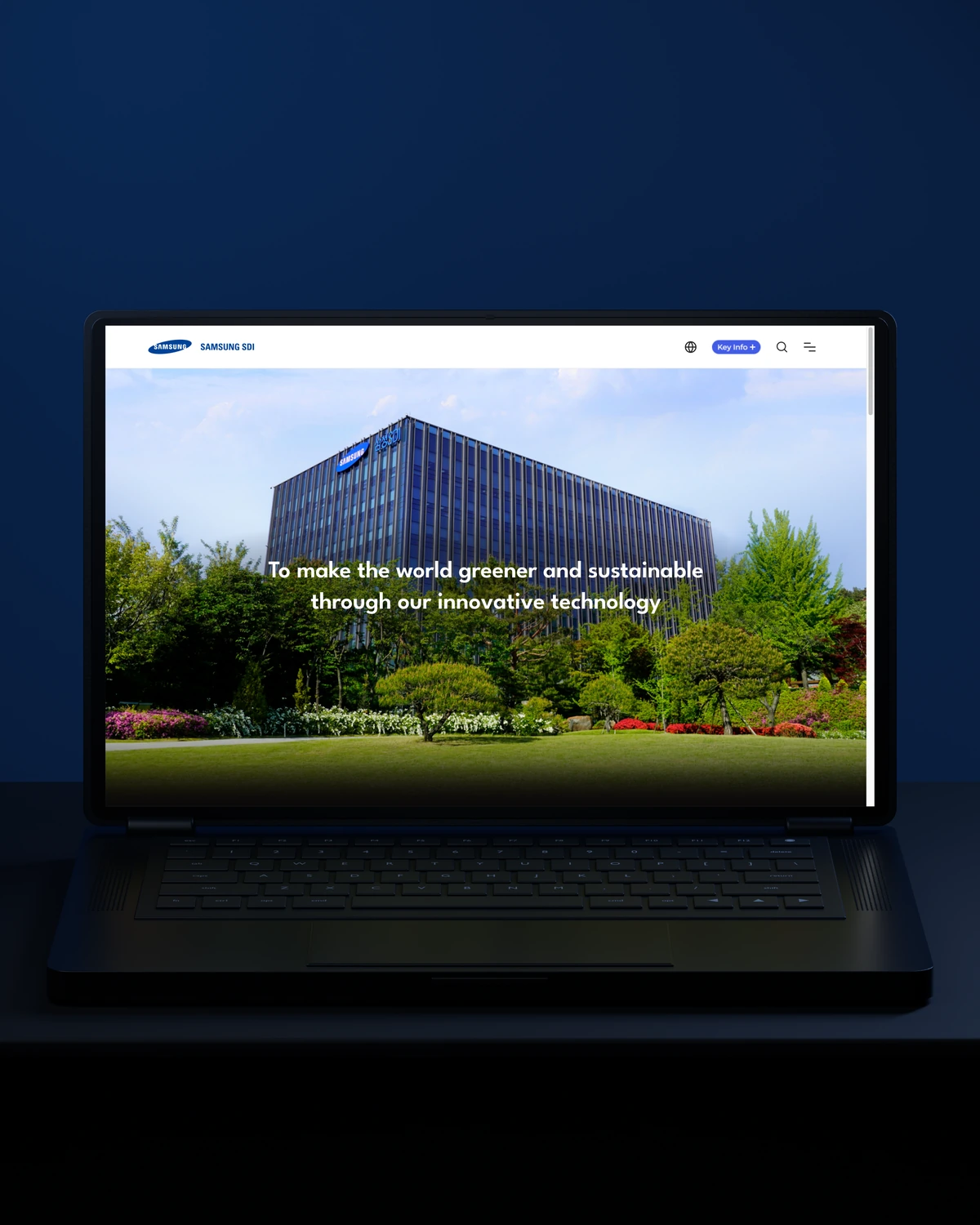

 Built to driveBetter-qualified leads.
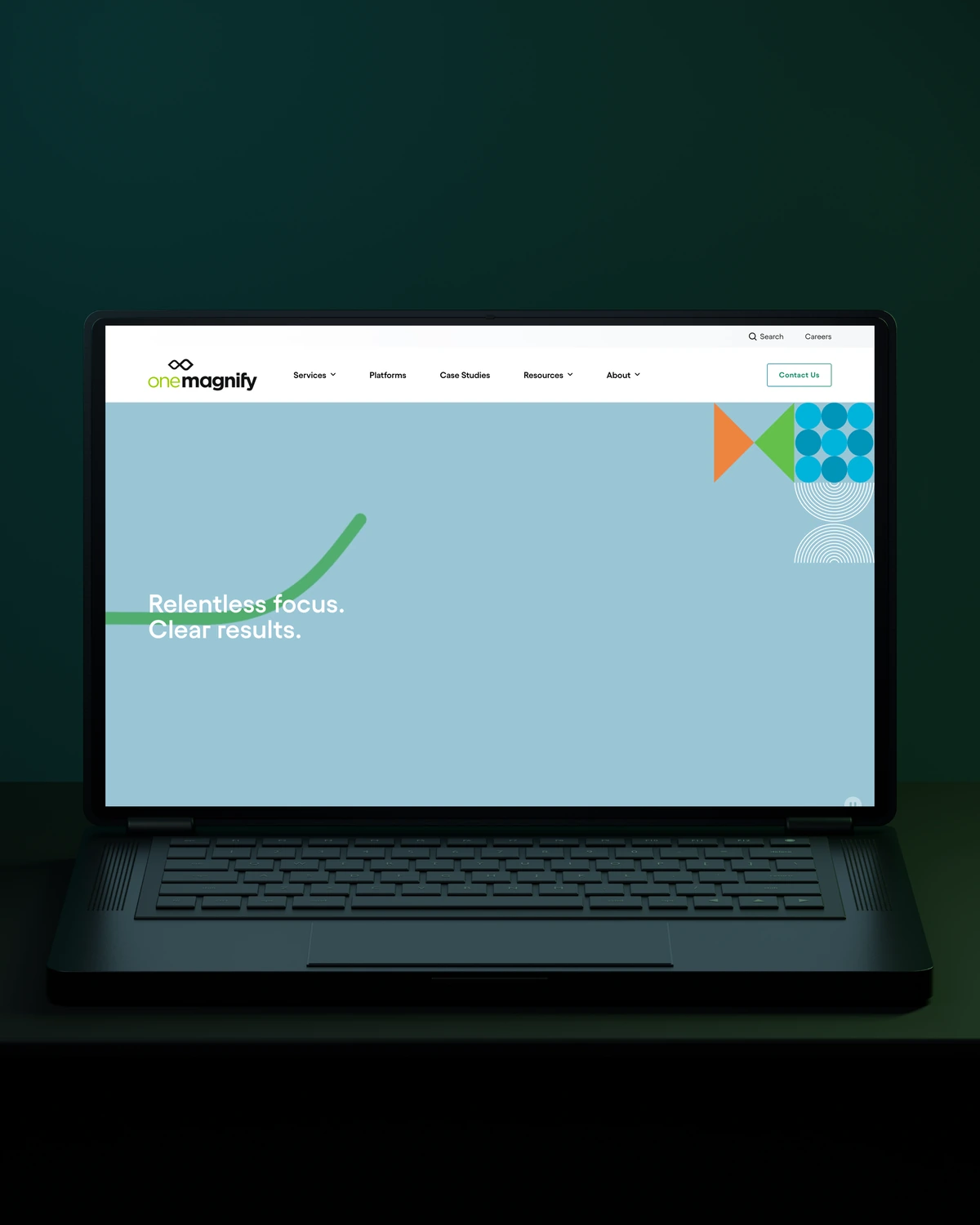
 Built to driveMore qualified candidates.



 Built to driveMore enquiries.

 Built to driveMore qualified demos.

 Built to driveMore workplace demos.

 Built to driveMore business accounts.

 Built to driveMore free trials.

 Built to driveMore building owners.
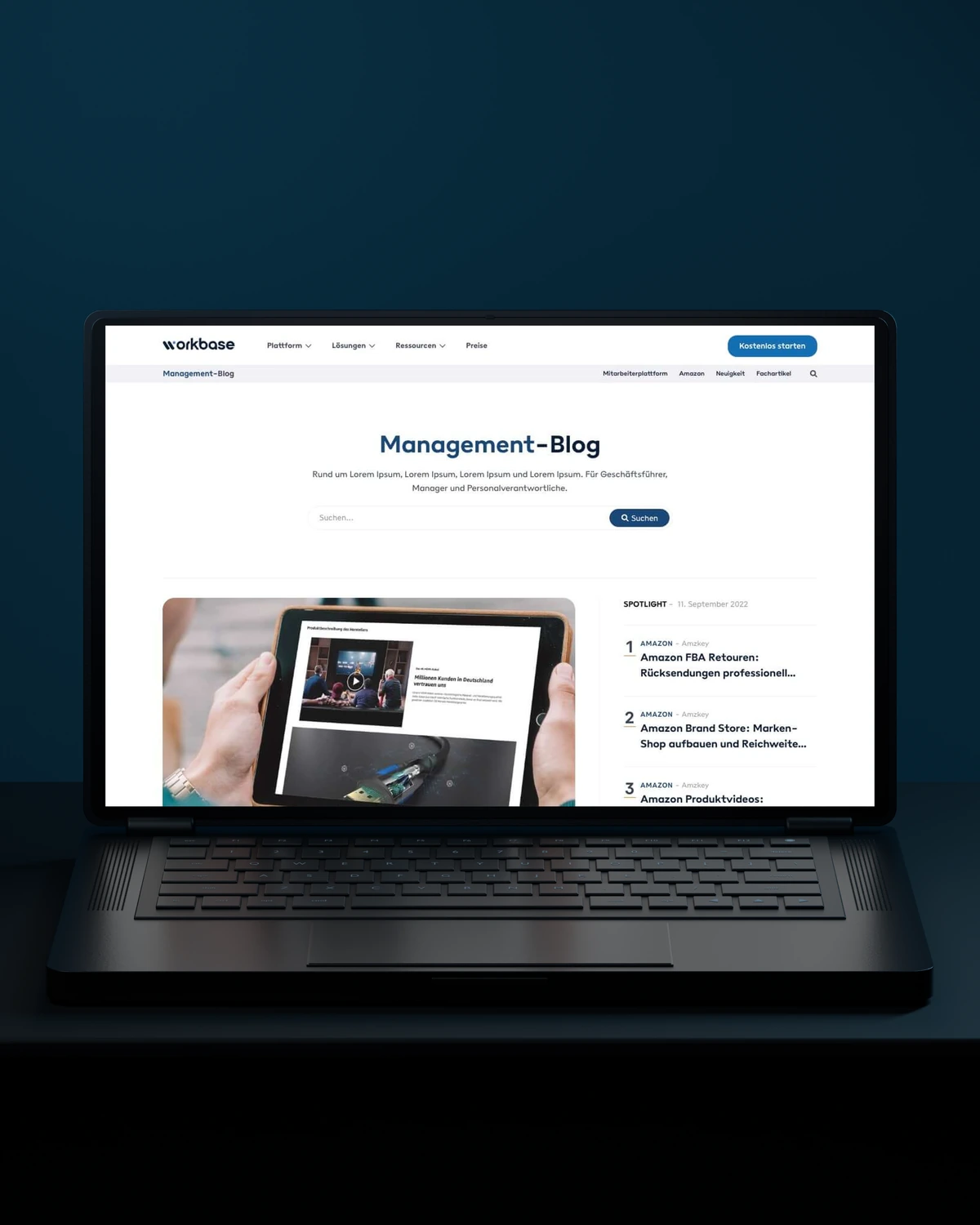
 Built to driveMore free sign-ups.
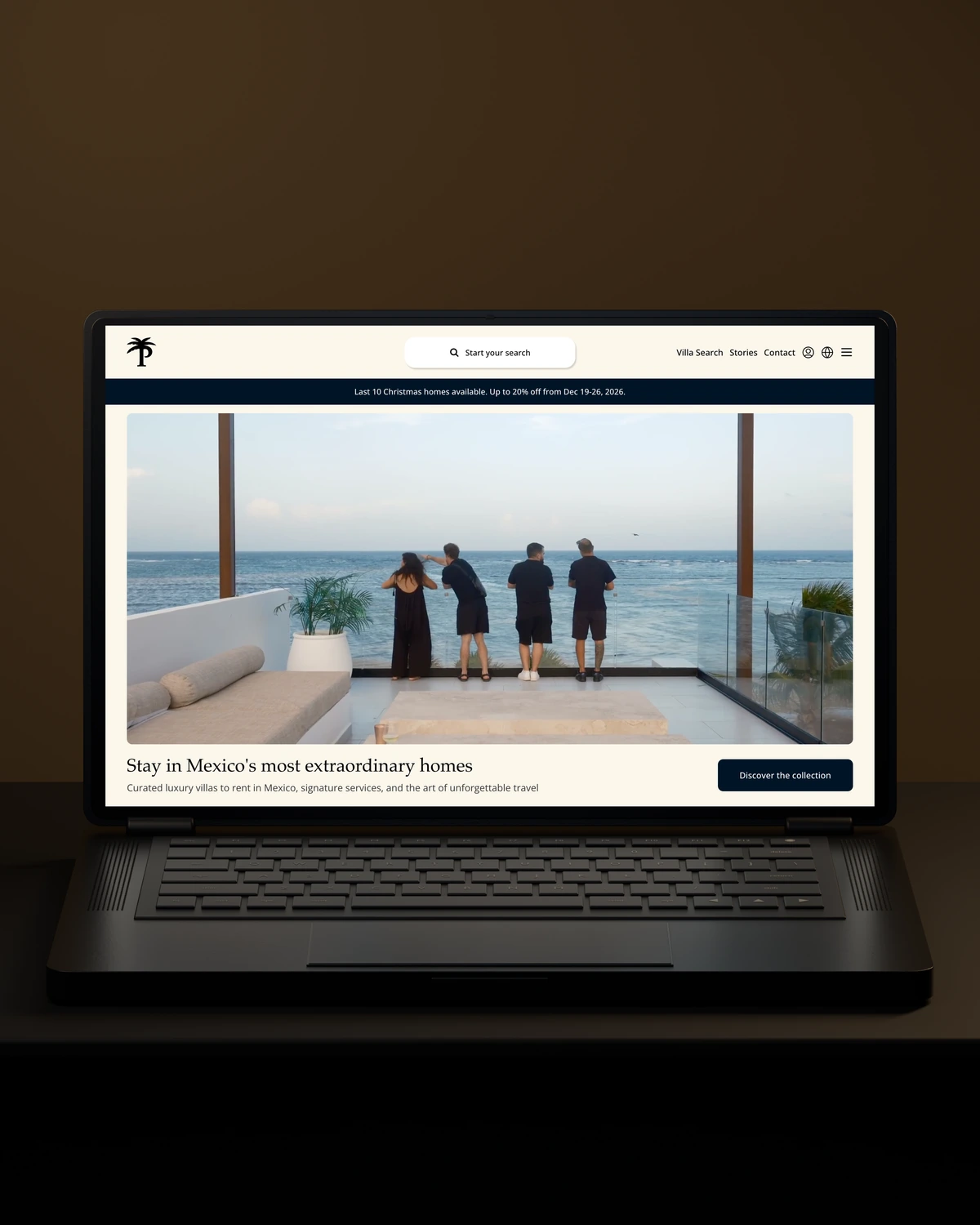
 Private Villas MexicoBuilt to driveMore direct bookings.

 Built to driveMore committed players.



 Built to driveMore returning customers.

 Built to driveMore meaningful demos.

 Built to driveBetter talent connections.

 Built to driveMore course creators.

 Built to driveMore product discovery.
Trusted across our practice
Independent reviews. Long-term working relationships.


“We’ve been working with Stega & Gabriel for the last two years. Cannot recommend them enough. They’re responsive, professional & an asset.”
“After a website (re)launch, they are also always accessible and happy to help. I highly recommend everyone who is looking for a new and more stable website in Webflow, to work with Stega!”
“Stega Creative team not only understood our needs and vision for the websites, but they also came up with improvements.”
A few things worth discussing before your Adobe Commerce migration takes shape.
Moving from Magento Open Source to Adobe Commerce is mostly a licence and package change on the same codebase, followed by extension checks. Data usually stays in place. The work lies in testing extensions, enabling Adobe Commerce features and deciding whether to move to Adobe's cloud hosting.
Extensions are reviewed one by one during an Adobe Commerce migration. Each one is kept, upgraded, replaced with a native feature or dropped. Unused and abandoned extensions cause most upgrade problems, so the migration is a good moment to remove them.
Integrations and extensions set the cost more than catalogue size, because every ERP, PIM or payment connection needs rebuilding and testing. The price includes at least one full launch rehearsal before the real cutover.
Customer passwords survive an Adobe Commerce migration when the target stays on Magento or Adobe Commerce, because the password hashes move with the database. A move to a different platform means passwords cannot come across, so customers reset them. We plan that message and its timing before launch.
way.Your ambition. Our collective craft.
Strategy, design and technology, working as one.