










Map every URL
We crawl the current site, list every indexed page and assign each one a new home or a 301 redirect.


 4.9 / 5
Move from WordPress, Wix, Squarespace or a custom CMS to Webflow. Every page, post and URL accounted for.
Selected work, in motion.
A glimpse of how we bring brands to life on the web.Most teams come to us when the current site starts costing more than it earns.
What's included
A migration is a content project, a design project and an SEO project at once. We run all three.
We crawl the current site, list every indexed page and assign each one a new home or a 301 redirect.
Posts, case studies and resources are cleaned up and imported into Webflow CMS collections, with images and metadata.
Your pages rebuilt as Webflow components, so the new site is easier to extend than the one it replaces.
We watch Search Console, crawl errors and indexing for the weeks after the switch and fix anything that slips.
Security, by consideration.
For your Webflow project, we consider publishing roles, forms, custom code and third-party integrations as part of one connected build.
See our approachGitHub workflows, peer review and dependency checks bring decisions into the release process.
Certificate configuration, HTTPS and secure headers help protect the path between your users and your systems.
Scoped tool access, validated inputs and human approval where automated actions carry consequences.
You approve the map before anything moves.
A full crawl, a content inventory and a redirect plan you sign off.
Templates built in Webflow, content imported and checked page by page.
DNS switch, redirects live, sitemap submitted, then weekly indexing checks.
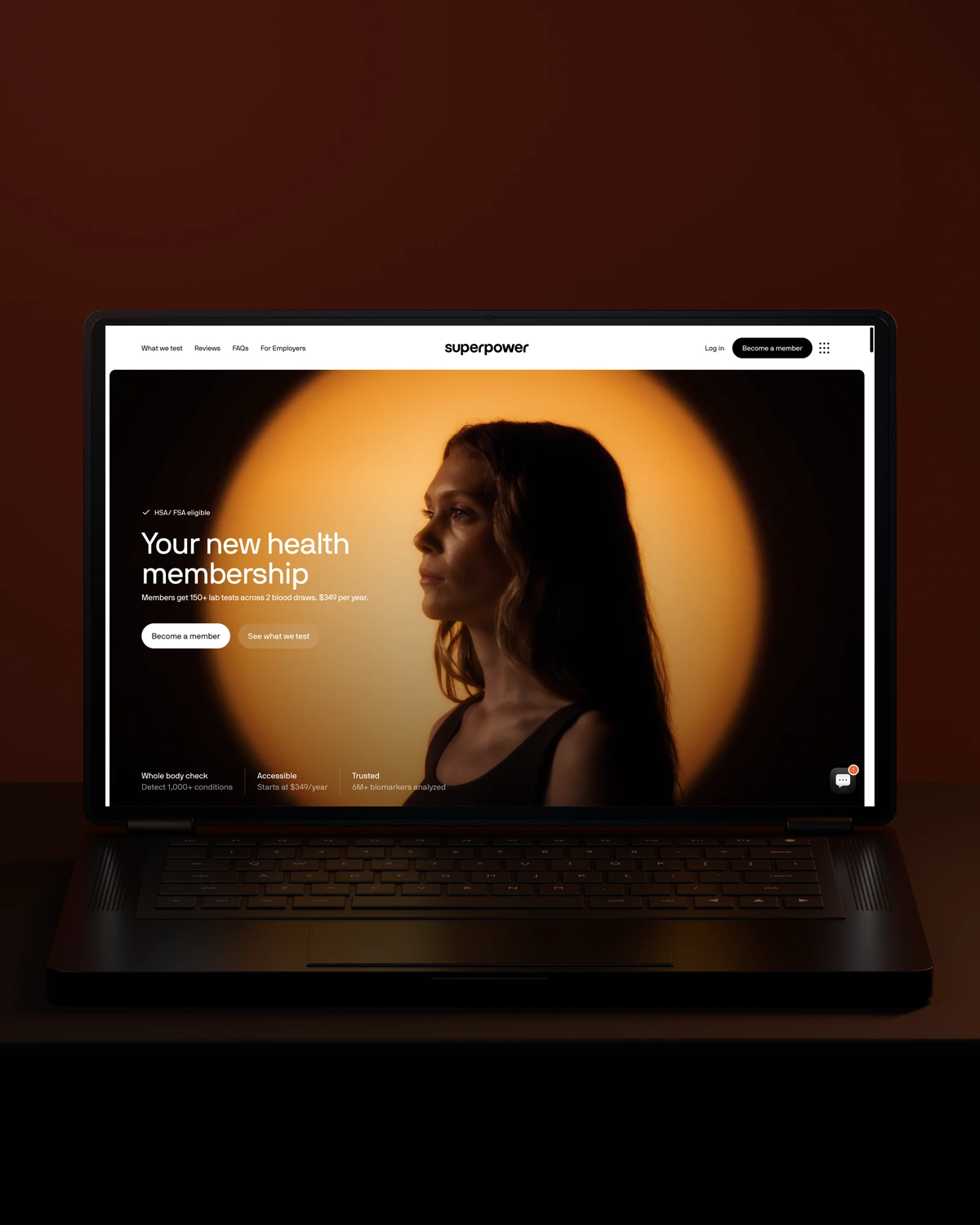


 Built to driveMore sign-ups.
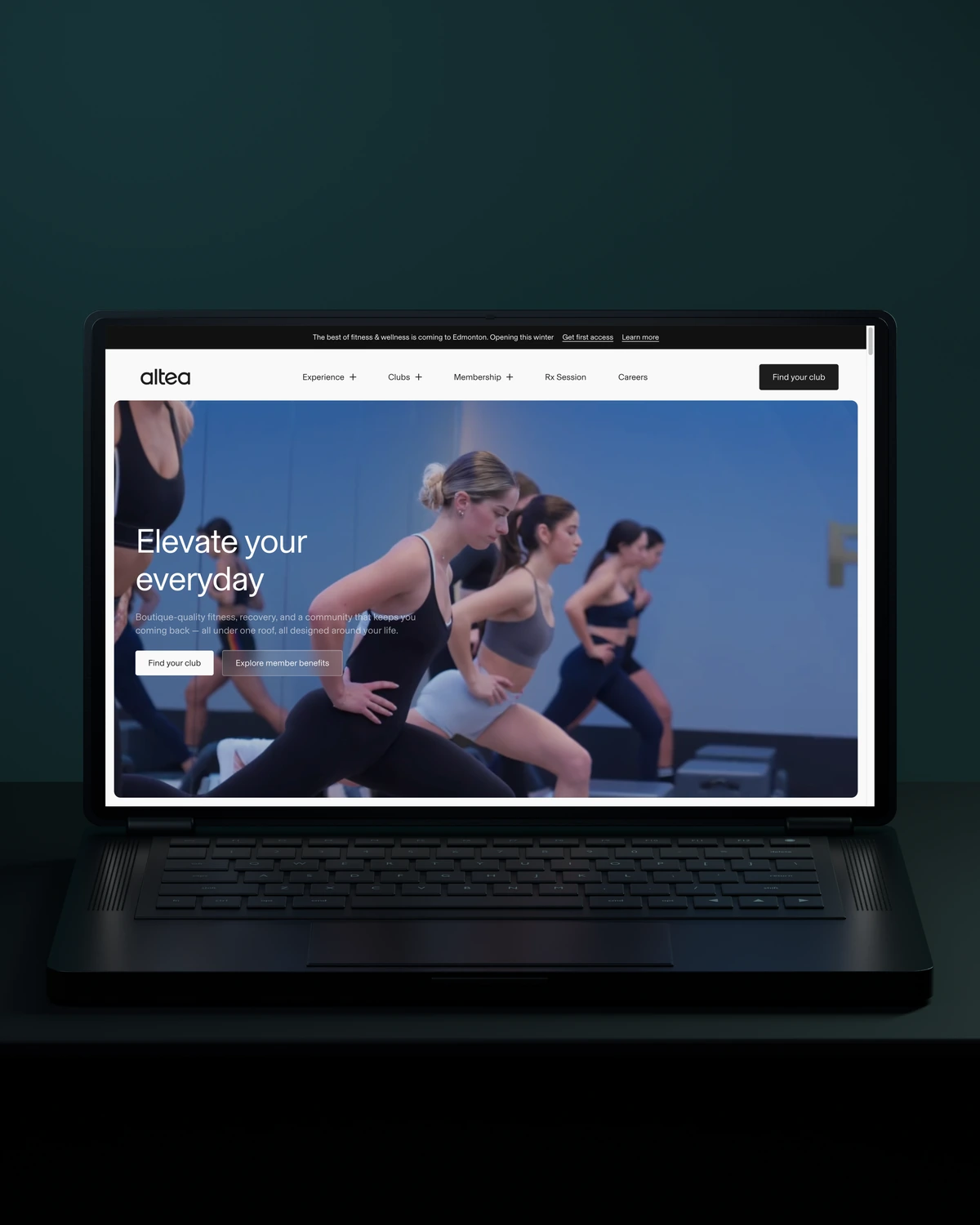

 Built to driveMore memberships.
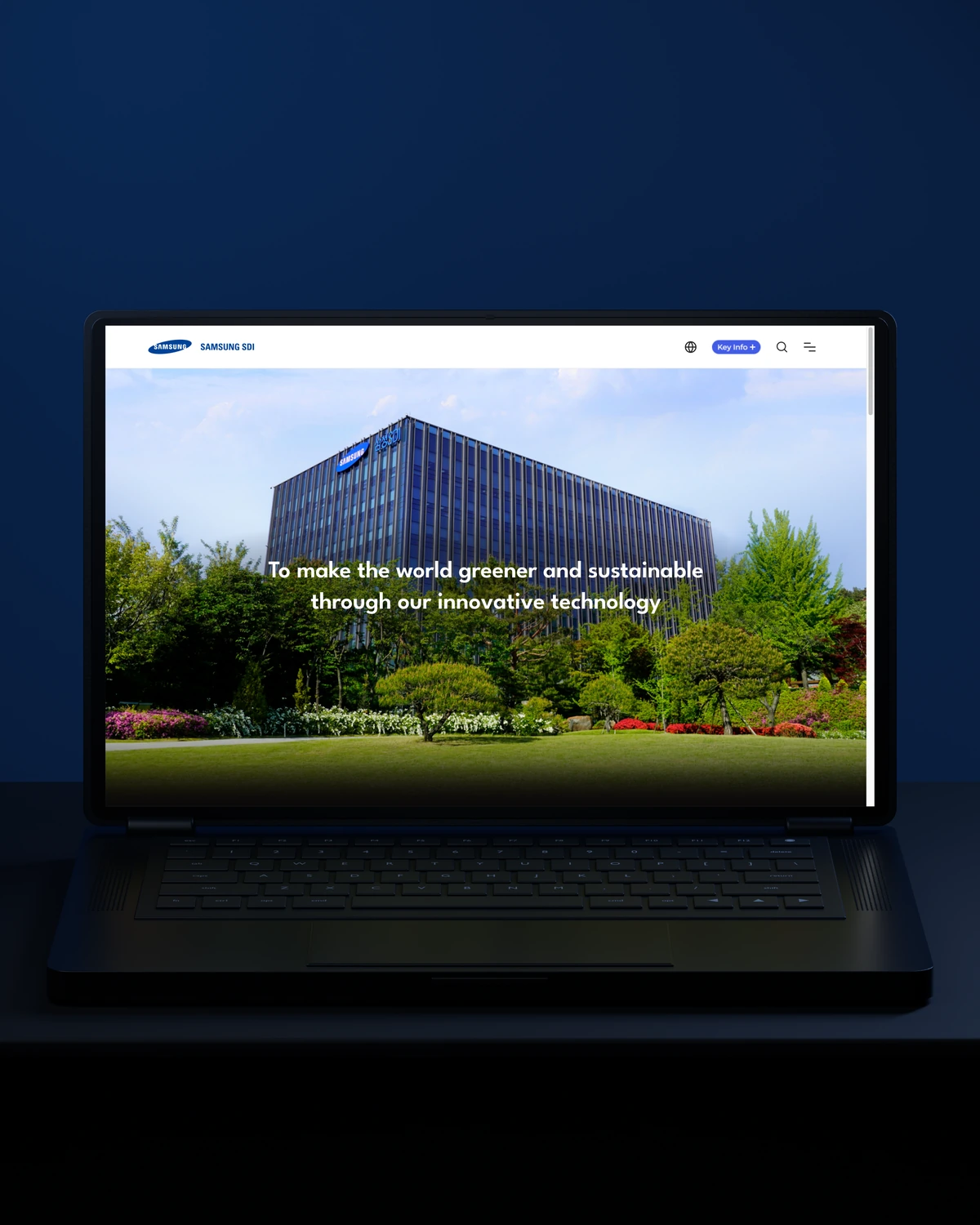

 Built to driveBetter-qualified leads.
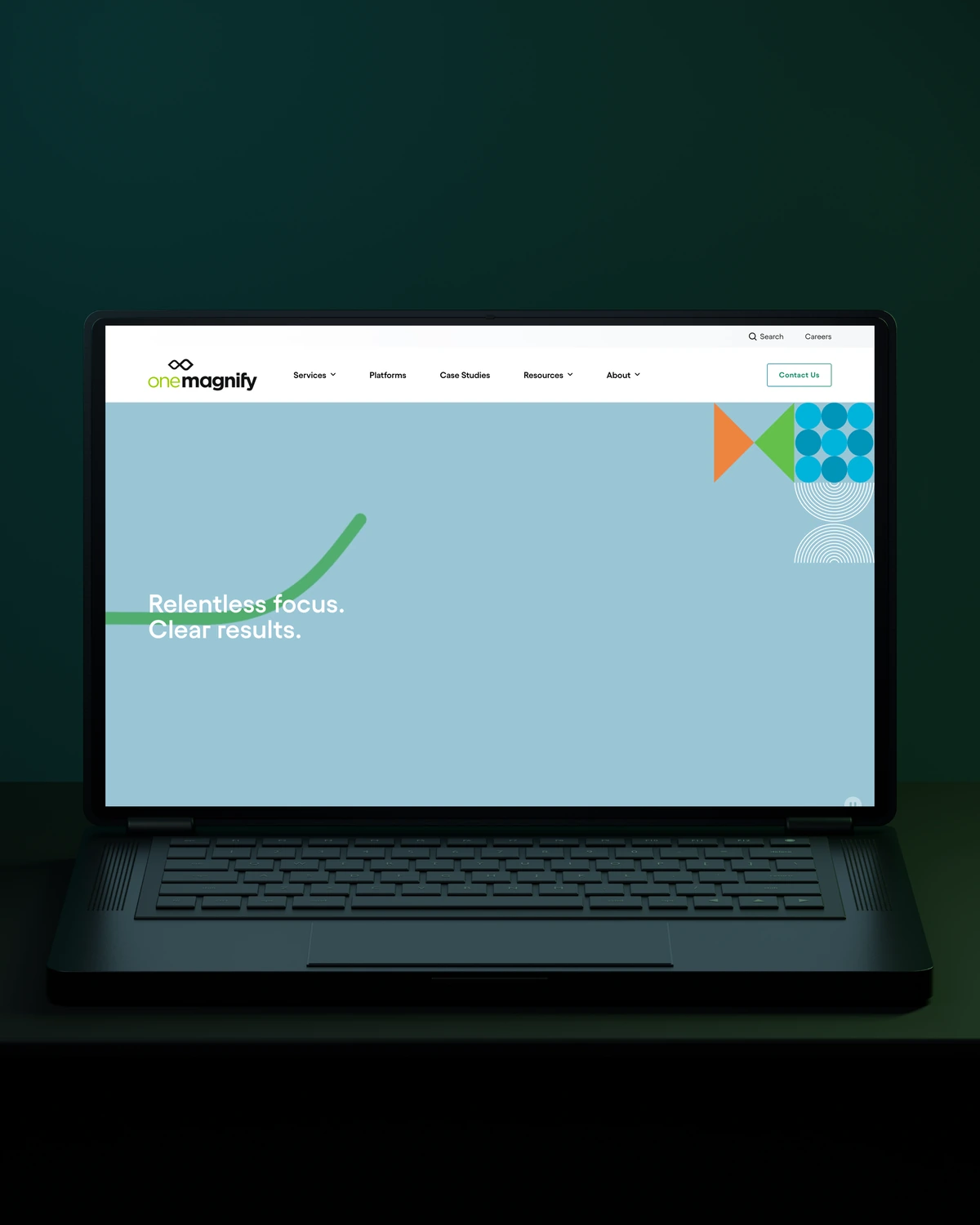
 Built to driveMore qualified candidates.
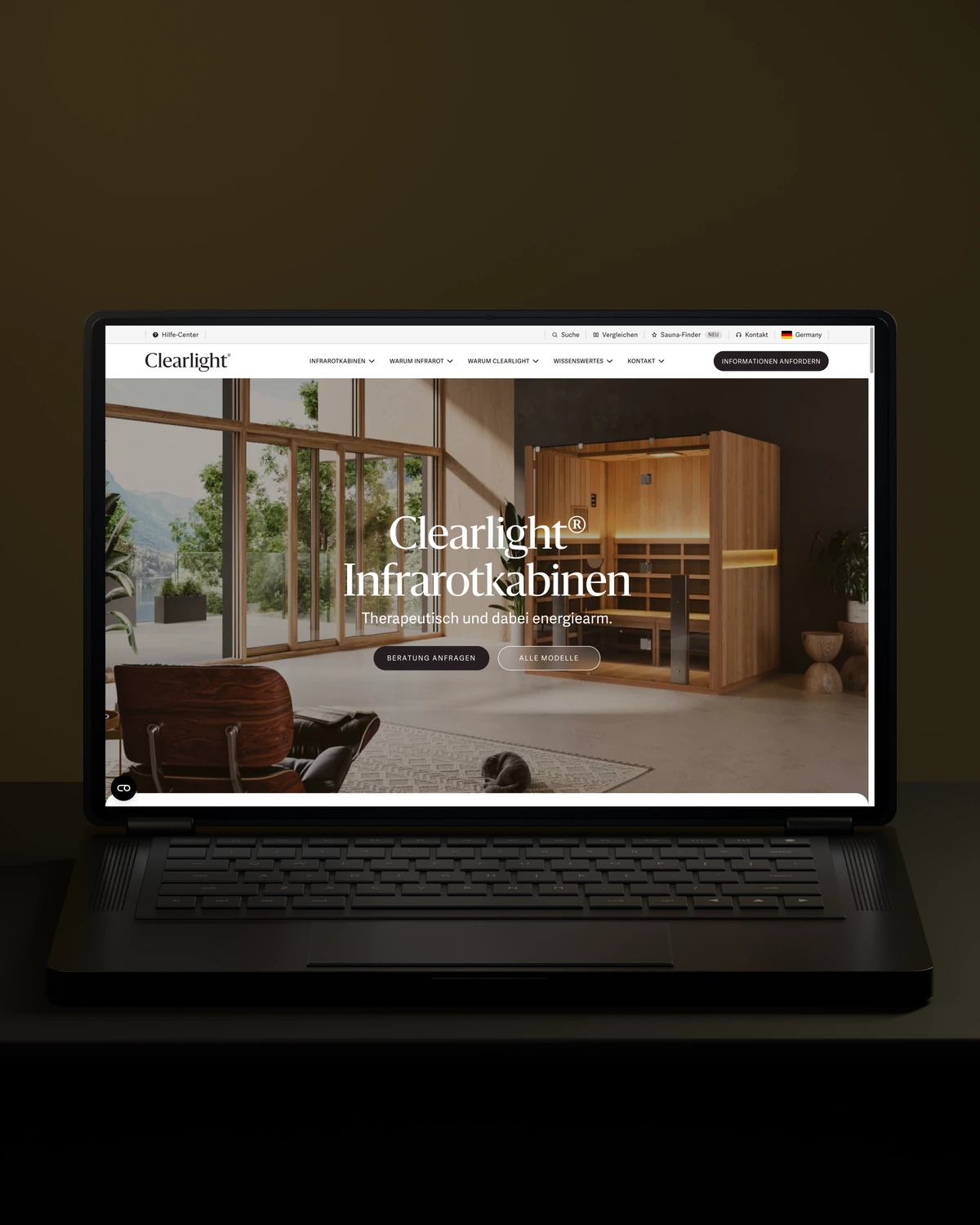


 Built to driveMore enquiries.
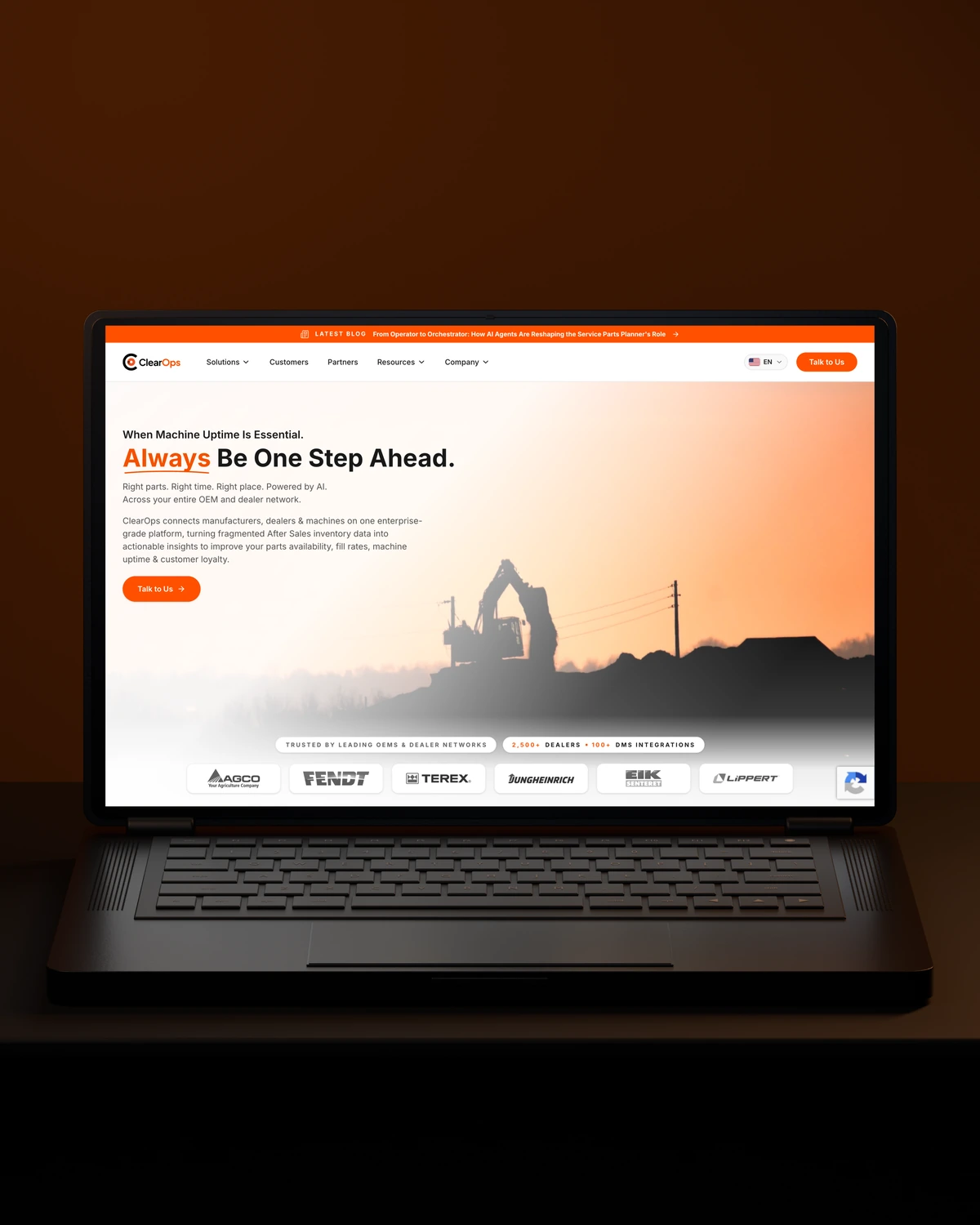
 Built to driveMore qualified demos.
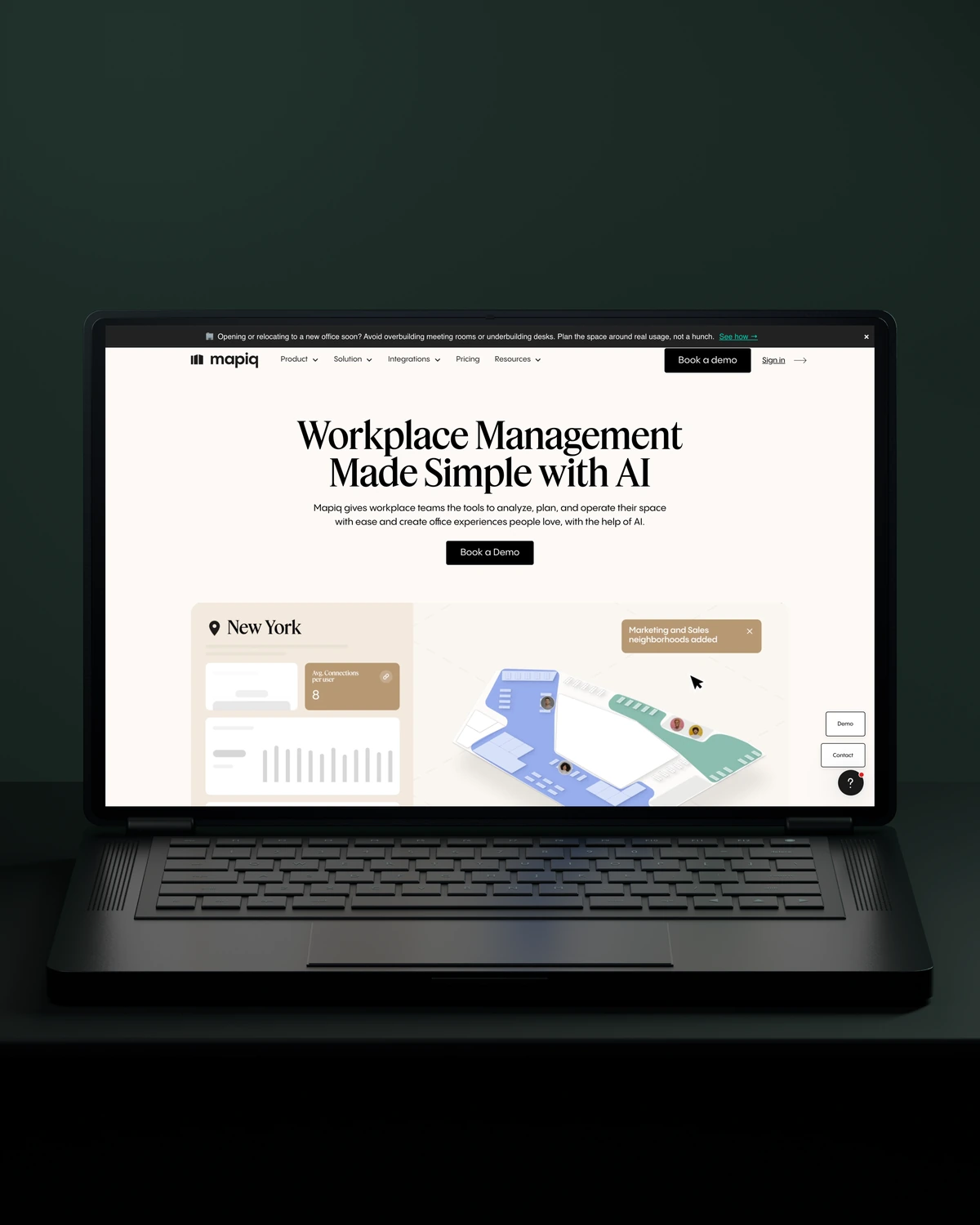
 Built to driveMore workplace demos.

 Built to driveMore business accounts.

 Built to driveMore free trials.
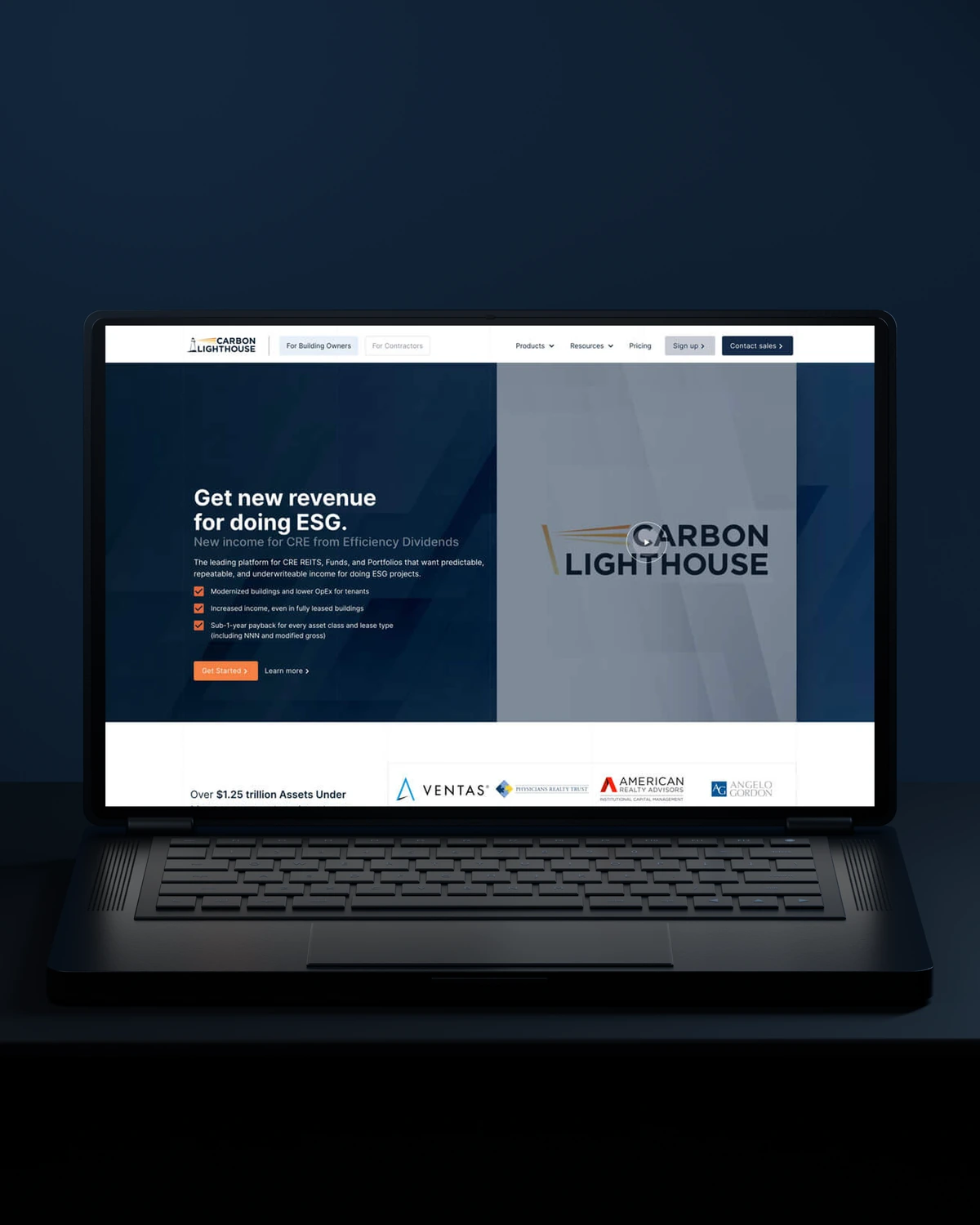
 Built to driveMore building owners.
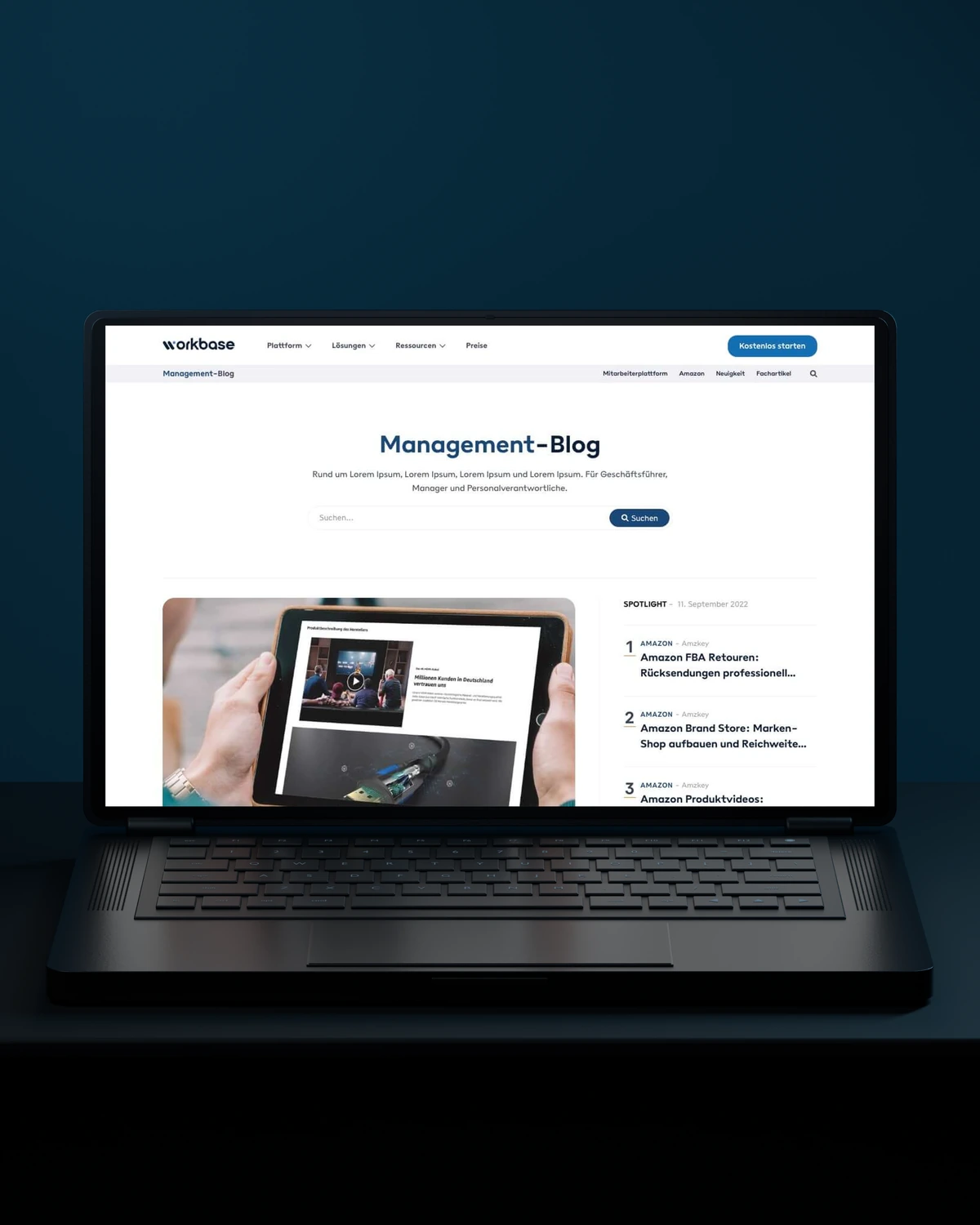
 Built to driveMore free sign-ups.
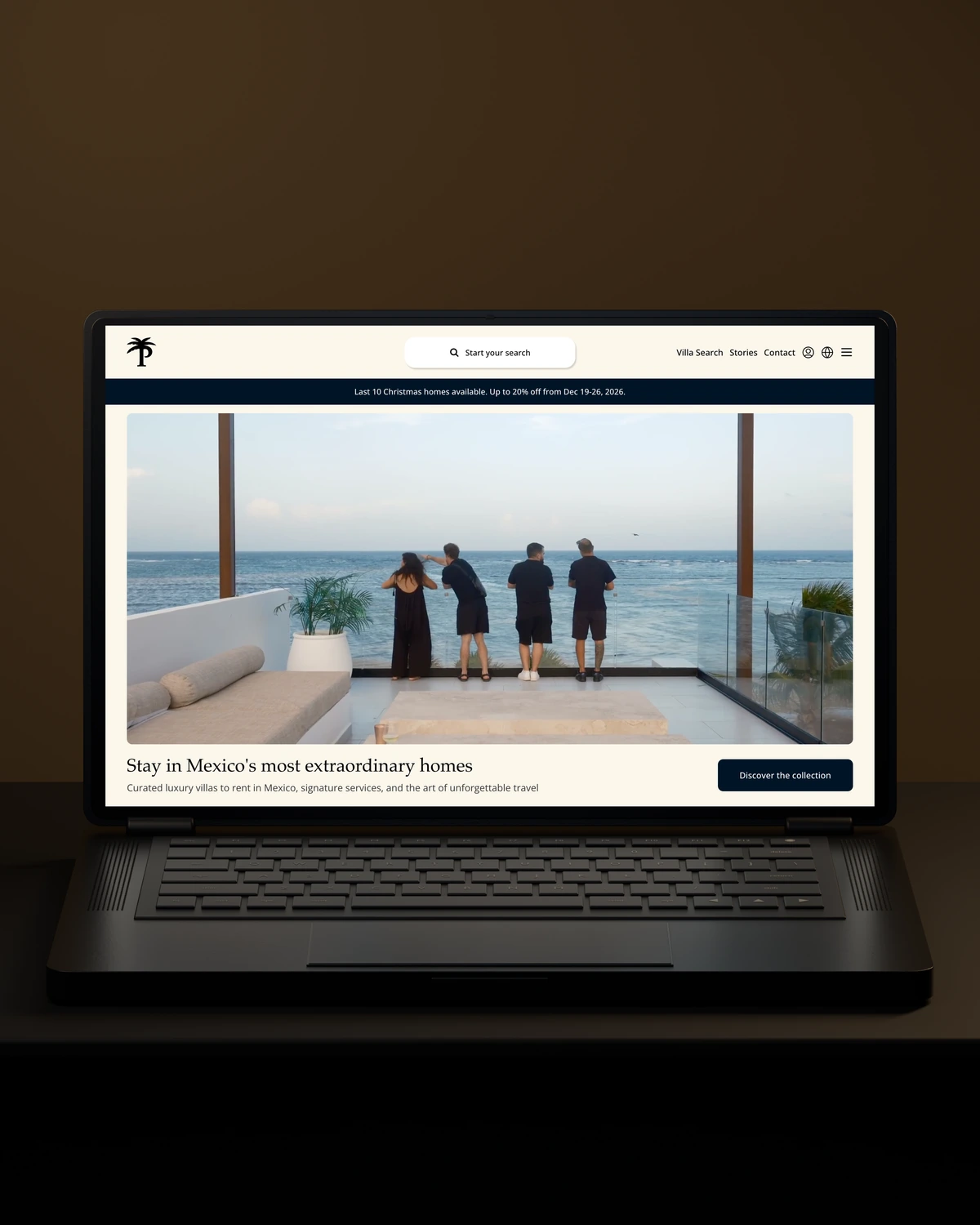
 Private Villas MexicoBuilt to driveMore direct bookings.

 Built to driveMore committed players.
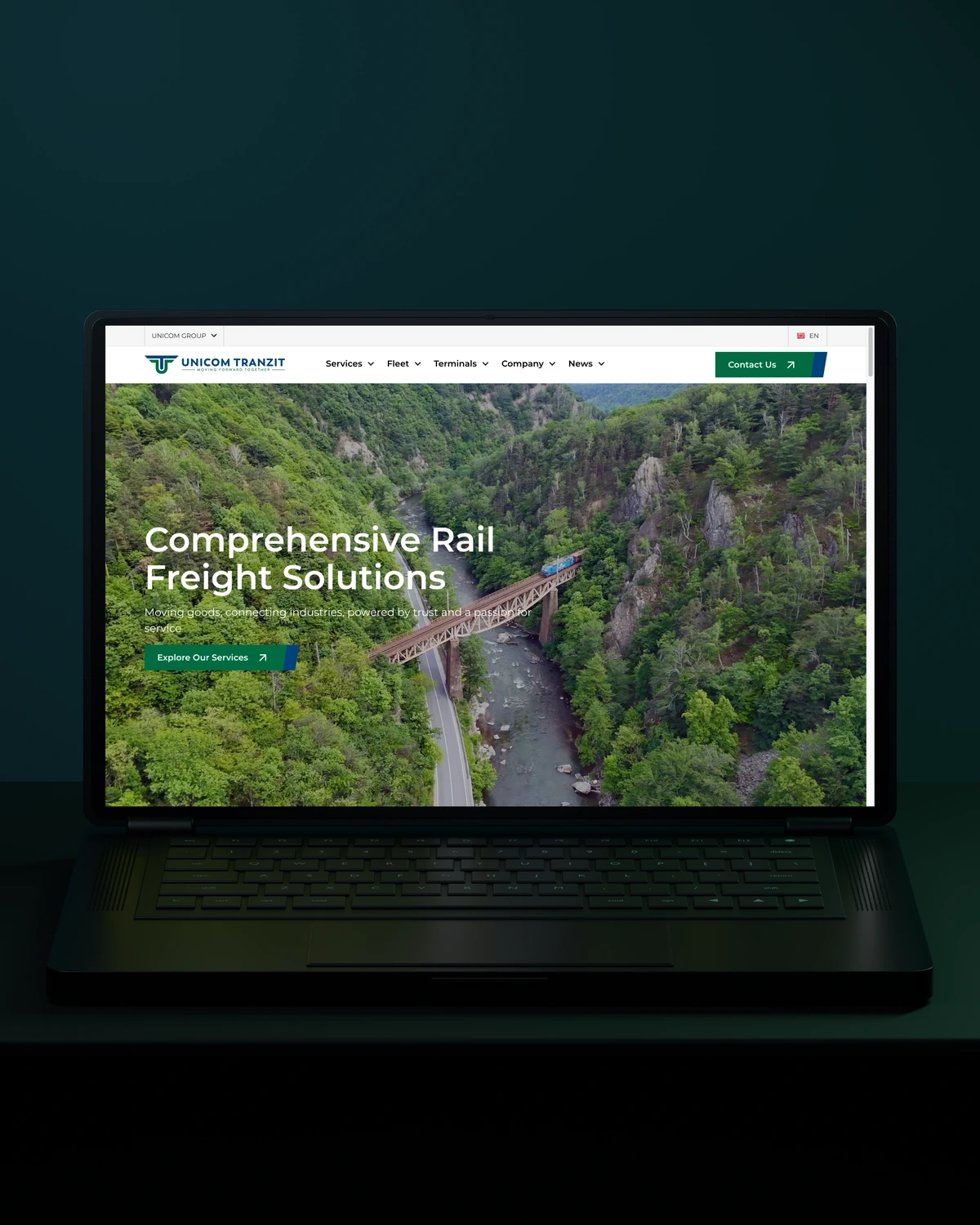

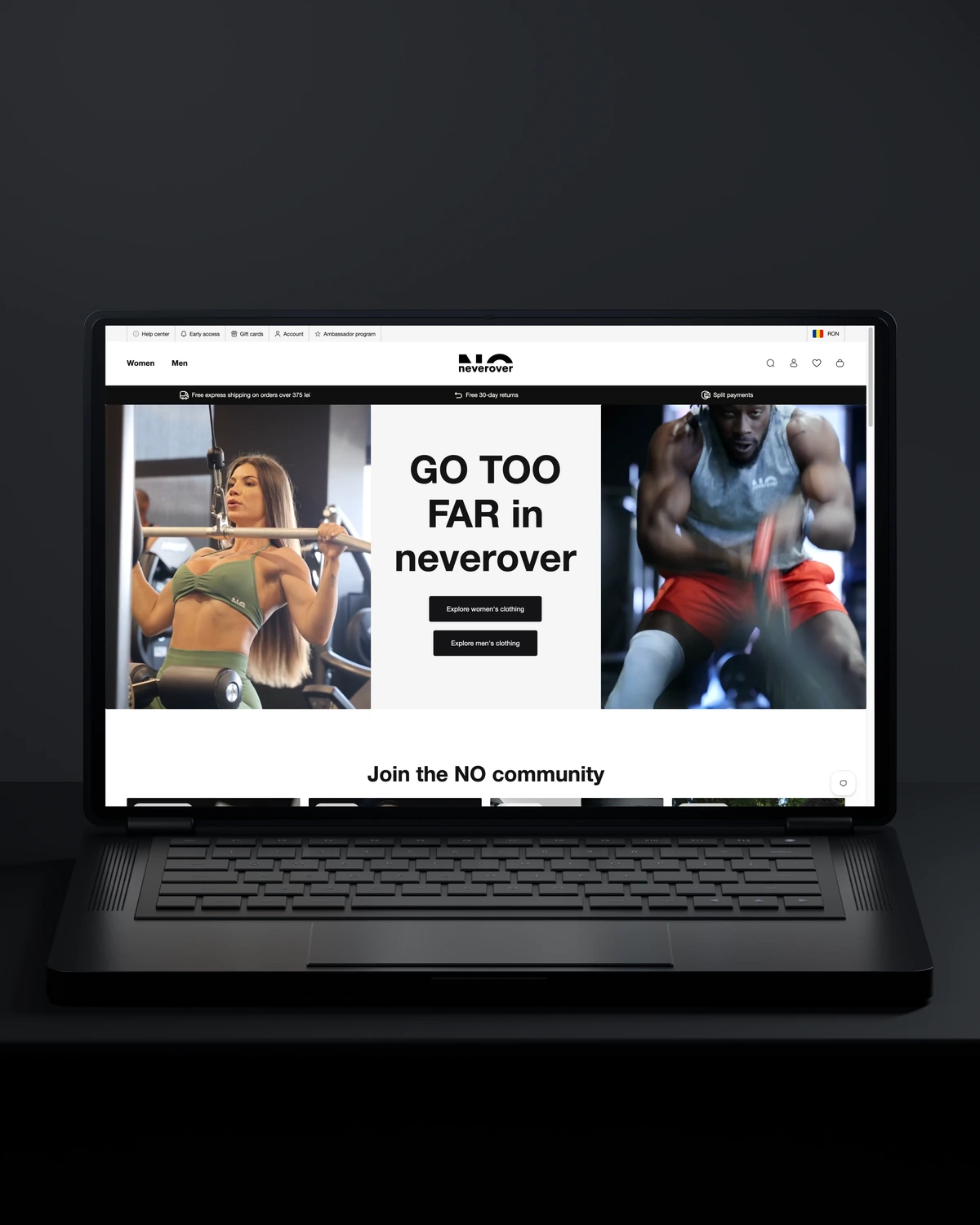
 Built to driveMore returning customers.

 Built to driveMore meaningful demos.
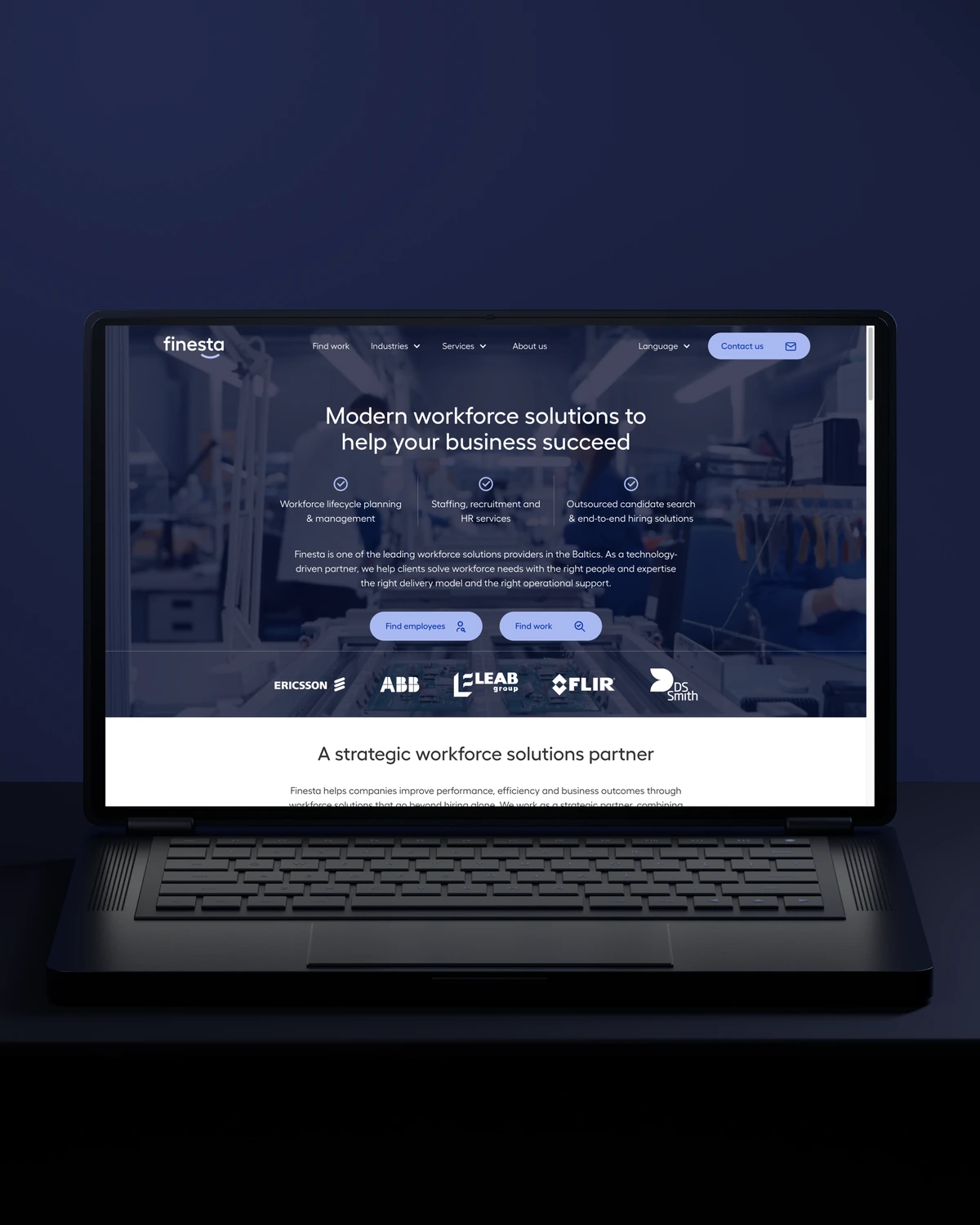
 Built to driveBetter talent connections.
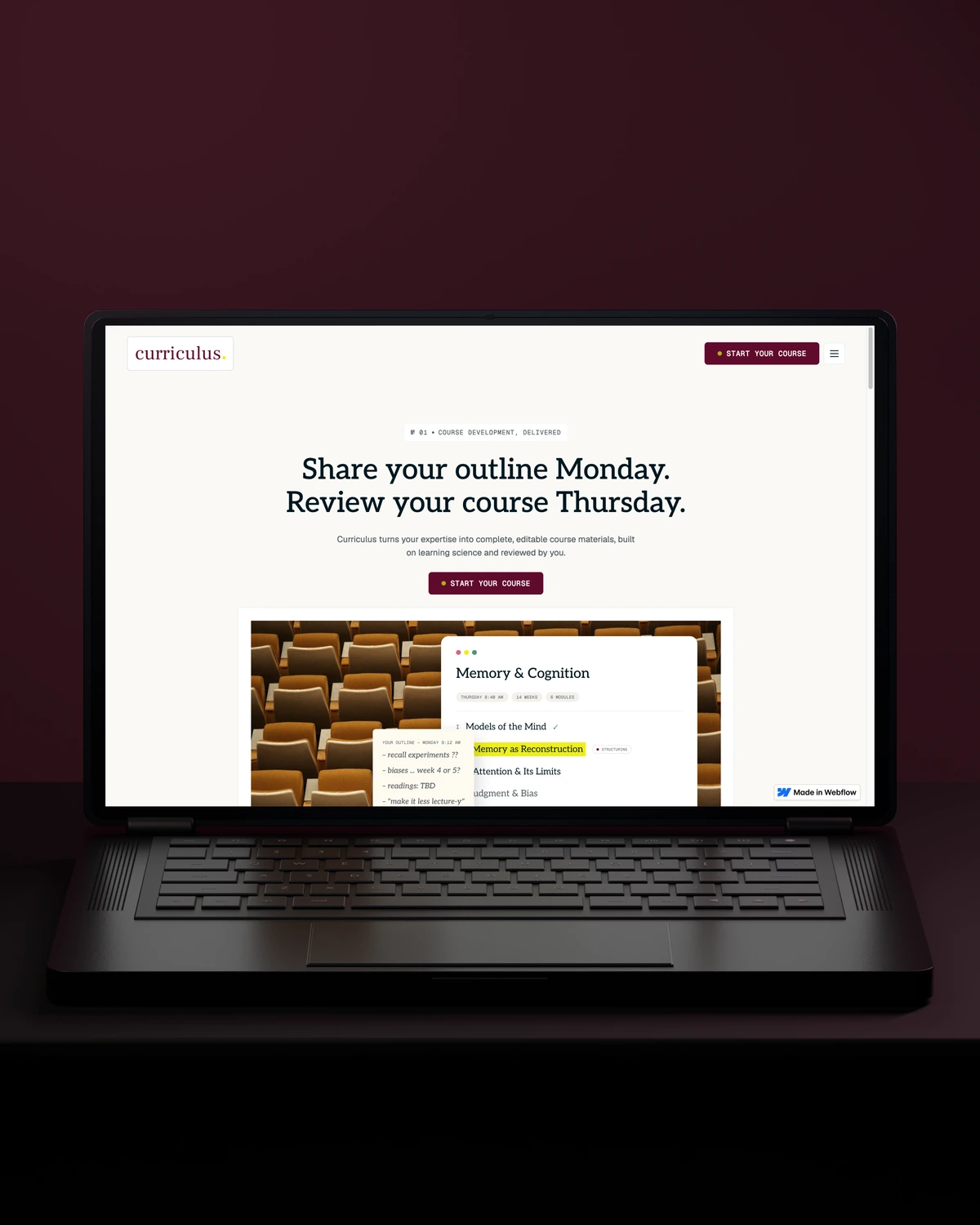
 Built to driveMore course creators.
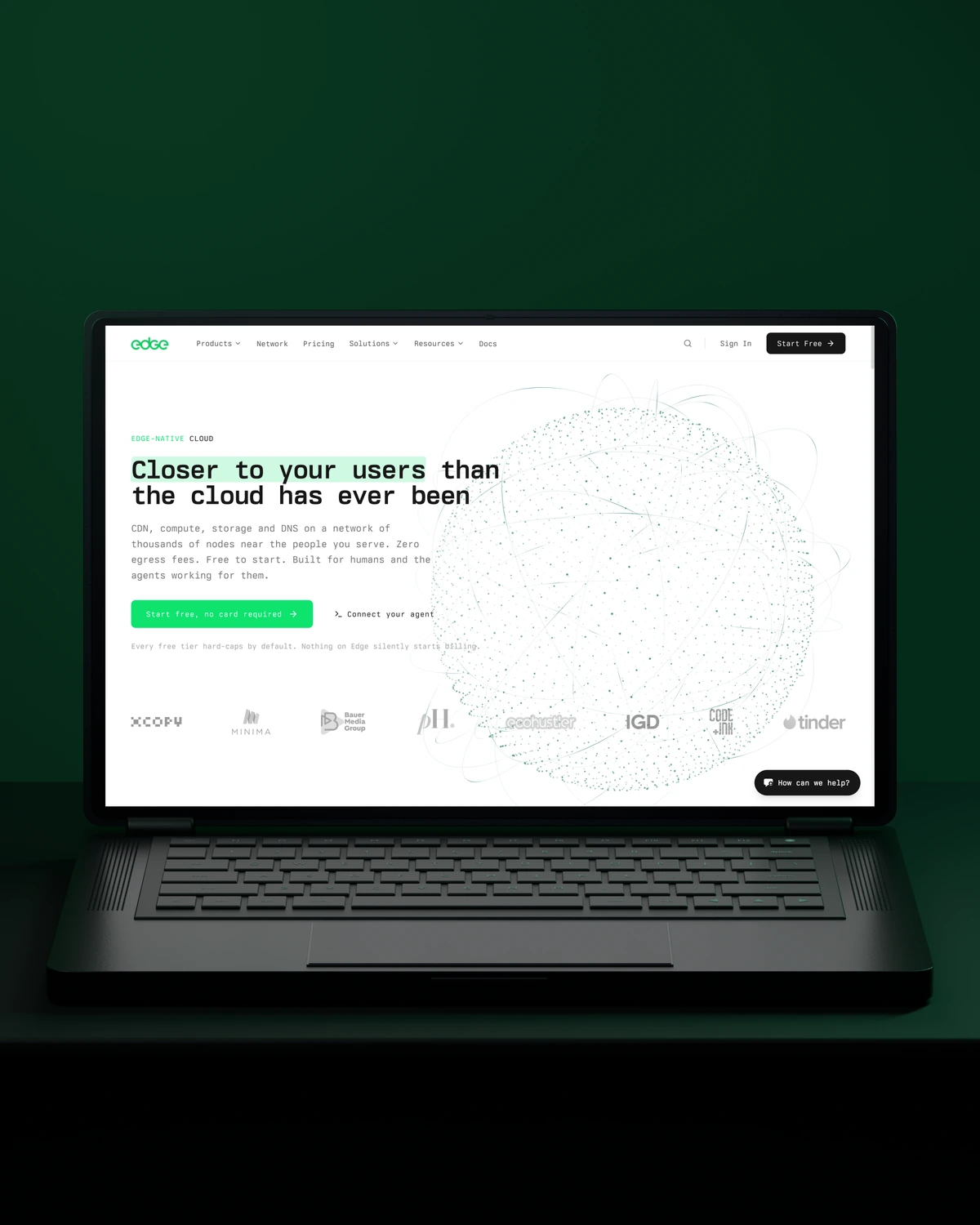
 Built to driveMore product discovery.
Trusted across our practice
Independent reviews. Long-term working relationships.

“After a website (re)launch, they are also always accessible and happy to help. I highly recommend everyone who is looking for a new and more stable website in Webflow, to work with Stega!”
“Stega Creative team not only understood our needs and vision for the websites, but they also came up with improvements.”
“We’ve been working with Stega & Gabriel for the last two years. Cannot recommend them enough. They’re responsive, professional & an asset.”
A few things worth discussing before your Webflow migration takes shape.
A planned Webflow migration keeps the rankings you have earned. We redirect every indexed URL, carry over titles and meta descriptions, and monitor Search Console after launch. Short dips can happen while Google recrawls, which is why we check weekly until traffic settles.
Yes. We export WordPress posts, categories, authors and images, clean the HTML and import them into Webflow CMS collections. Webflow has limits on items per collection by plan, so we check your volume first and plan around it.
A like-for-like move is faster than a migration combined with a redesign. We agree the launch date and milestones in the plan before any content moves.
Every old URL gets a new destination. Pages that still exist keep their path where possible. Pages that change get a 301 redirect in Webflow, so visitors and search engines land in the right place instead of a 404.
way.Your ambition. Our collective craft.
Strategy, design and technology, working as one.