




















Route every lead
Round-robin, territory and account-based rules that assign an owner, create a task and alert sales the moment a qualified lead arrives.


 4.9 / 5
HubSpot workflow automation for lead routing, lifecycle stages and follow-ups, built so every workflow has a purpose, an owner and a check.
 HubSpotSolutions Partner
Selected work, in motion.
The digital experiences that start a customer relationship.Most HubSpot portals have workflows. Few have workflows anyone can explain.
What's included
We build fewer workflows that do more, and check they keep working after launch.
Round-robin, territory and account-based rules that assign an owner, create a task and alert sales the moment a qualified lead arrives.
Lifecycle stage and lead status driven by clear triggers, with nurture, reactivation and handoff workflows attached to each stage.
Dashboards and audit views that show stuck leads, unassigned records and workflow errors, reviewed on a schedule you agree.
Existing workflows audited, merged or switched off, then named and documented so the next admin knows what each one does.
Security, by consideration.
For your HubSpot project, we consider CRM records, workflow permissions, forms and connected applications as part of one connected build.
See our approachGitHub workflows, peer review and dependency checks bring decisions into the release process.
Certificate configuration, HTTPS and secure headers help protect the path between your users and your systems.
Scoped tool access, validated inputs and human approval where automated actions carry consequences.
Automation starts with the rules your team already follows, written down.
We write down who gets which lead, when, and what should happen next.
Workflows built and run with test contacts through every branch before going live.
Error and stuck-lead views, checked after launch and then monthly.
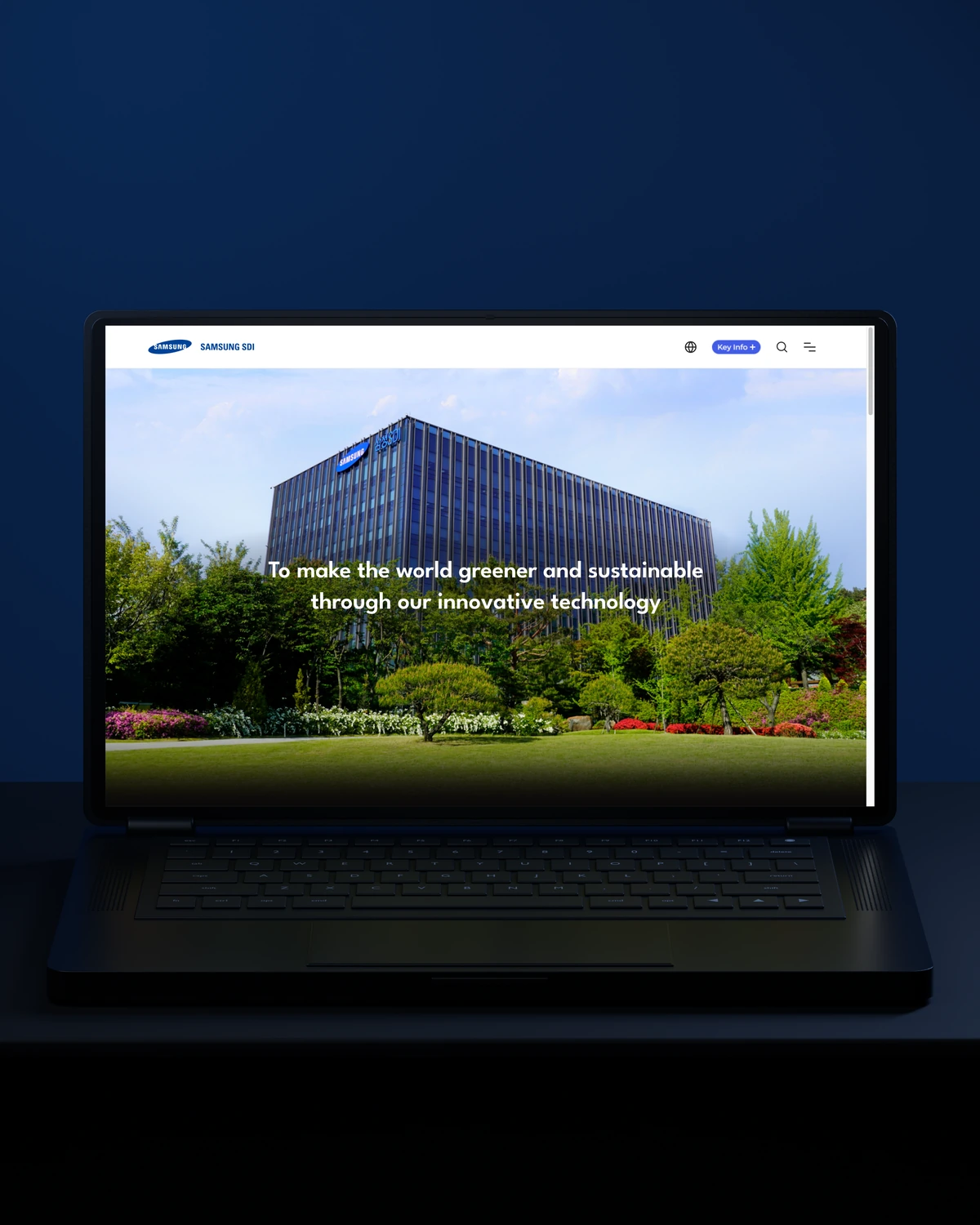


 Built to driveBetter-qualified leads.
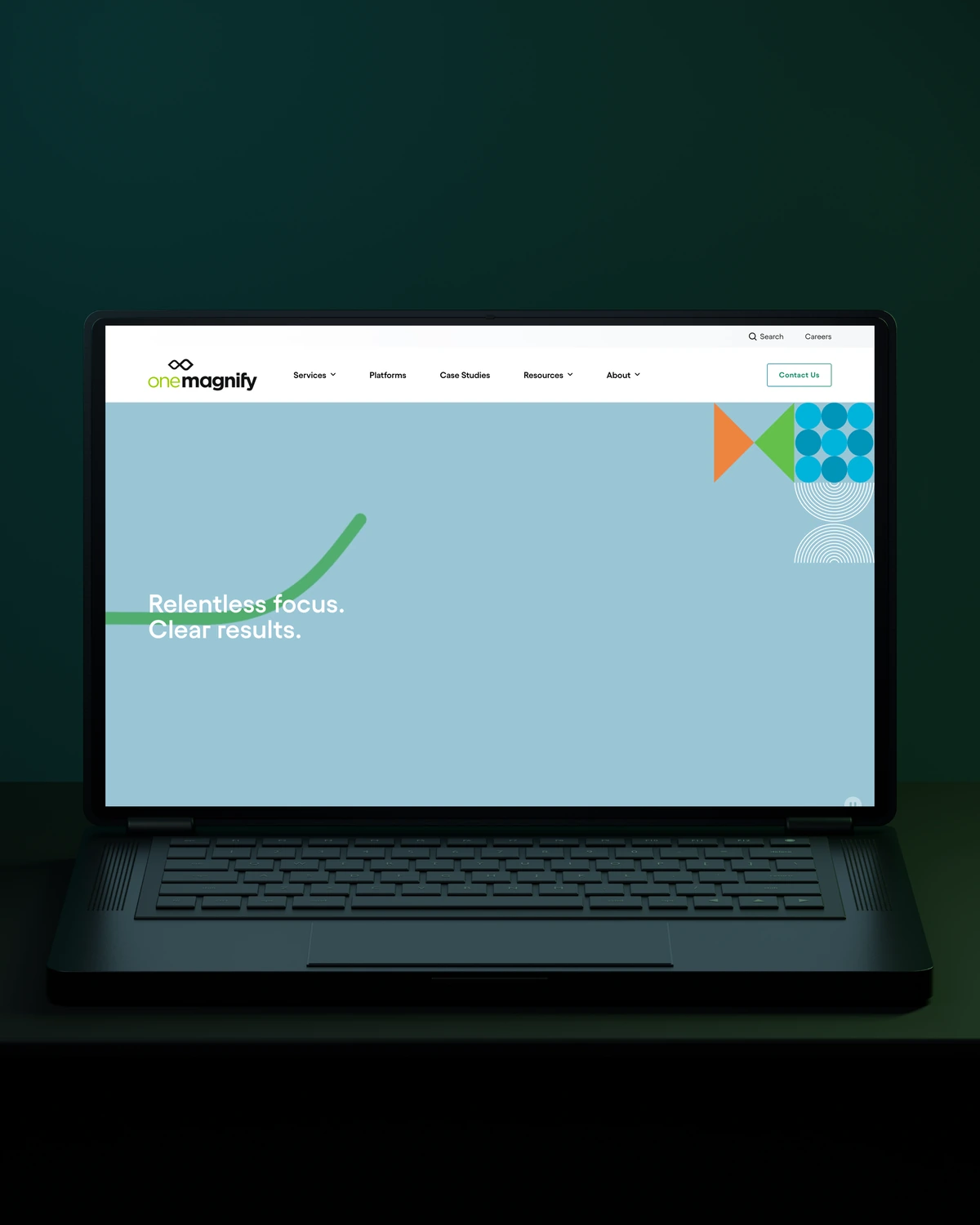
 Built to driveMore qualified candidates.



 Built to driveMore enquiries.

 Built to driveMore qualified demos.
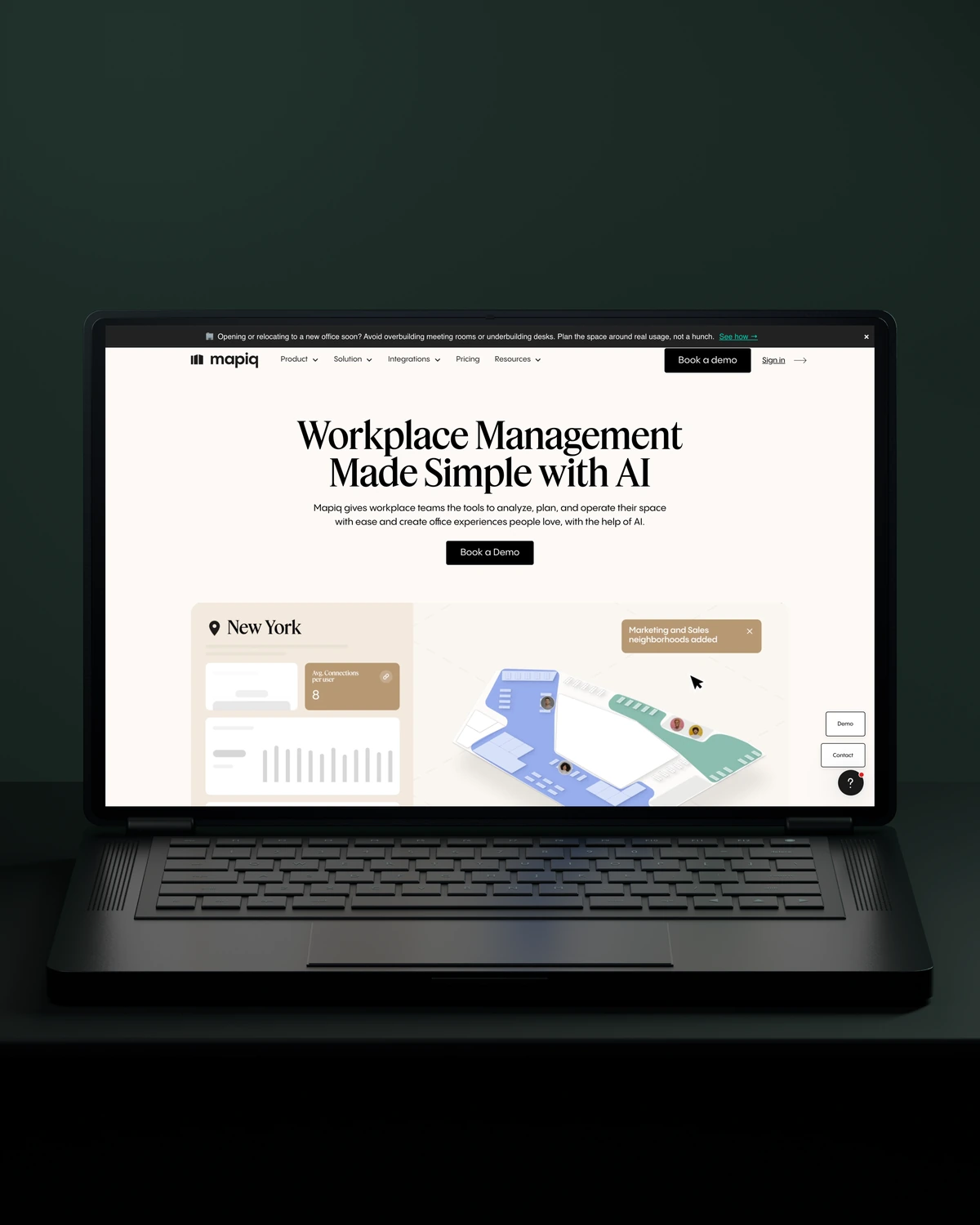
 Built to driveMore workplace demos.

 Built to driveMore business accounts.

 Built to driveMore free trials.

 Built to driveMore building owners.
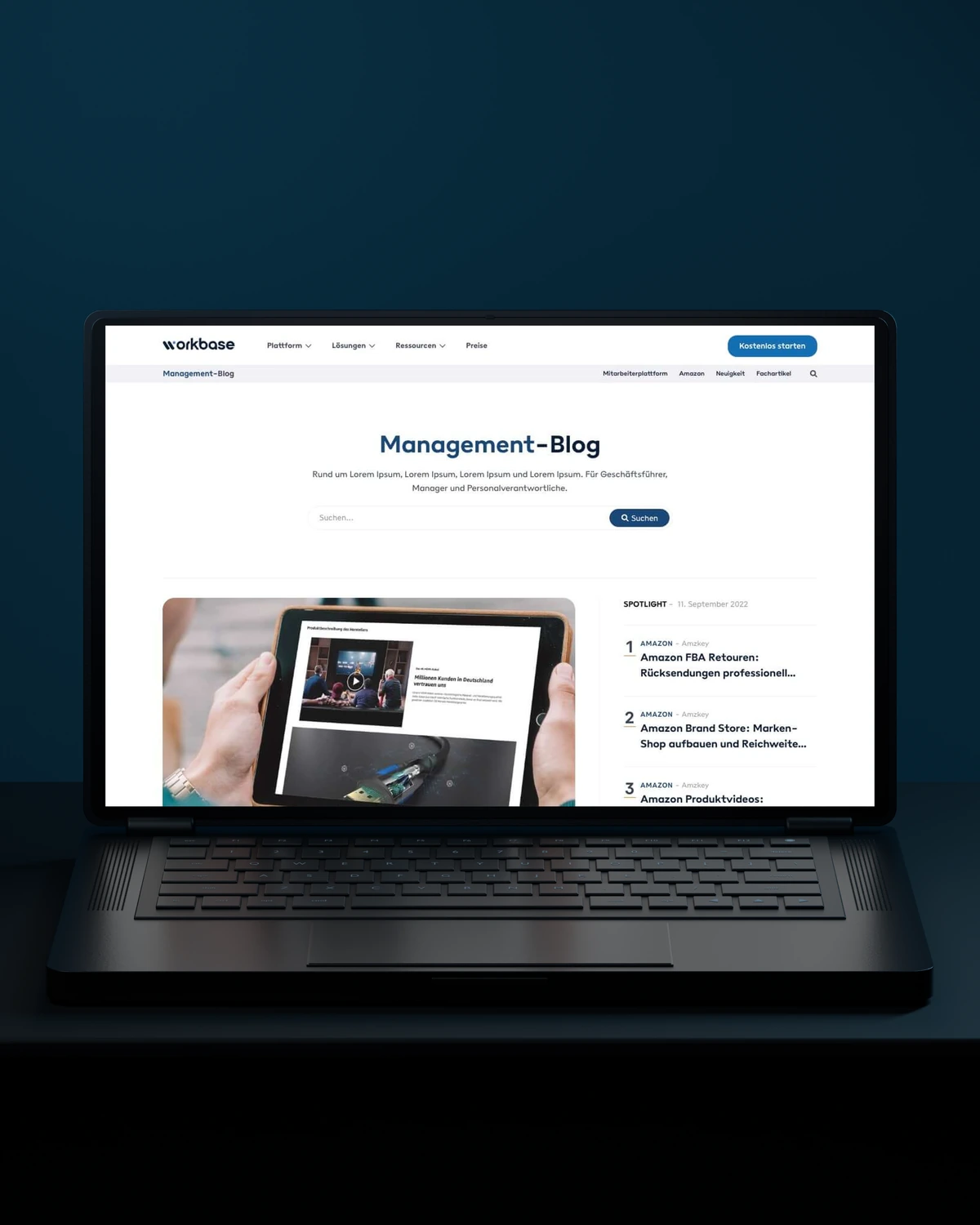
 Built to driveMore free sign-ups.

 Private Villas Mexico

 Built to driveMore direct bookings.

 Built to driveMore committed players.
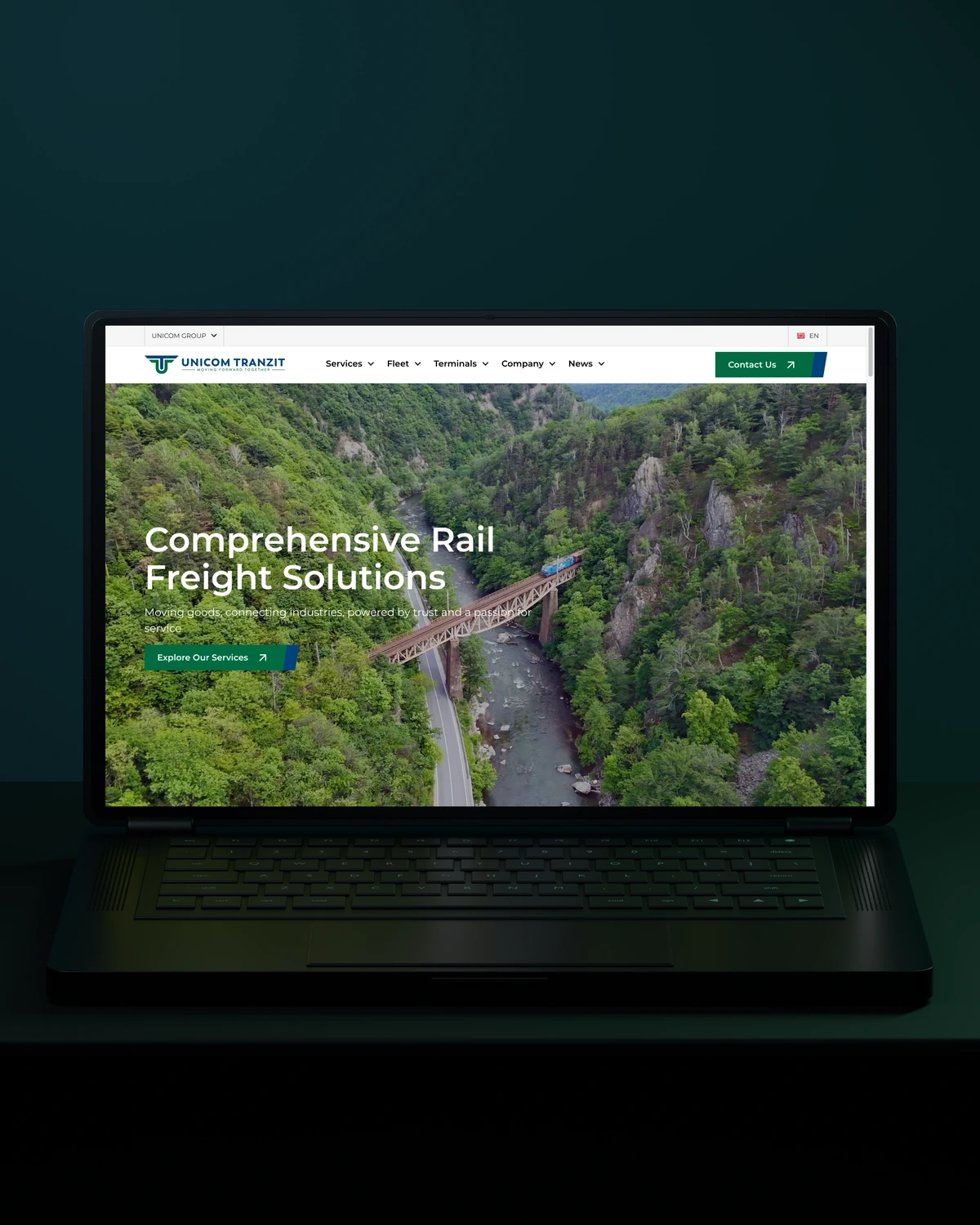

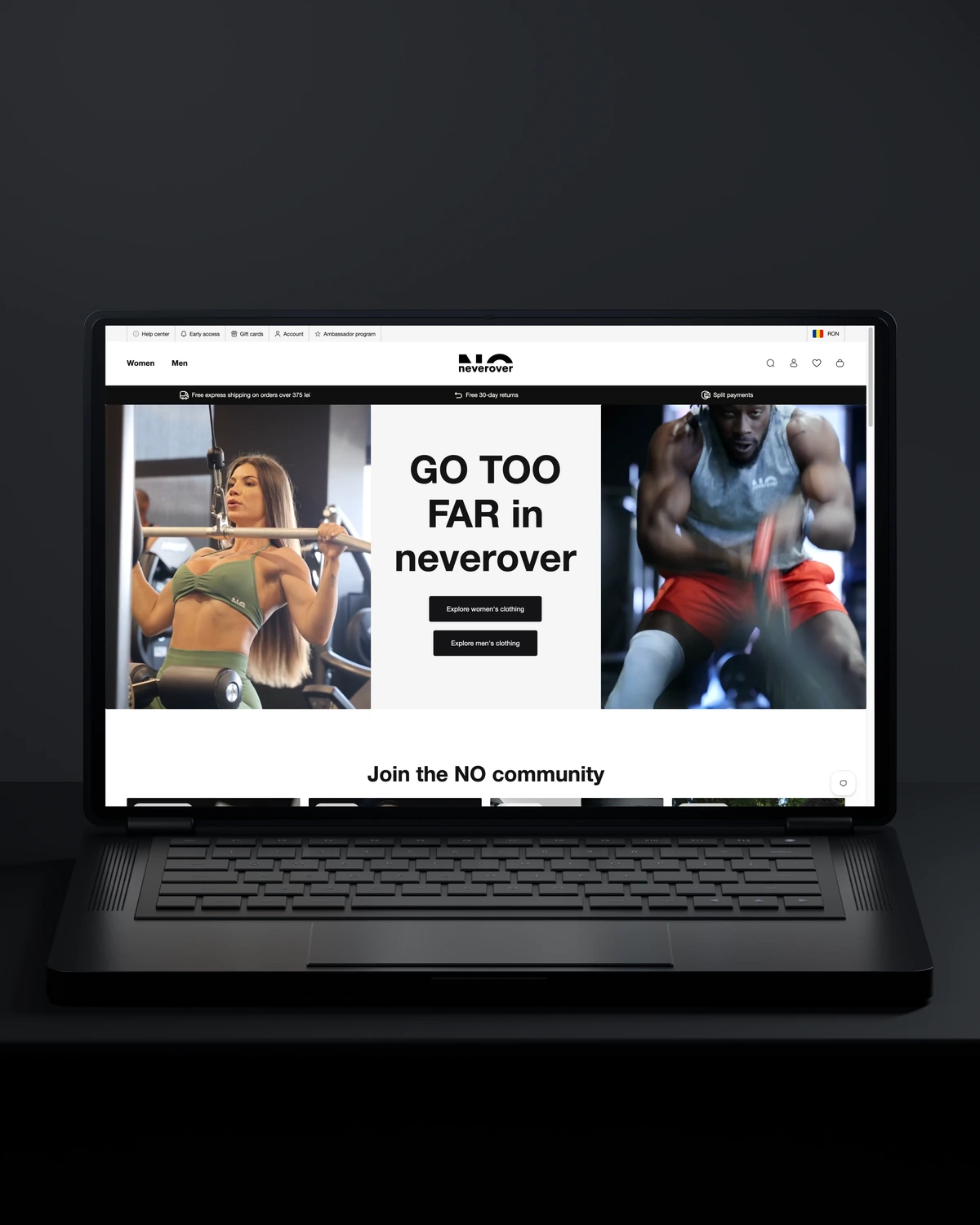
 Built to driveMore returning customers.

 Built to driveMore meaningful demos.
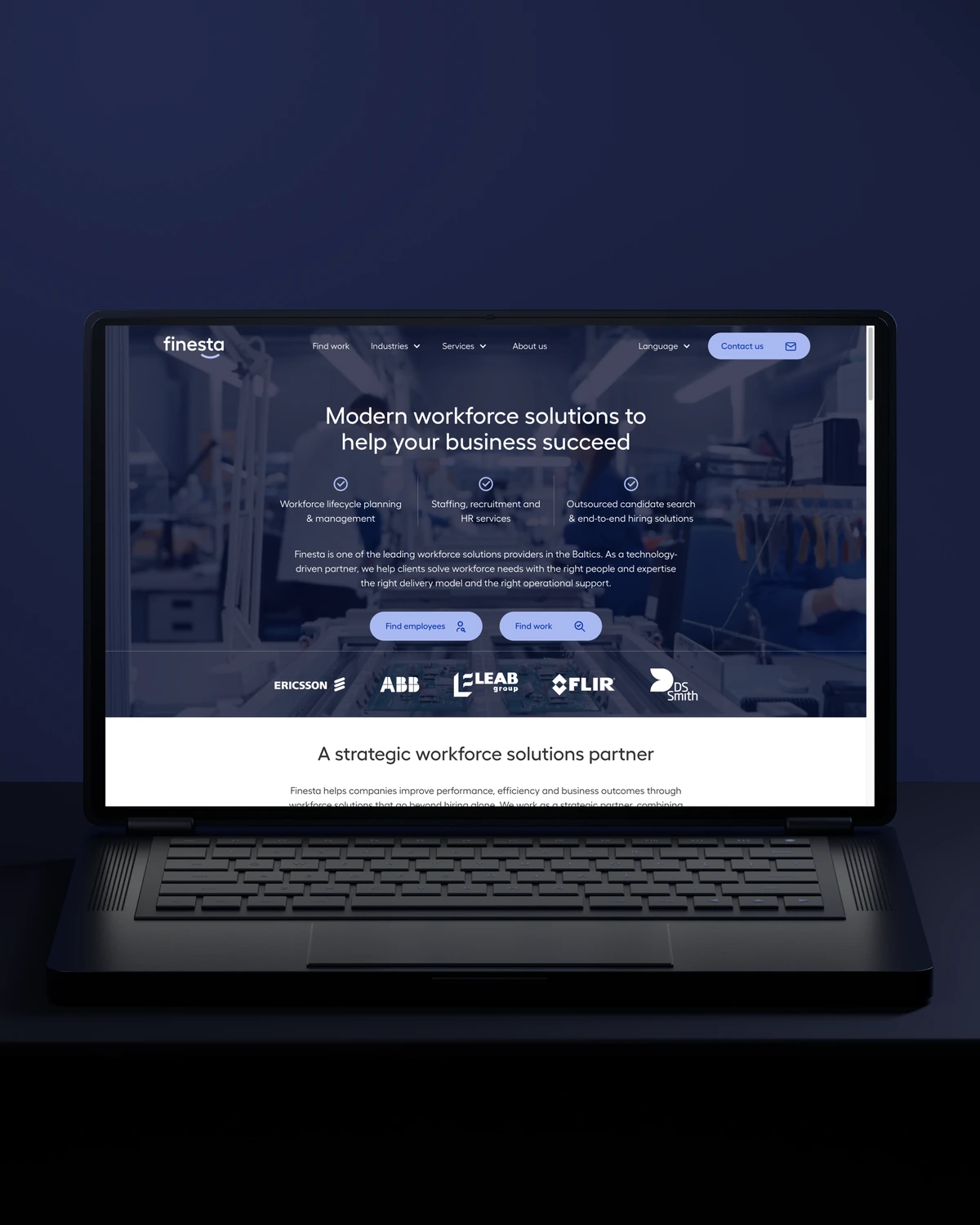
 Built to driveBetter talent connections.

 Built to driveMore course creators.
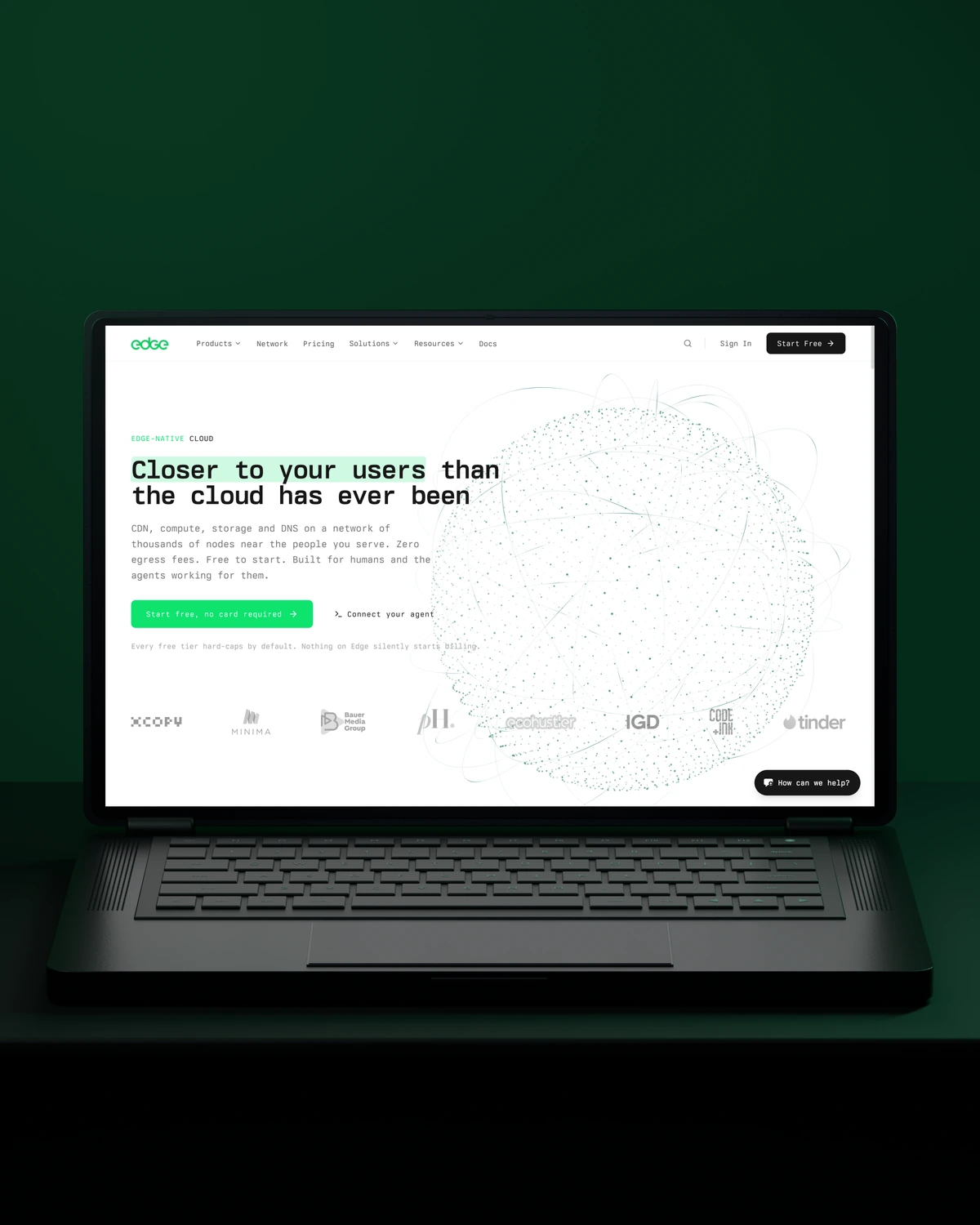
 Built to driveMore product discovery.
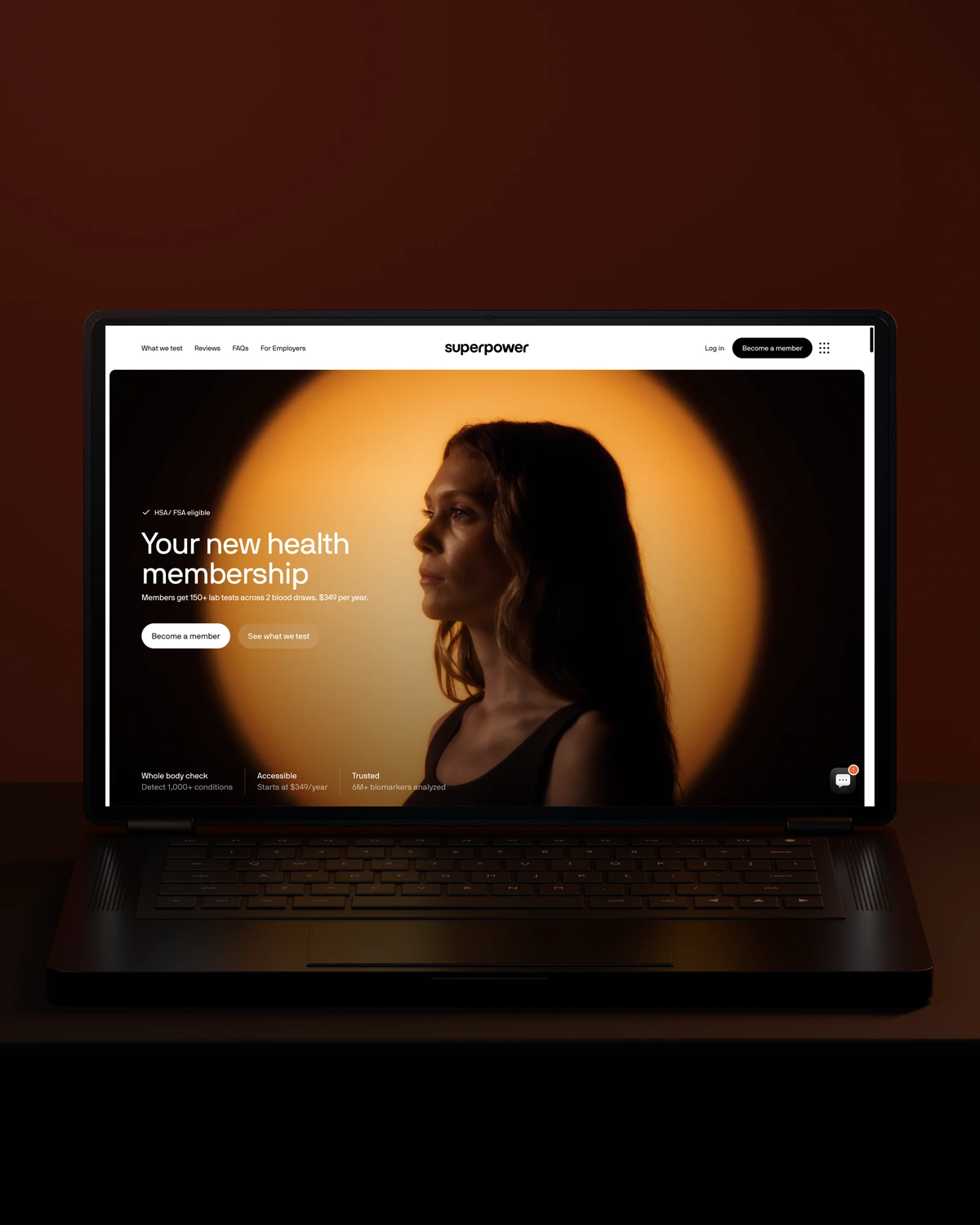
 Built to driveMore sign-ups.
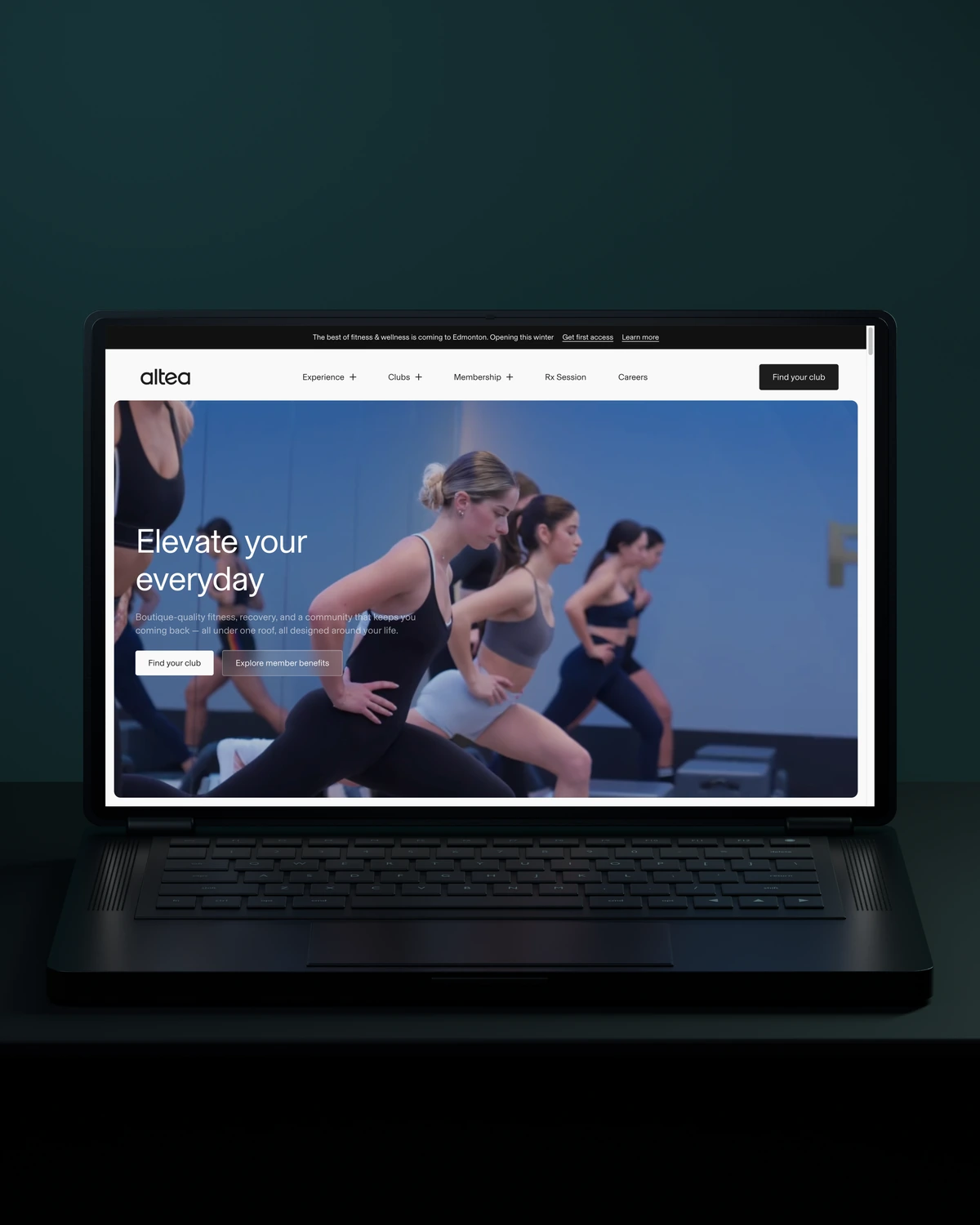
 Built to driveMore memberships.
Trusted across our practice
Independent reviews. Long-term working relationships.


“After a website (re)launch, they are also always accessible and happy to help. I highly recommend everyone who is looking for a new and more stable website in Webflow, to work with Stega!”
“Stega Creative team not only understood our needs and vision for the websites, but they also came up with improvements.”
“We’ve been working with Stega & Gabriel for the last two years. Cannot recommend them enough. They’re responsive, professional & an asset.”
A few things worth discussing before your HubSpot automation takes shape.
Lead routing in HubSpot runs through workflows that rotate or assign contact owners by rules such as country, company size or source. We add a task and a notification to each assignment, plus a fallback owner for leads that match no rule, so no lead sits unassigned.
HubSpot lifecycle stage tracks where a contact sits in the overall funnel, from subscriber to customer. Lead status tracks what sales is doing with a lead right now, such as attempting contact or connected. Automation should move both, but on different triggers owned by different teams.
A routing and lifecycle build for one team costs less than an audit and rebuild of an older portal. After scoping, you get a fixed price and a written list of every workflow we will build.
Automation should move out of HubSpot workflows when the logic spans several systems, needs heavy data transformation or must run on a schedule outside HubSpot. We then use a serverless function or an integration tool, and keep HubSpot as the record your team works from.
way.Your ambition. Our collective craft.
Strategy, design and technology, working as one.